> ## Documentation Index
> Fetch the complete documentation index at: https://docs.nomadsarc.app/llms.txt
> Use this file to discover all available pages before exploring further.

# ❓ FAQ's

How to display **FAQ's** on checkout using the **Template ->** **Content -> FAQ's** option.

<video src="https://mintcdn.com/nomads-arc/kh4Xoe0LvyhnwDcH/videos/FAQs.mp4?fit=max&auto=format&n=kh4Xoe0LvyhnwDcH&q=85&s=51f7f8a60d76ea6a53326a7de558677c" controls data-path="videos/FAQs.mp4" />

## Guide

<Steps>
  <Step title="**Create a new customization**">
    Create a new [customization](https://admin.shopify.com/apps/dynamic-checkout-customizer/customizations).
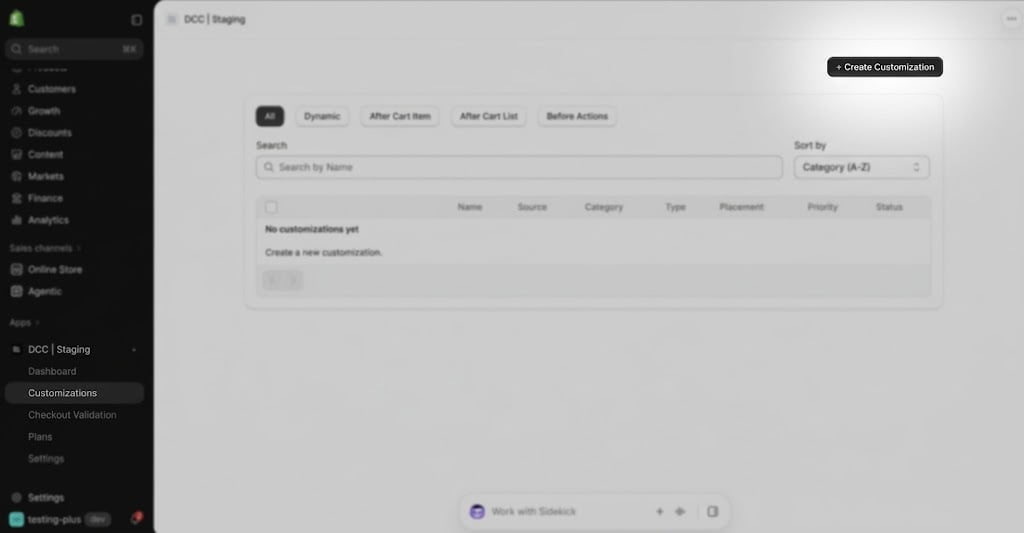
    <img src="https://mintcdn.com/nomads-arc/us6Q3oVxPzQcX220/images/image-37.png?fit=max&auto=format&n=us6Q3oVxPzQcX220&q=85&s=3229552973ebd2c484b1d2b92dafd140" alt="Image" width="1024" height="533" data-path="images/image-37.png" />
  </Step>

  <Step title="**Choose the Content type**">
    Select\*\* FAQ's \*\*from the available content types to answer frequently asked question during checkout.
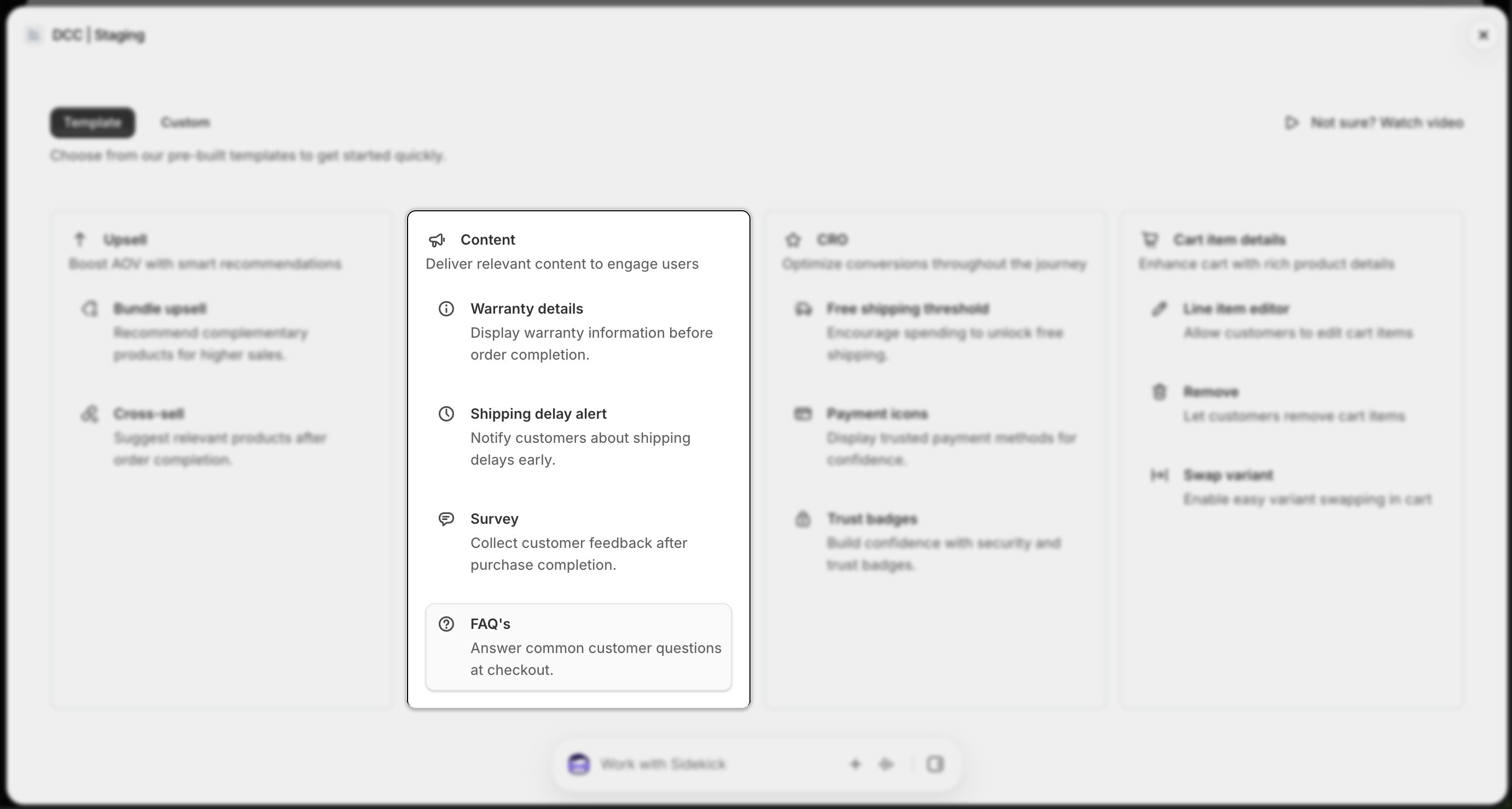
    <img src="https://mintcdn.com/nomads-arc/us6Q3oVxPzQcX220/images/template_content_card_faqs_focus.png?fit=max&auto=format&n=us6Q3oVxPzQcX220&q=85&s=c3766f42df33dcd3ee8d7f941552495f" alt="Template Content Card Faqs Focus" width="2764" height="1478" data-path="images/template_content_card_faqs_focus.png" />
  </Step>

  <Step title="**Configure display conditions**">
    Add one or more **conditions** to control when the content appears during checkout.
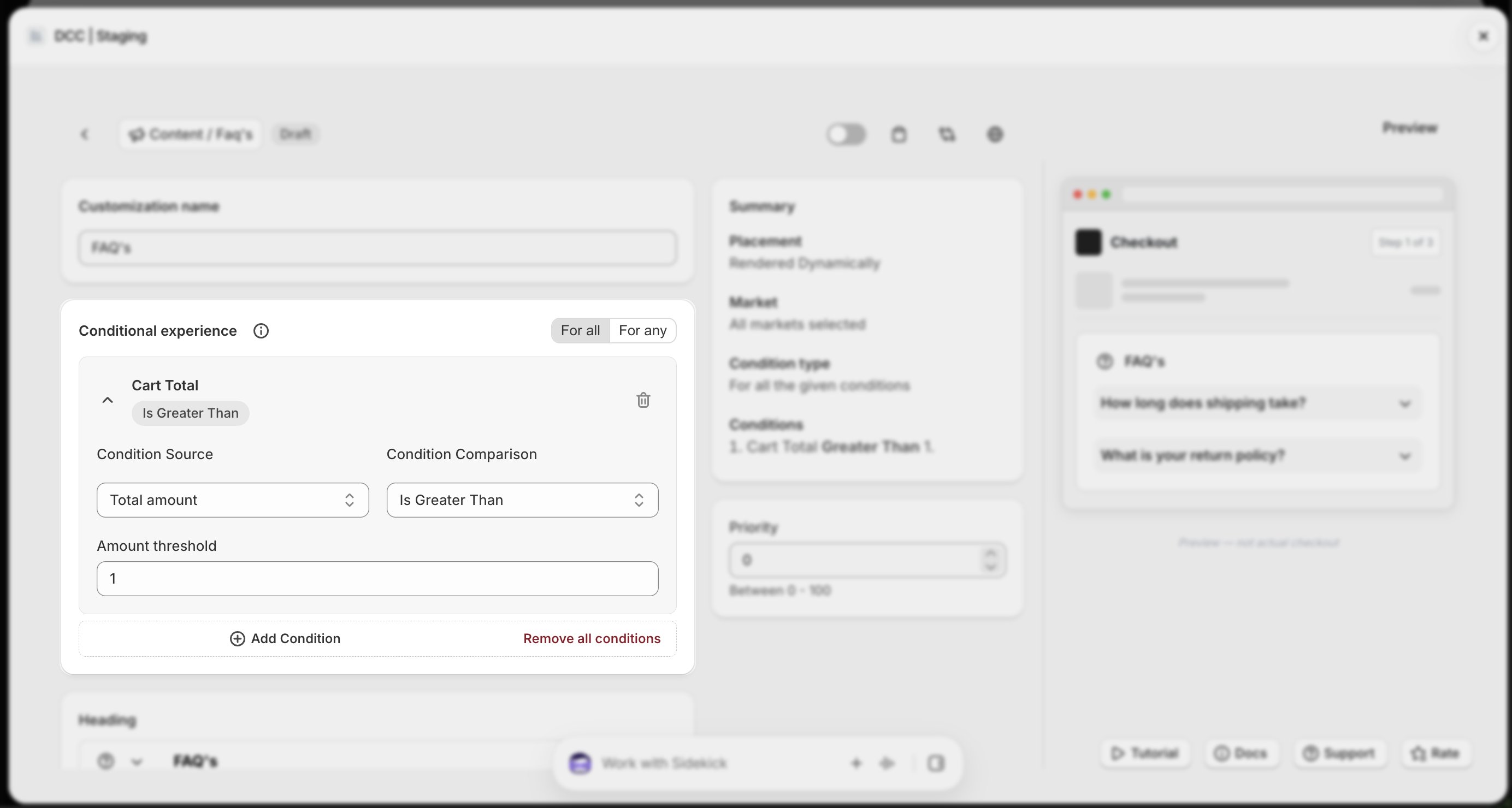
    <img src="https://mintcdn.com/nomads-arc/us6Q3oVxPzQcX220/images/faqs_conditional_experience_focus.png?fit=max&auto=format&n=us6Q3oVxPzQcX220&q=85&s=e9b6b68186b27014d7f052e70c196475" alt="Faqs Conditional Experience Focus" width="2768" height="1480" data-path="images/faqs_conditional_experience_focus.png" />
  </Step>

  <Step title="**Configure the content**">
    Configure the **Content** , including:

    * **Heading**
    * **Question**
    * **Answer**

    Adjust these settings to match your store's branding and checkout experience.
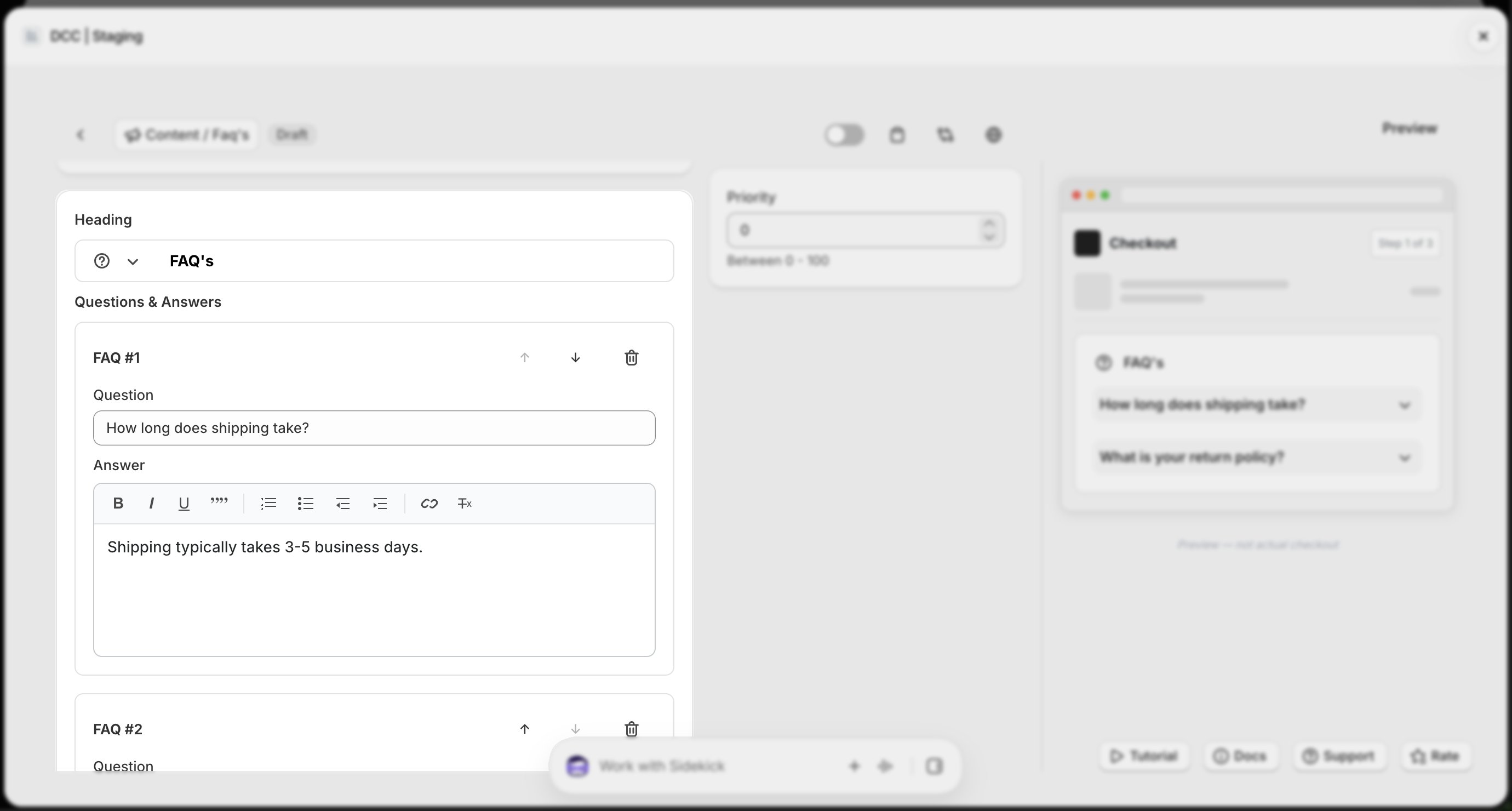
    <img src="https://mintcdn.com/nomads-arc/us6Q3oVxPzQcX220/images/faqs_heading_questions_answers_focus.png?fit=max&auto=format&n=us6Q3oVxPzQcX220&q=85&s=6655988685c1fafade22c82b9c7b9dc6" alt="Faqs Heading Questions Answers Focus" width="2760" height="1480" data-path="images/faqs_heading_questions_answers_focus.png" />
  </Step>

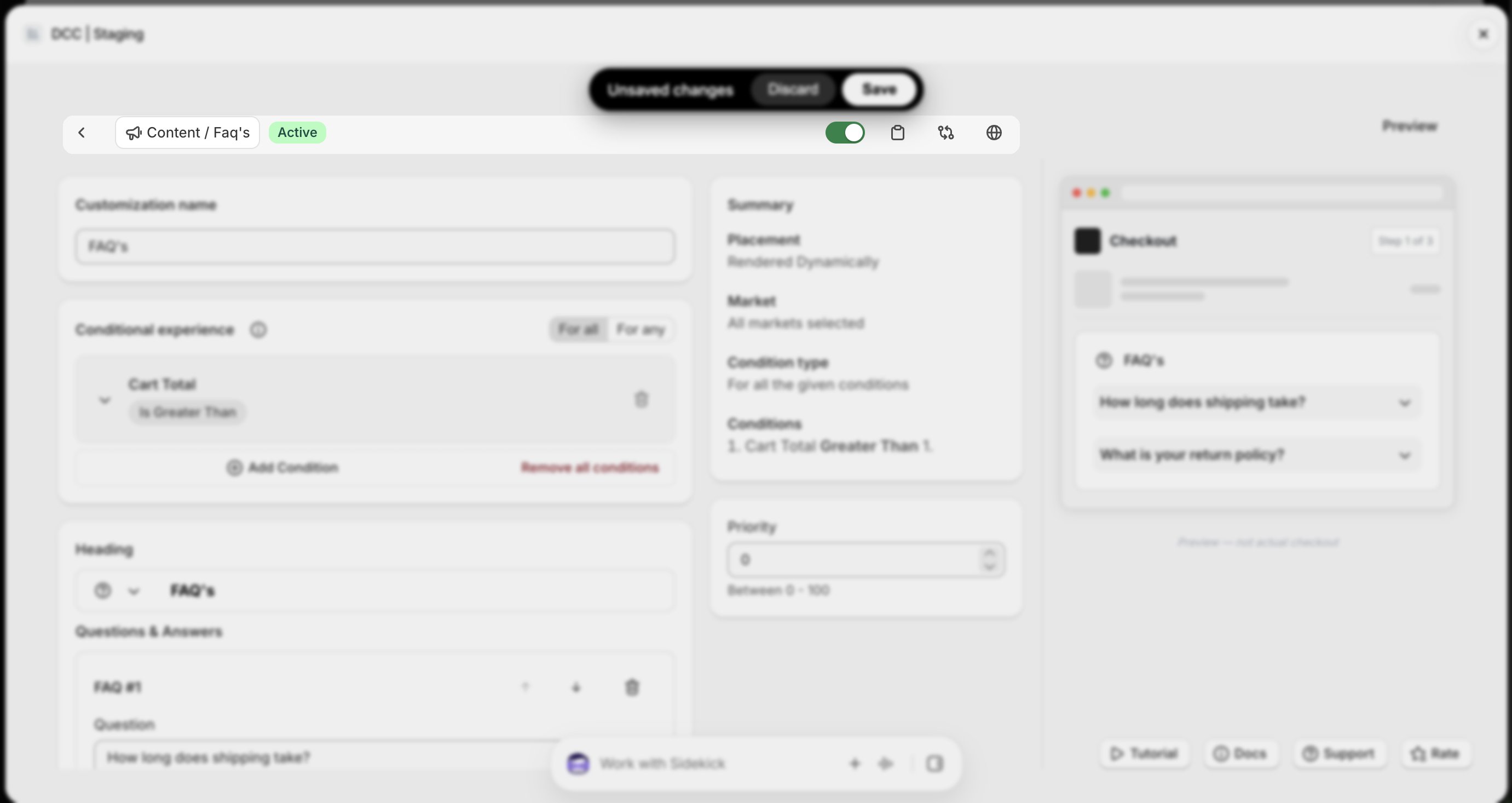
  <Step title="**Activate the customization**">
    Change the **Status** to **Active** using toggle button to enable the customization.
    <img src="https://mintcdn.com/nomads-arc/us6Q3oVxPzQcX220/images/faqs_toolbar_focus.png?fit=max&auto=format&n=us6Q3oVxPzQcX220&q=85&s=71ec4f9545557a5a90a6939c5256df60" alt="Faqs Toolbar Focus" width="2762" height="1466" data-path="images/faqs_toolbar_focus.png" />
  </Step>

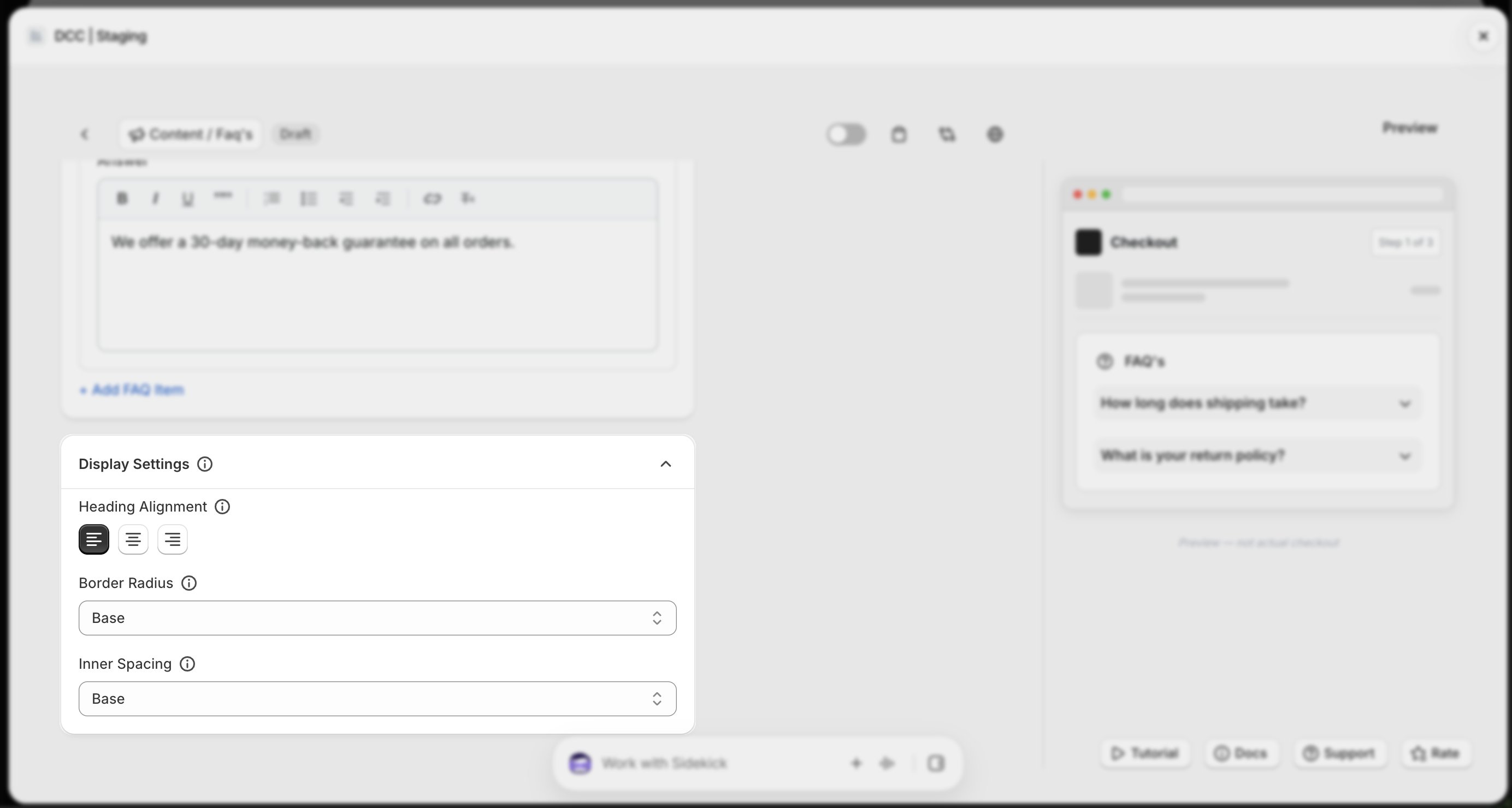
  <Step title="**Customize the display**">
    Configure the **Display Settings** to control how the FAQ's will appear during checkout.
    <img src="https://mintcdn.com/nomads-arc/us6Q3oVxPzQcX220/images/faqs_display_settings_focus.png?fit=max&auto=format&n=us6Q3oVxPzQcX220&q=85&s=e2b1212b74dbb747a11df64d7faf537e" alt="Faqs Display Settings Focus" width="2768" height="1480" data-path="images/faqs_display_settings_focus.png" />
  </Step>

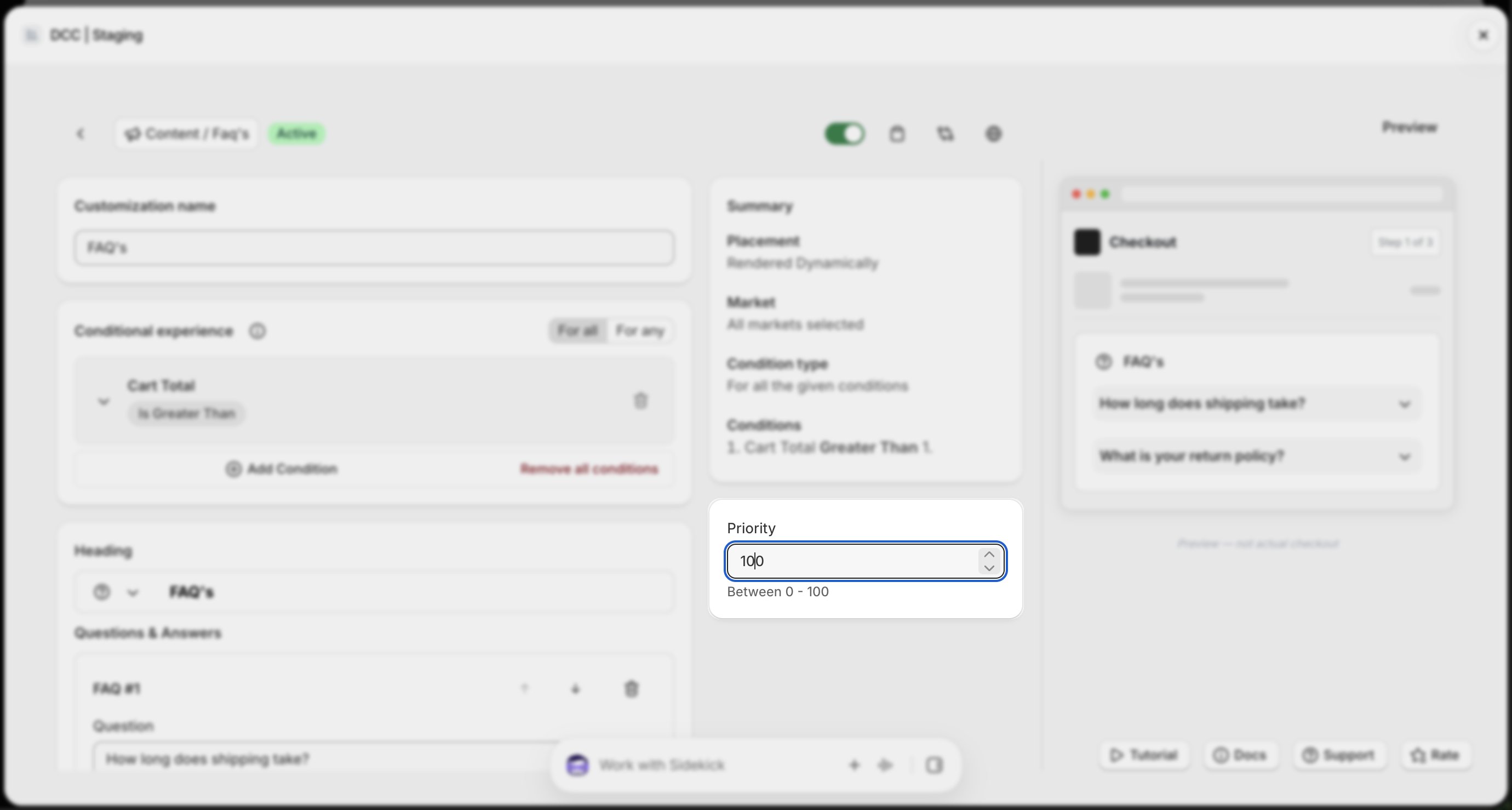
  <Step title="**Set the priority**">
    Configure the **Priority** (0–100) to determine the execution order when multiple customizations are eligible.
    <img src="https://mintcdn.com/nomads-arc/us6Q3oVxPzQcX220/images/faqs_priority_focus.png?fit=max&auto=format&n=us6Q3oVxPzQcX220&q=85&s=e855f66b46ca9d5185cb7fd20551ff70" alt="Faqs Priority Focus" width="2760" height="1478" data-path="images/faqs_priority_focus.png" />
  </Step>

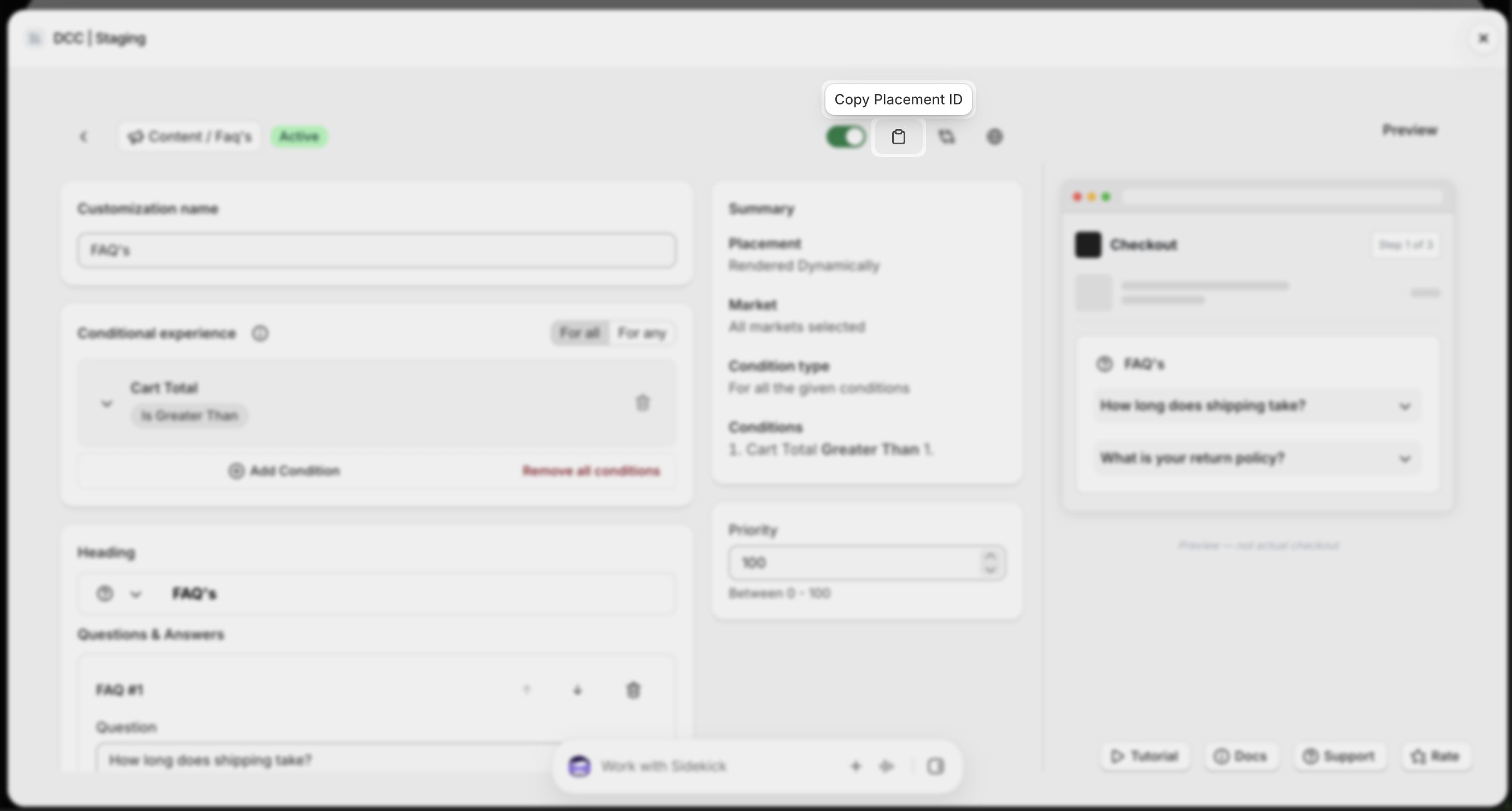
  <Step title="**Copy the Placement ID**">
    Copy the generated **Placement ID** from clipboard icon. You'll use this in the Shopify Checkout Editor.
    <img src="https://mintcdn.com/nomads-arc/us6Q3oVxPzQcX220/images/faqs_copy_placement_id_focus.png?fit=max&auto=format&n=us6Q3oVxPzQcX220&q=85&s=c60a7dbeed8751bbc2097f5842a21c05" alt="Faqs Copy Placement Id Focus" width="2766" height="1484" data-path="images/faqs_copy_placement_id_focus.png" />
  </Step>

  <Step title="**Preview**">
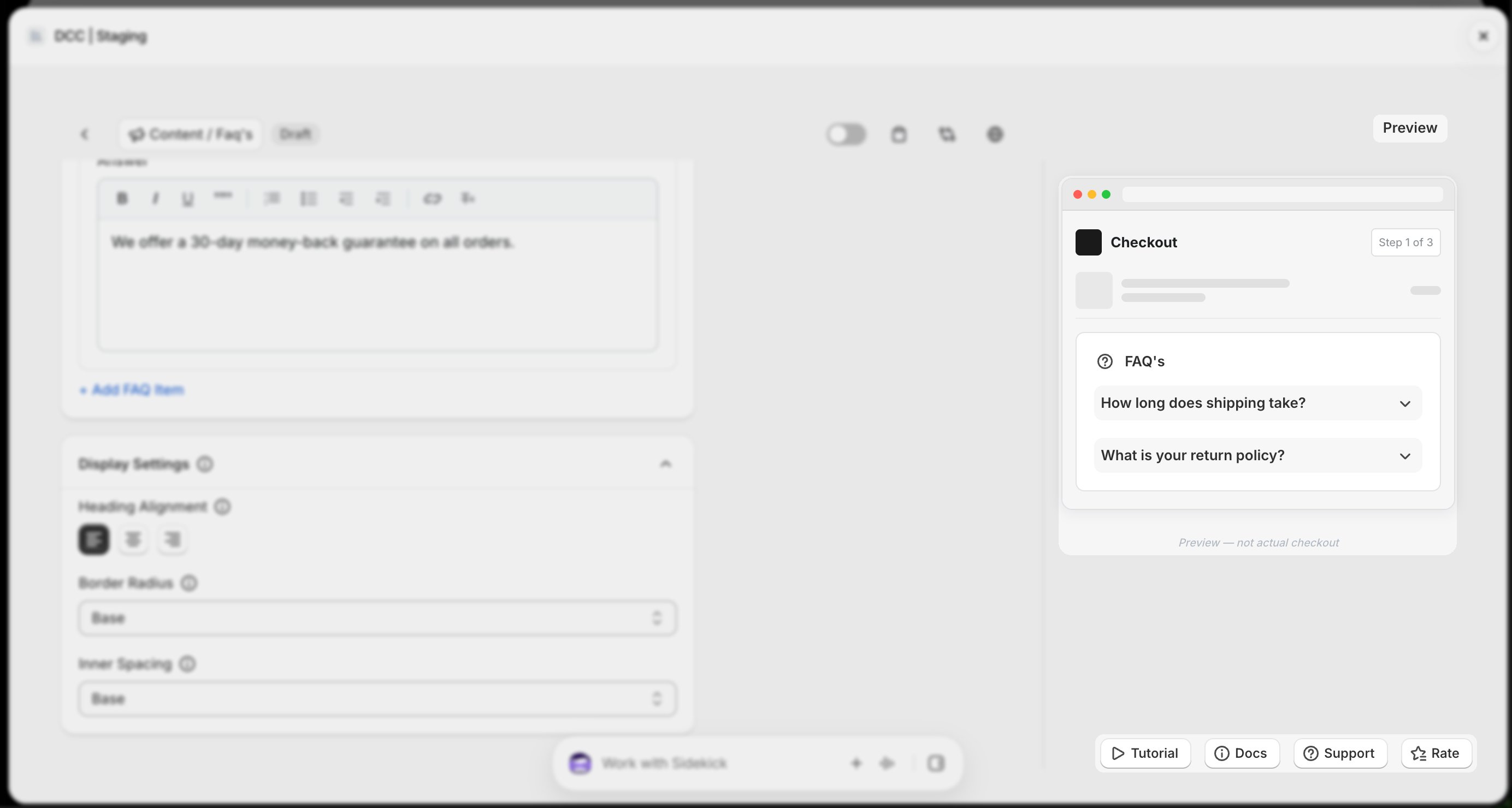
    Preview shows , How this block looks like at **CheckOut.**
    <img src="https://mintcdn.com/nomads-arc/9Qv3bHMEBT_l5ot0/images/faq_preview_focus.png?fit=max&auto=format&n=9Qv3bHMEBT_l5ot0&q=85&s=5c60457654dea7ff7e127b2e61c3b479" alt="Faq Preview Focus" width="2768" height="1480" data-path="images/faq_preview_focus.png" />
  </Step>

  <Step title="**Save the customization**">
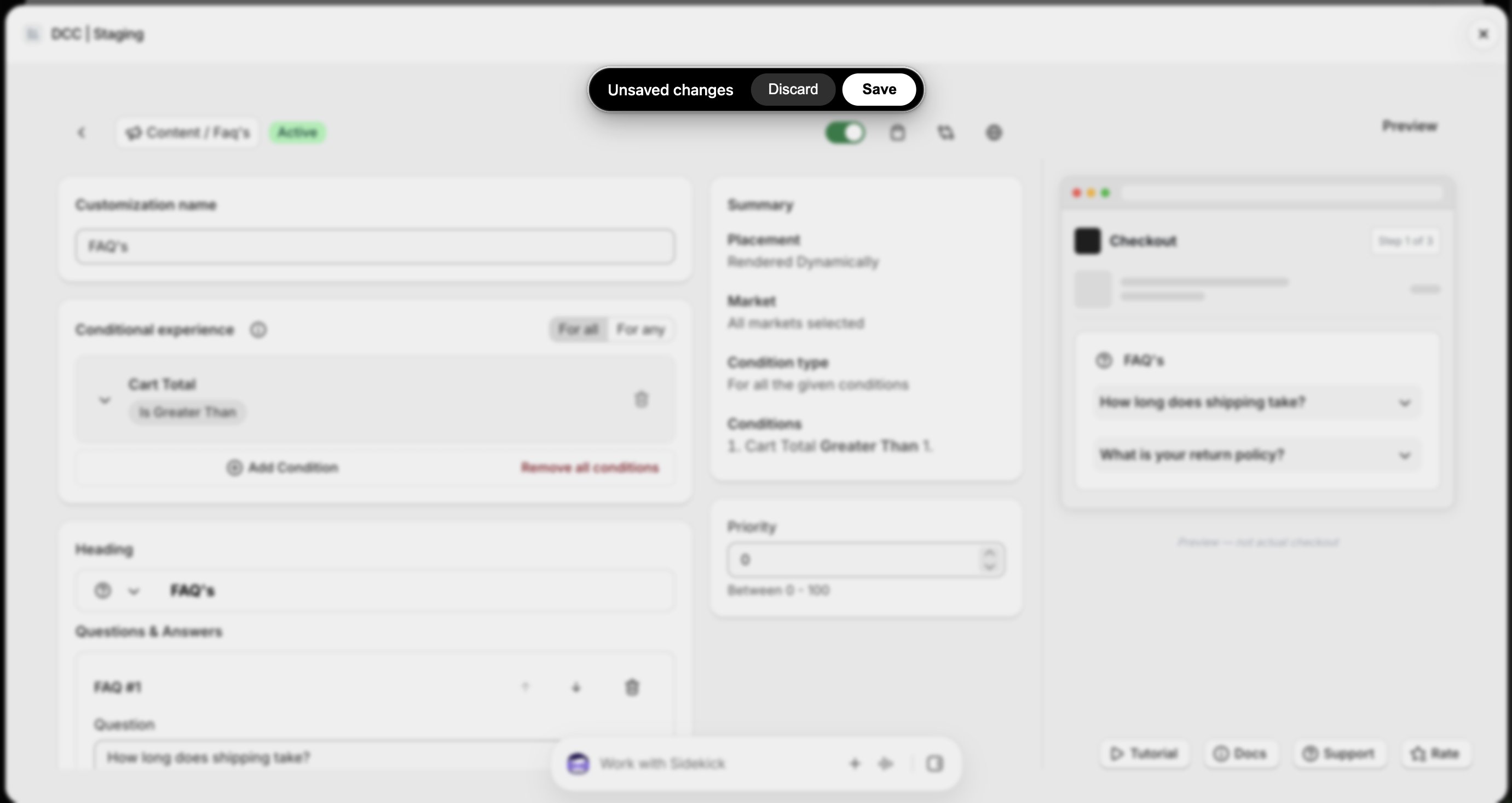
    Click **Save** to store your configuration.
    <img src="https://mintcdn.com/nomads-arc/us6Q3oVxPzQcX220/images/faqs_unsaved_changes_focus.png?fit=max&auto=format&n=us6Q3oVxPzQcX220&q=85&s=43c4298d6b9e3f4892cf41613e89db51" alt="Faqs Unsaved Changes Focus" width="2762" height="1466" data-path="images/faqs_unsaved_changes_focus.png" />
  </Step>

  <Step title="**Open the Checkout Editor**">
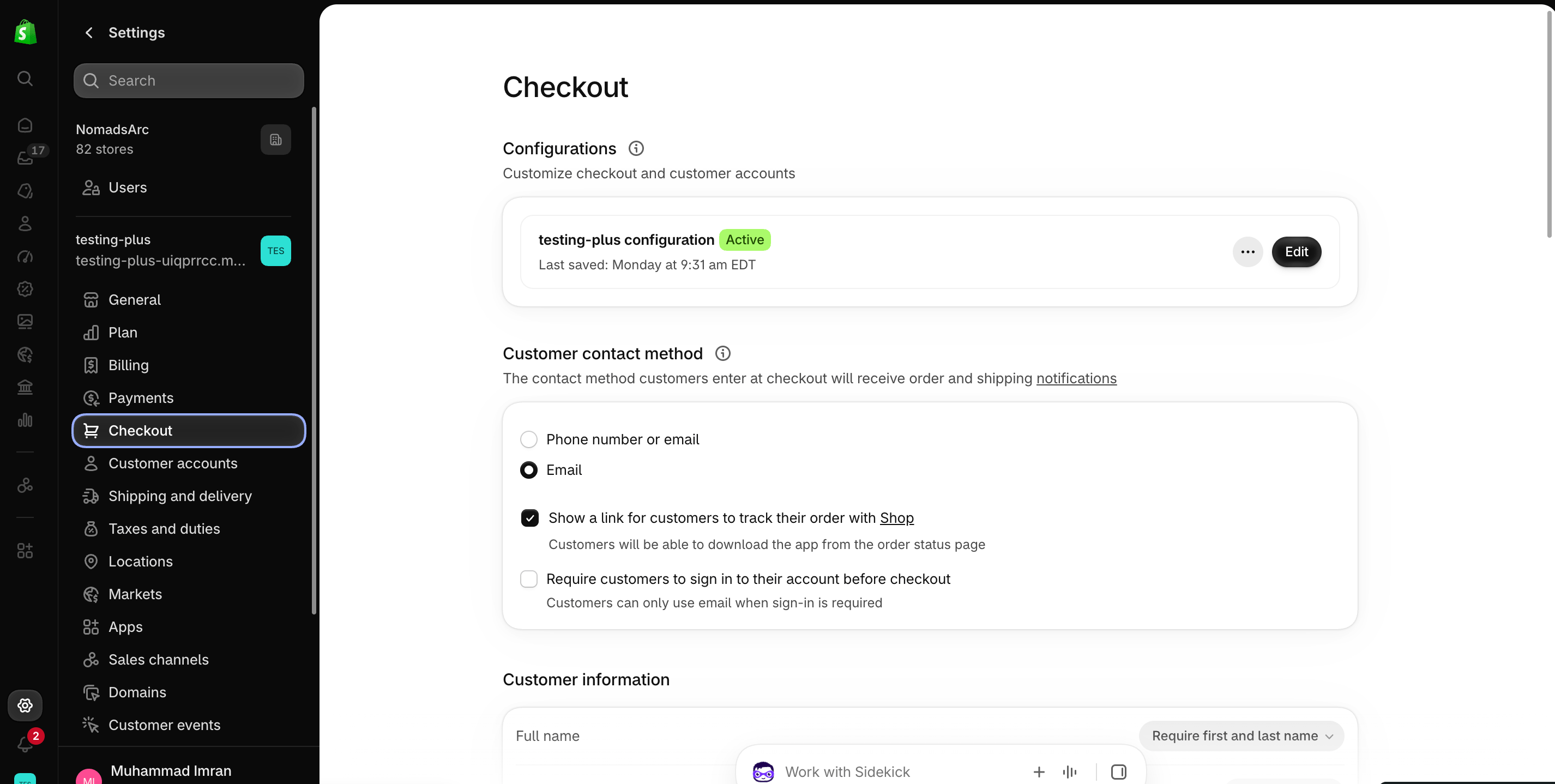
    Go to your Shopify [Settings](https://admin.shopify.com/settings) **→ Checkout**, select your checkout profile, and click **Edit**.
    <img src="https://mintcdn.com/nomads-arc/iXpFGcSFUJL7FNKL/images/screenshot_08.png?fit=max&auto=format&n=iXpFGcSFUJL7FNKL&q=85&s=16ba7d2015cd3c1cb9962b0f9665bac0" alt="" width="2852" height="1438" data-path="images/screenshot_08.png" />
  </Step>

  <Step title="**Add the app block**">
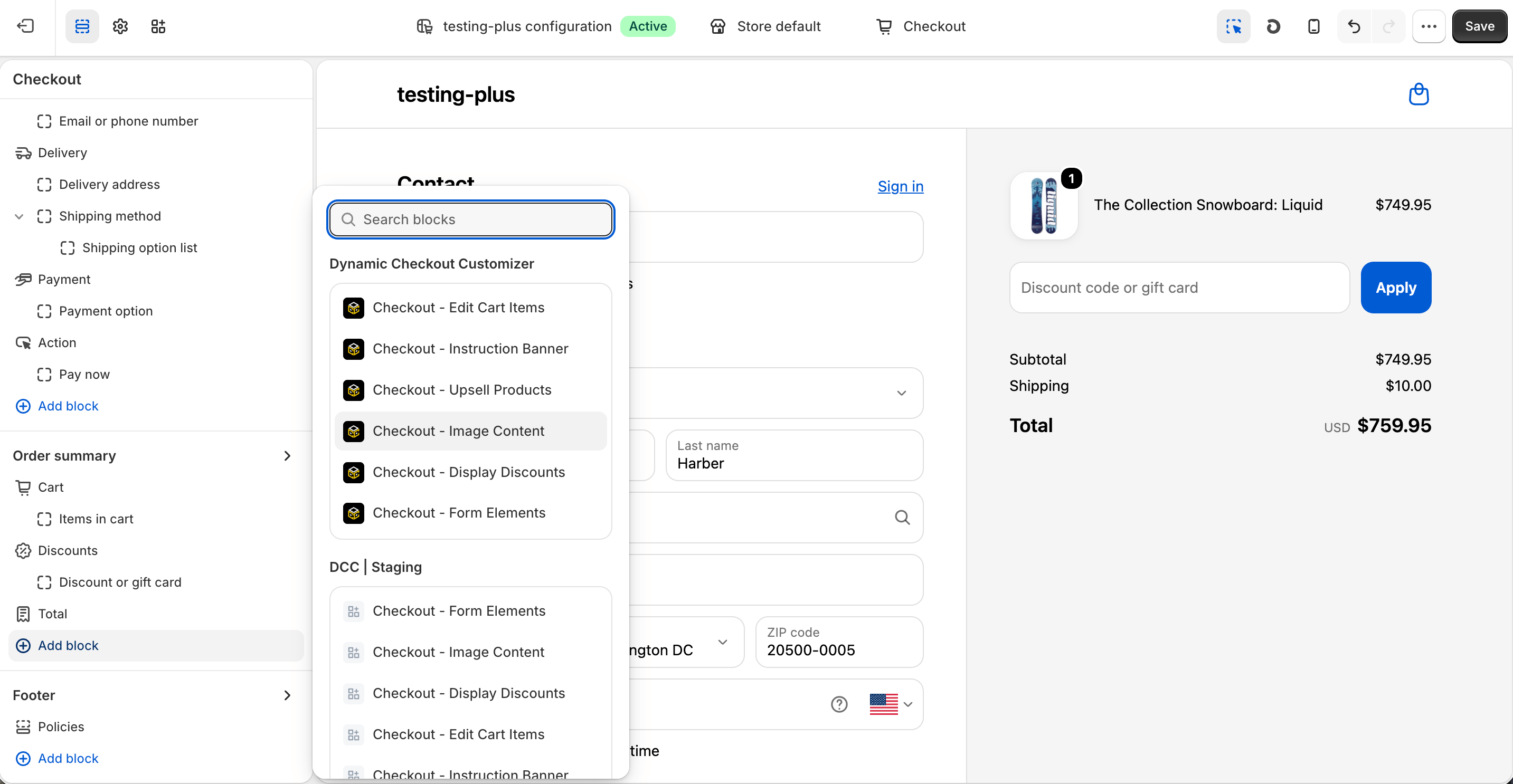
    In the [Checkout Editor](https://admin.shopify.com/settings/checkout/editor), click **Add app block**.
    <img src="https://mintcdn.com/nomads-arc/u9pYvztLRnrKdKD0/images/Screenshot-2026-10-08-at-16.25.08.png?fit=max&auto=format&n=u9pYvztLRnrKdKD0&q=85&s=9863aaeb303bee52b6ed0f1192f1a675" alt="Screenshot 2026 10 08 At 16 25 08" width="2866" height="1486" data-path="images/Screenshot-2026-10-08-at-16.25.08.png" />

    <Note>
      Make sure the app block is placed in the same checkout placement you selected in Dynamic Checkout Customizer.
    </Note>
  </Step>

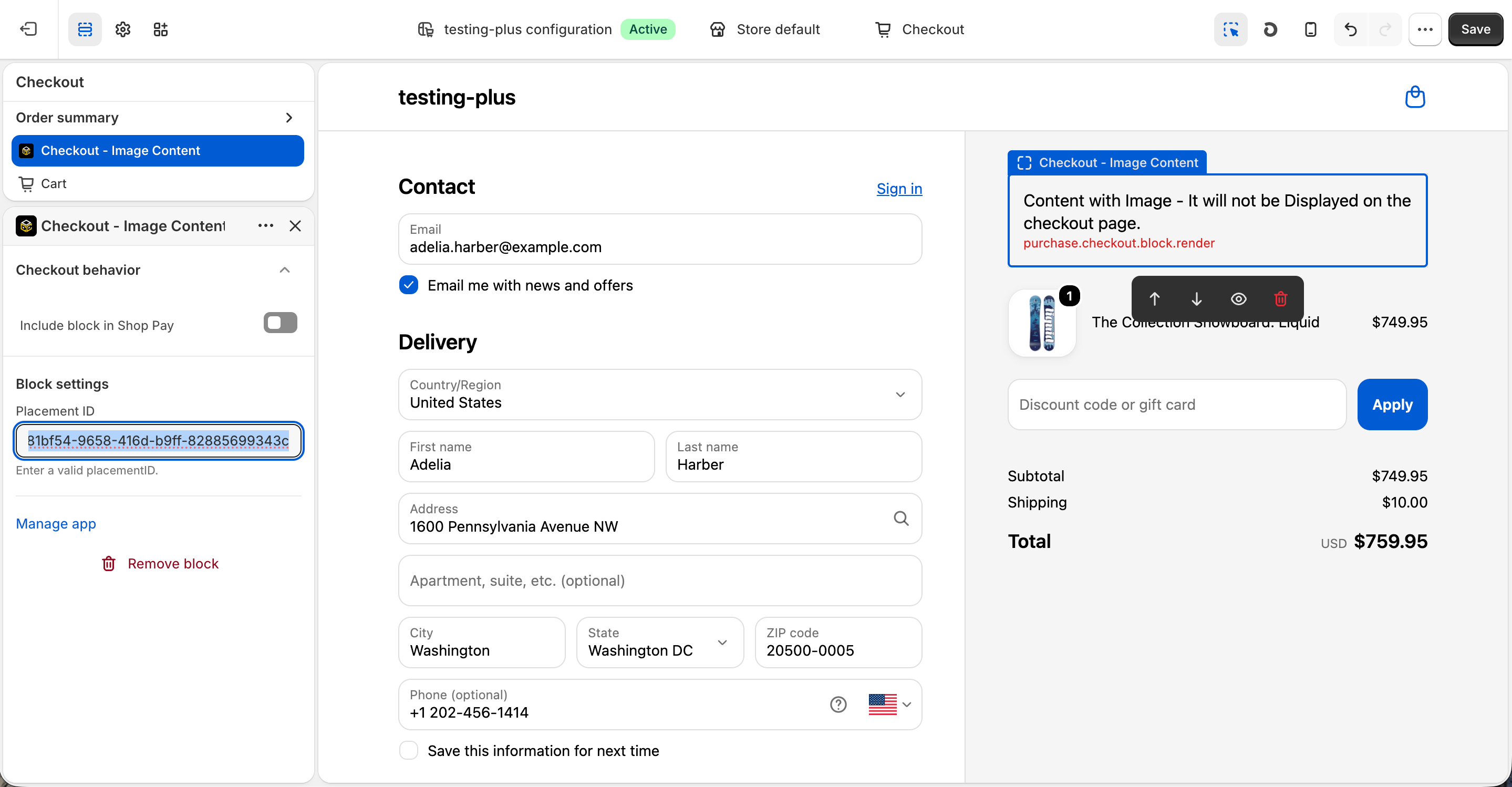
  <Step title="**Configure the app block**">
    Select the **Checkout – Image Content** app block, and paste the copied **Placement ID**.
    <img src="https://mintcdn.com/nomads-arc/u9pYvztLRnrKdKD0/images/Screenshot-2026-10-08-at-16.25.29.png?fit=max&auto=format&n=u9pYvztLRnrKdKD0&q=85&s=30ea02b8f6993917a4c2797d12bcef0c" alt="Screenshot 2026 10 08 At 16 25 29" width="2878" height="1498" data-path="images/Screenshot-2026-10-08-at-16.25.29.png" />
  </Step>

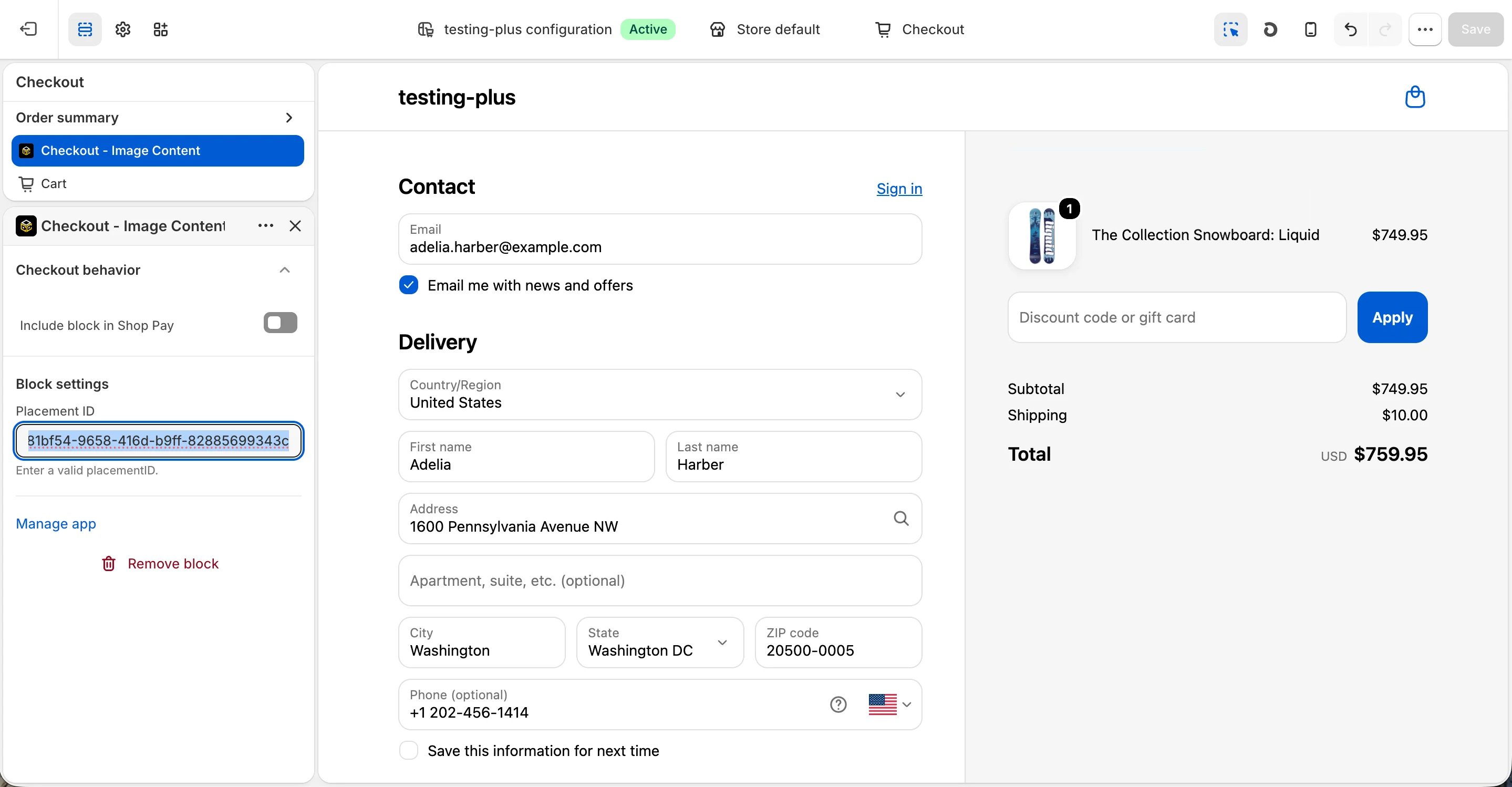
  <Step title="**Publish your changes**">
    Click **Save** in the Checkout Editor to publish the customization.
    <img src="https://mintcdn.com/nomads-arc/RzpK3cAhme6CksMw/images/image_content_clean-4.png?fit=max&auto=format&n=RzpK3cAhme6CksMw&q=85&s=51771e86fe915c4f2fdc884bd85b5bcb" alt="Image Content Clean" width="2878" height="1498" data-path="images/image_content_clean-4.png" />
  </Step>
</Steps>


This documentation is built and hosted on [Mintlify](https://mintlify.com), a developer documentation platform.