> ## Documentation Index
> Fetch the complete documentation index at: https://docs.nomadsarc.app/llms.txt
> Use this file to discover all available pages before exploring further.
# 🔤 Form
How to display **Custom Fields** for the customers on the Checkout using the **Custom ->** **Content -> Form** option.
## Guide
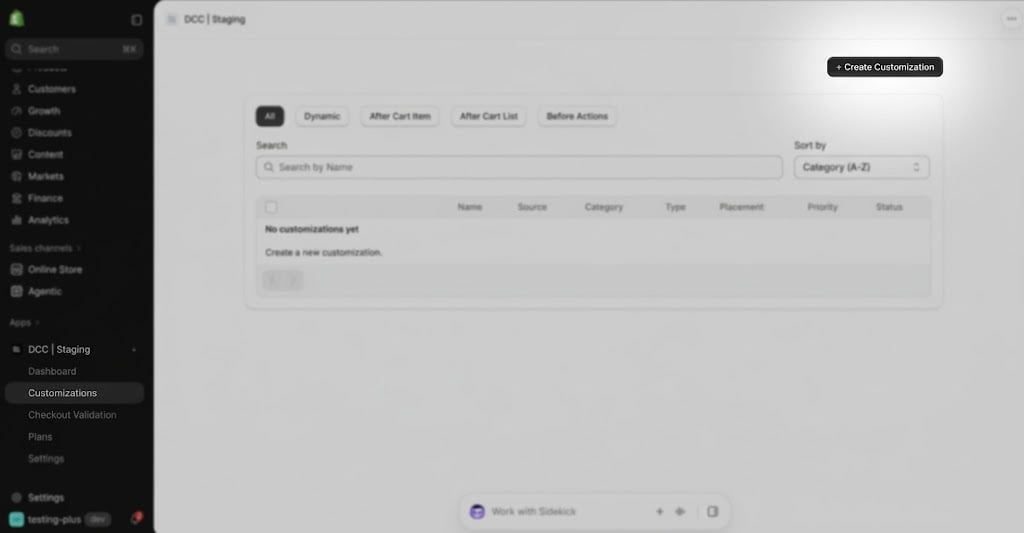
Create a new [customization](https://admin.shopify.com/apps/dynamic-checkout-customizer/customizations).
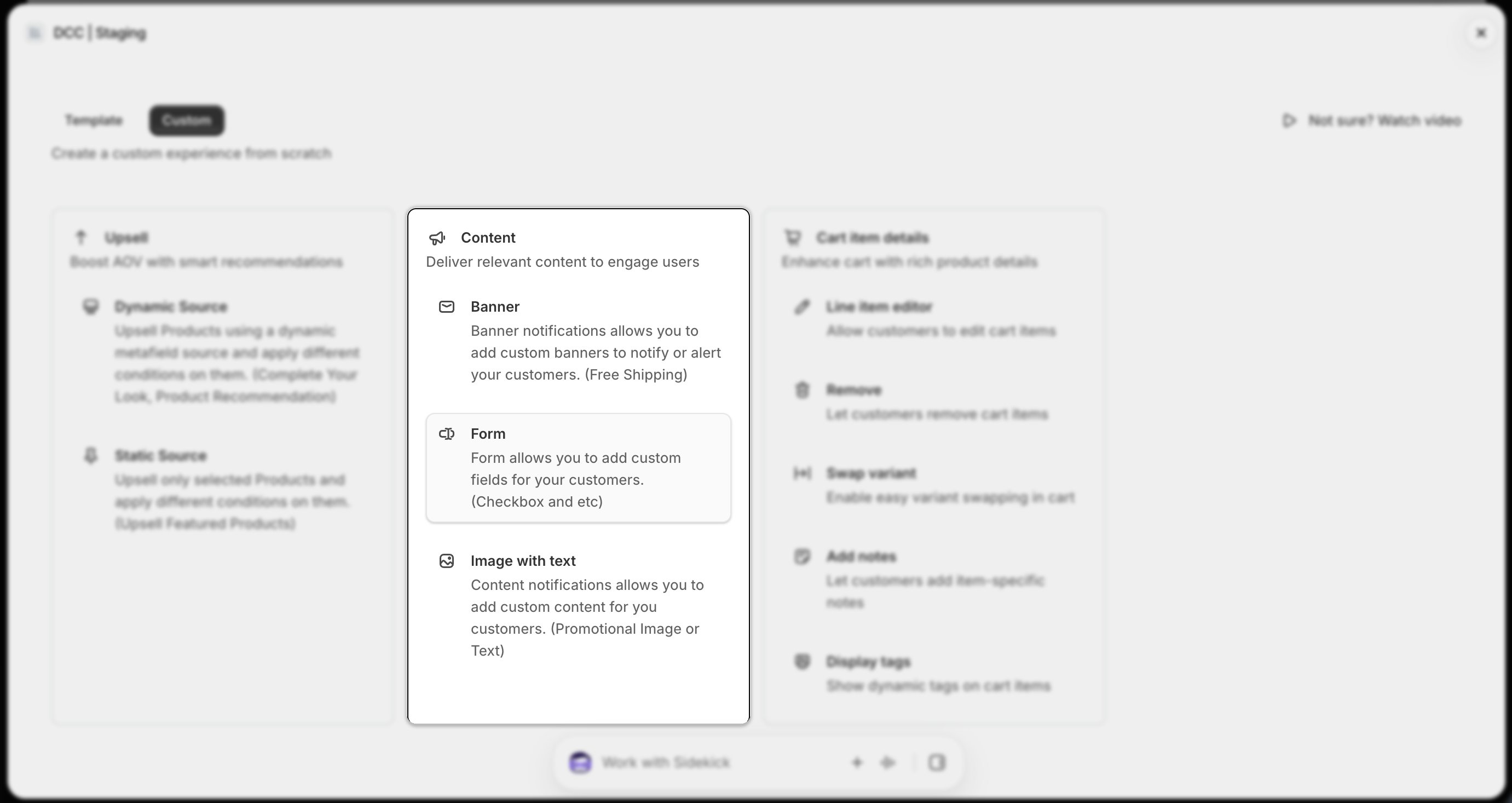
 Select **Form** from the available content types to display custom form elements during checkout.
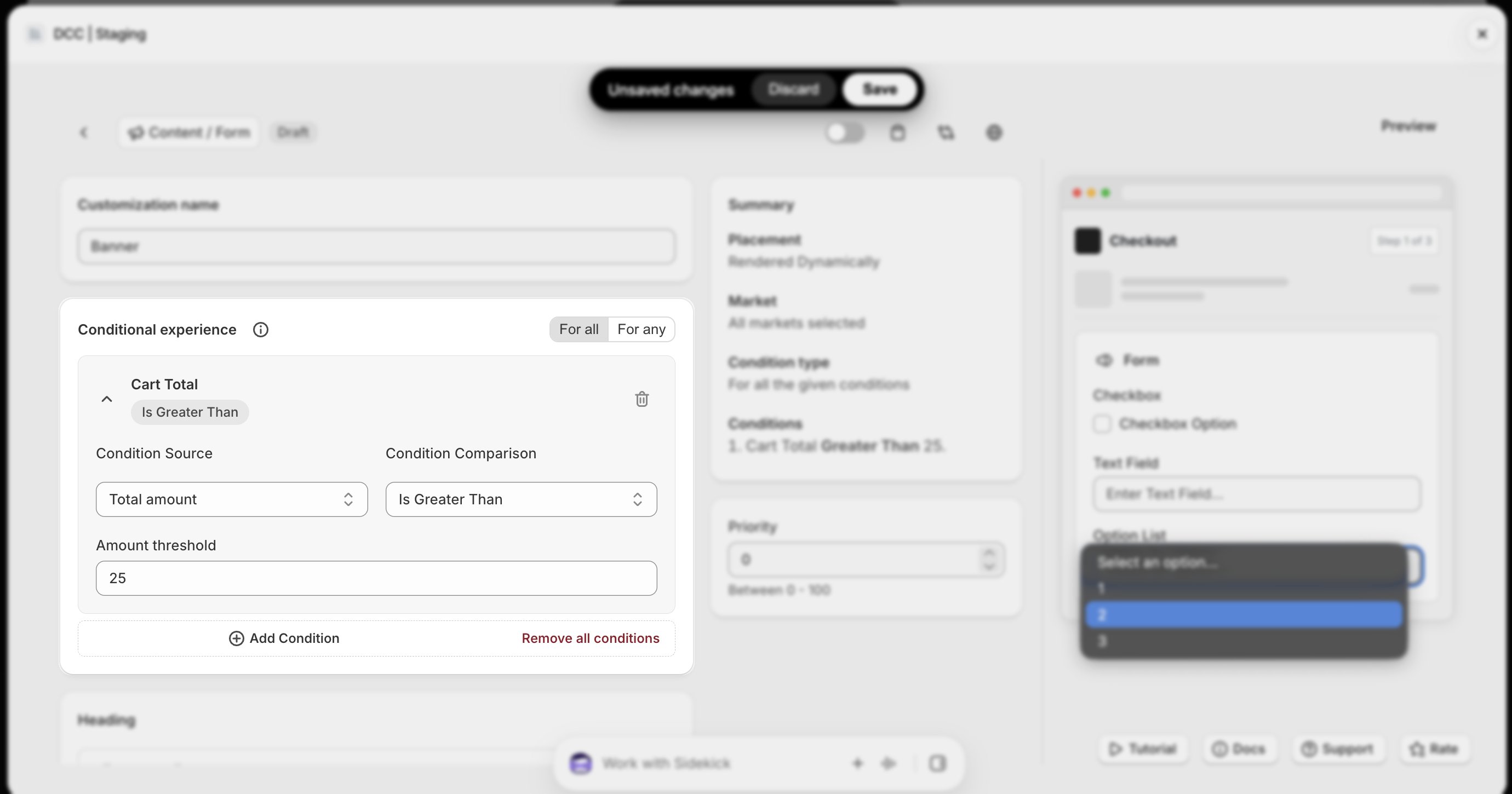
 Add one or more **conditions** to control when the form is displayed during checkout.
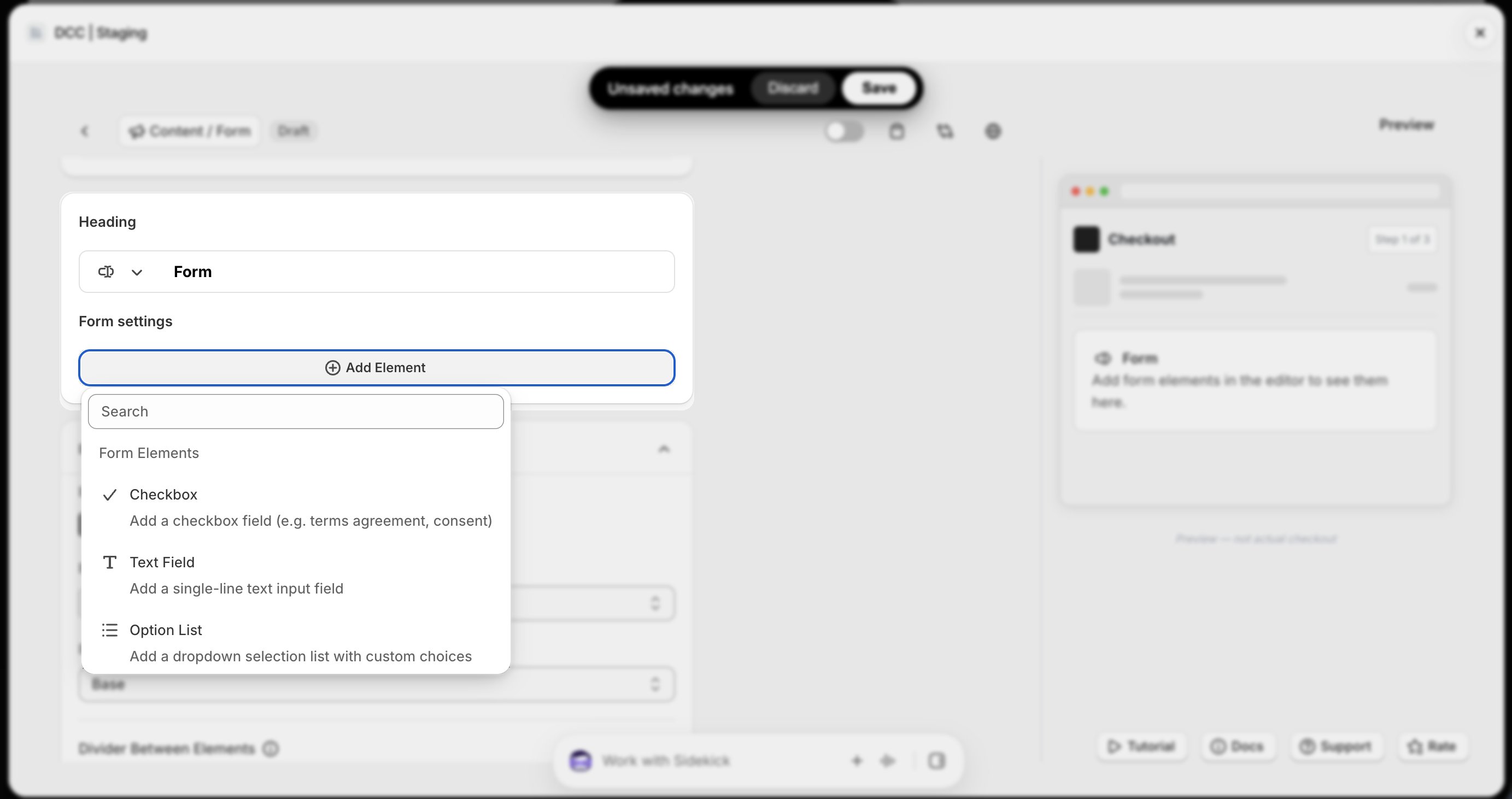
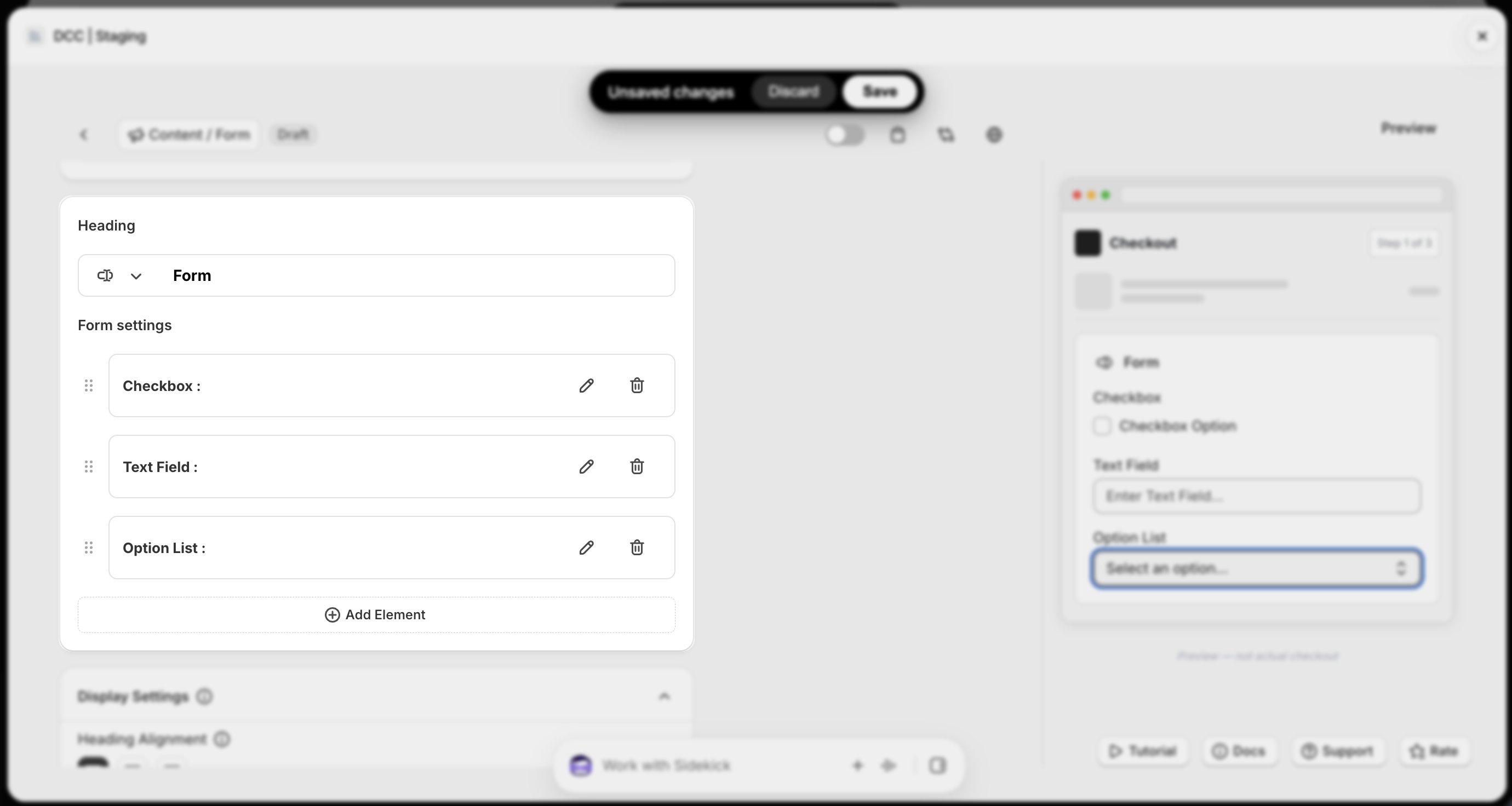
 Configure the **Form Settings**, including:
* **Element Type** (Checkbox or Text Field)
* **Label** displayed to customers
* **Key** used to save the value in the Shopify order
Configure the **Form Settings**, including:
* **Element Type** (Checkbox or Text Field)
* **Label** displayed to customers
* **Key** used to save the value in the Shopify order
-1.png?fit=max&auto=format&n=QsvrCOFqqSzeMcaO&q=85&s=ac2b573fc77593b8f77e7d8c7c648eb3)
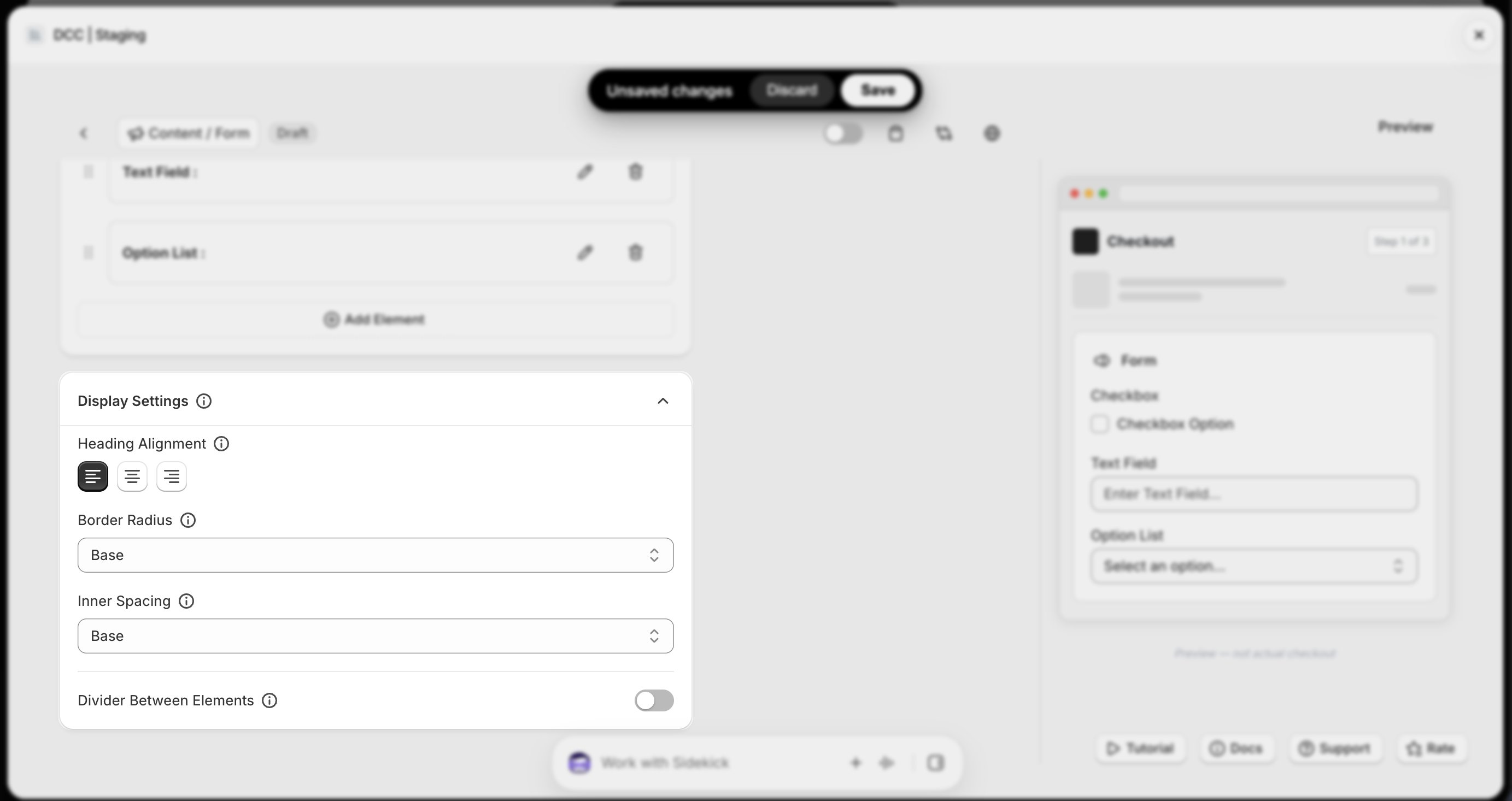
 Configure the **Display Settings** to control how the custom form fields appear during checkout.
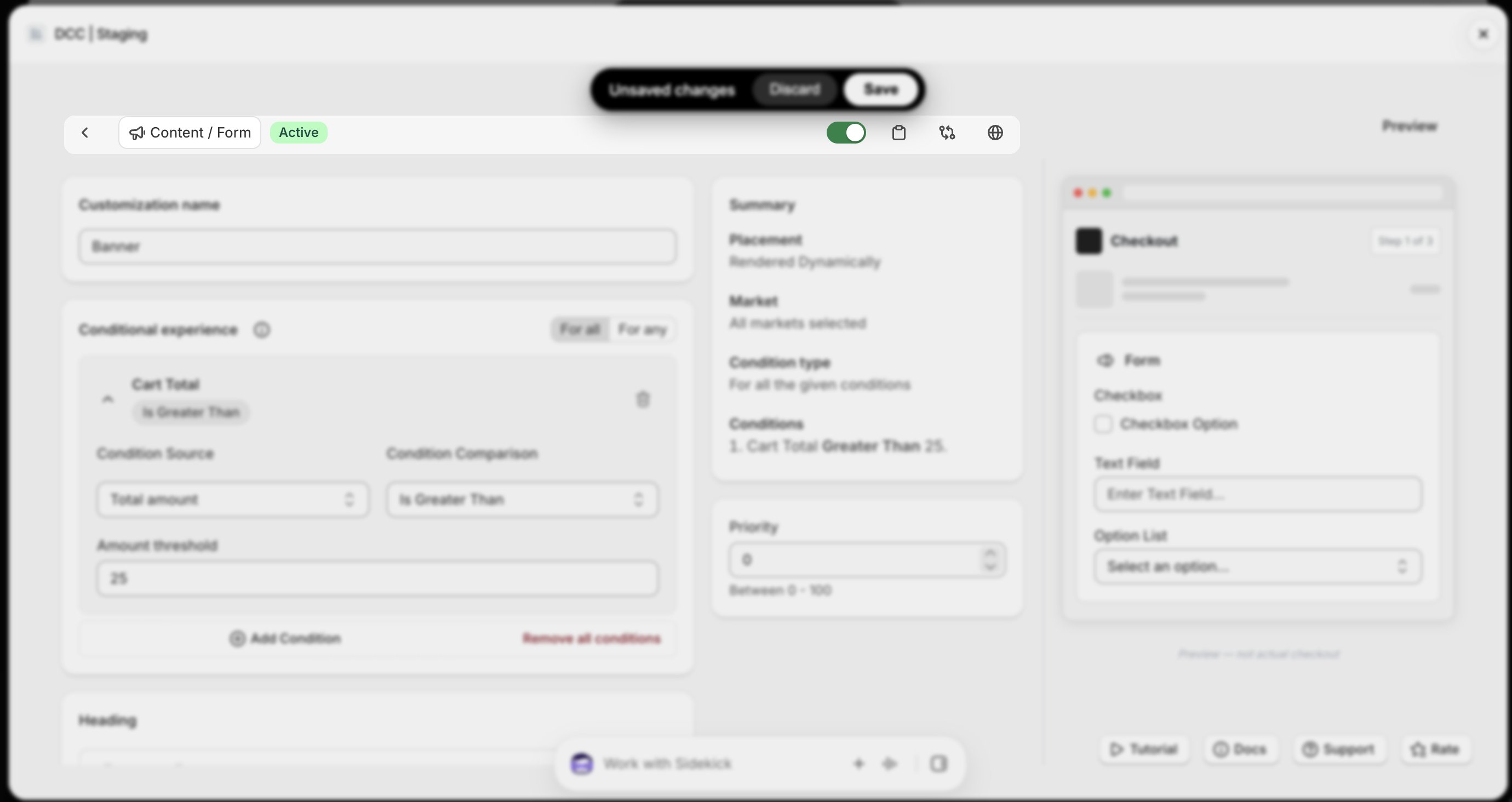
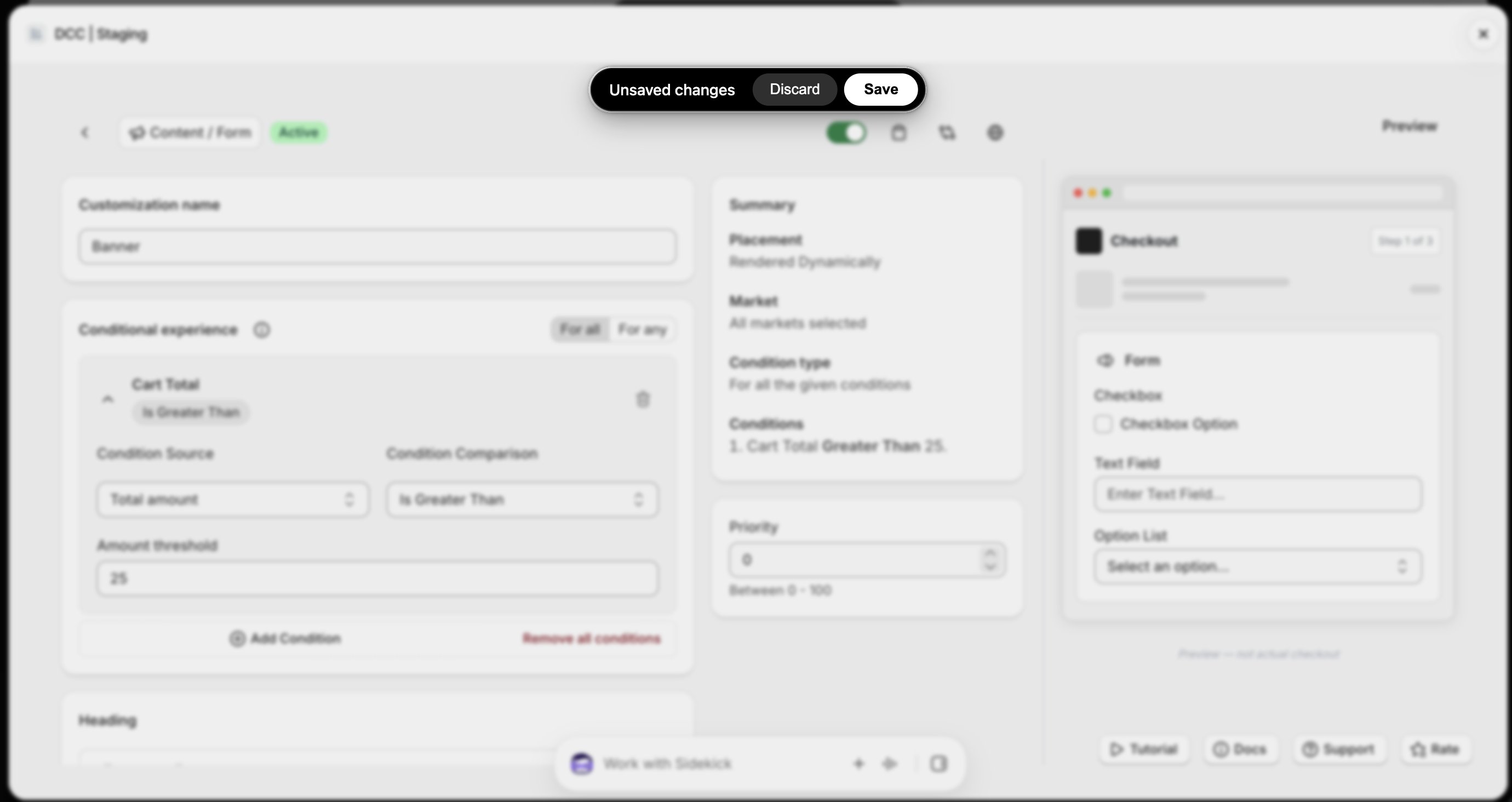
 Change the **Status** to **Active** using toggle button to enable the customization.
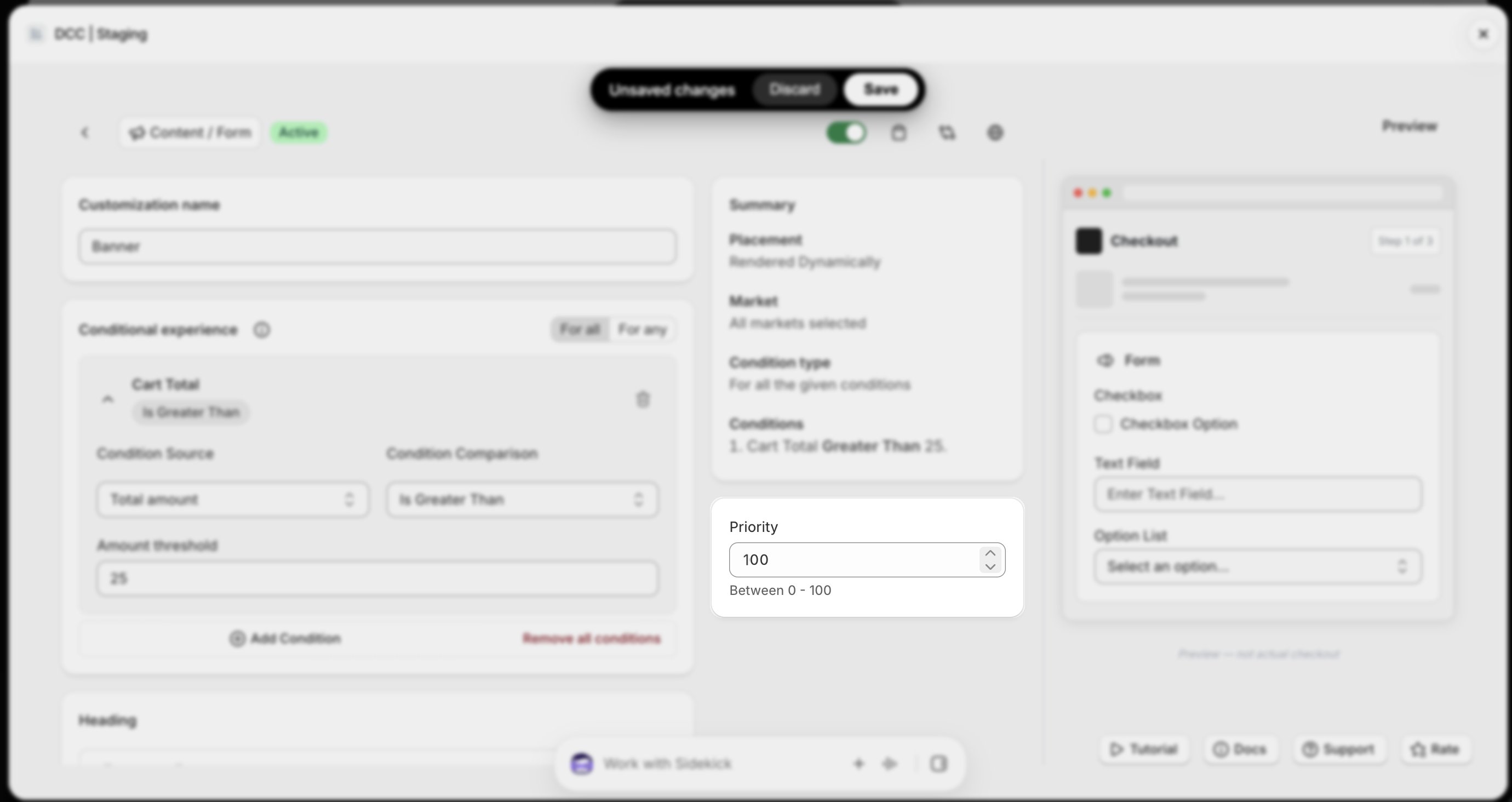
 Configure the **Priority** (0–100) to determine the execution order when multiple customizations are eligible.
 Copy the generated **Placement ID** from clipboard icon. You'll use this in the Shopify Checkout Editor.
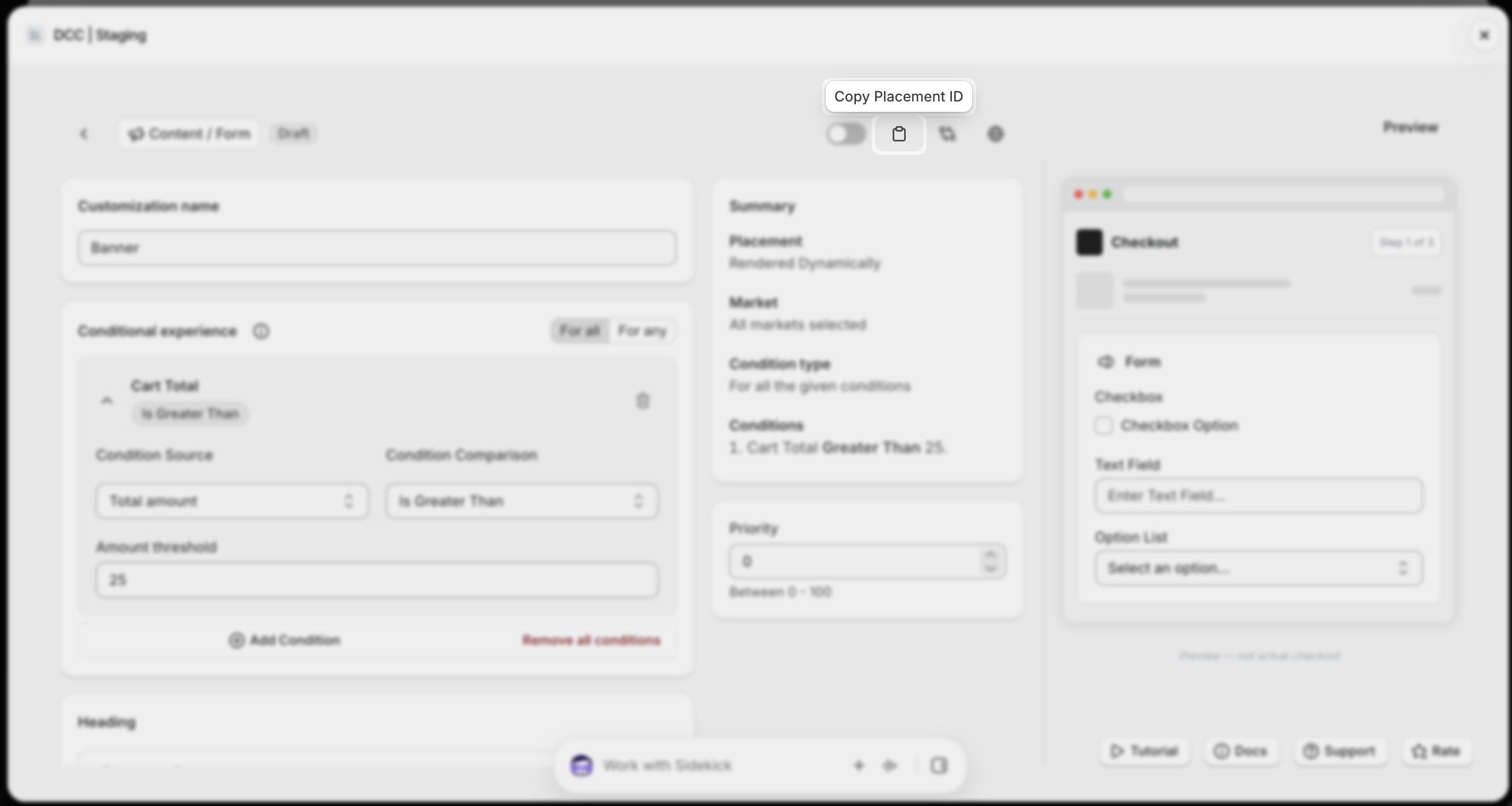 Preview shows , How this block looks like at **CheckOut.**
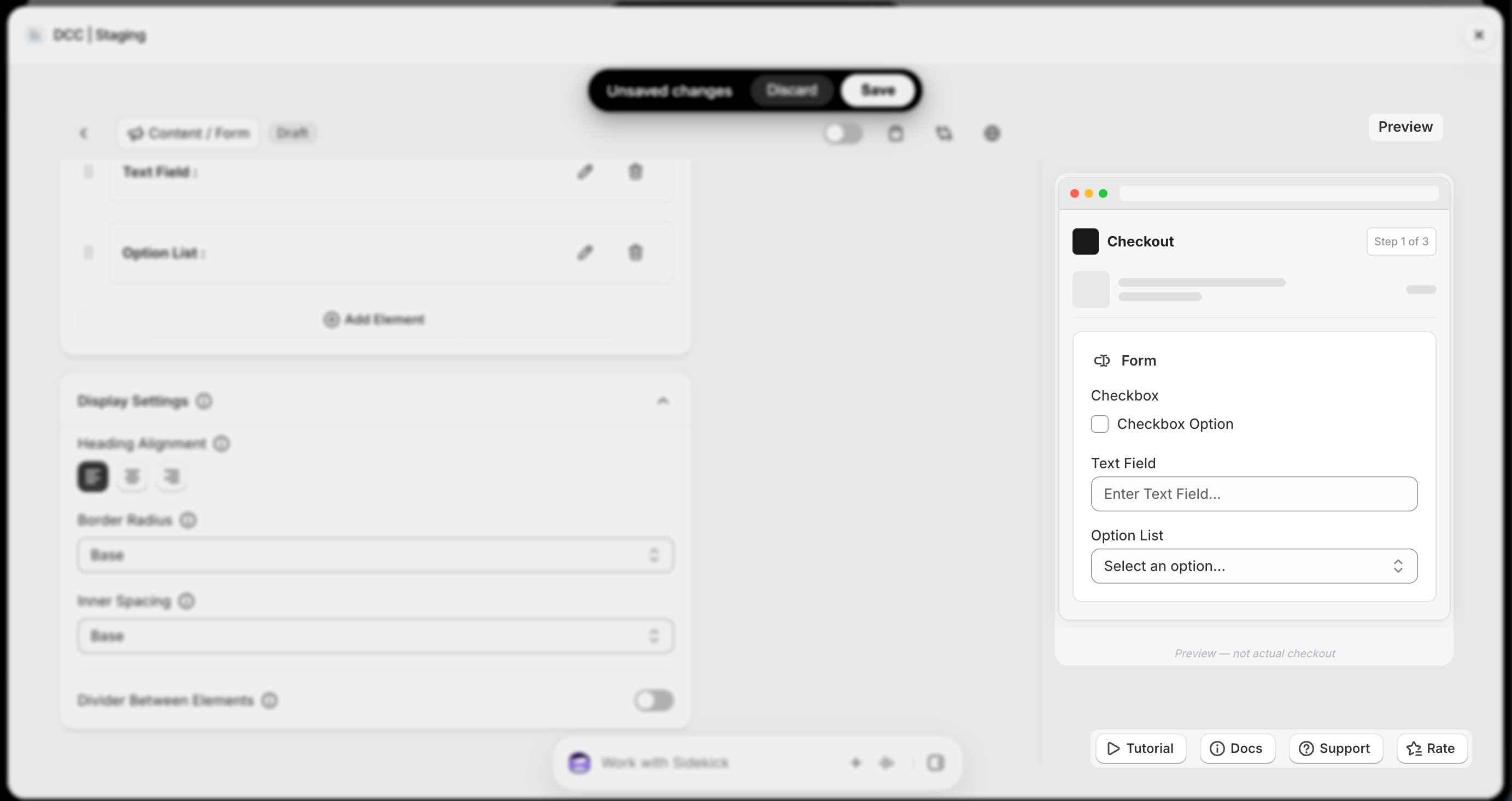 Click **Save** to store your configuration.
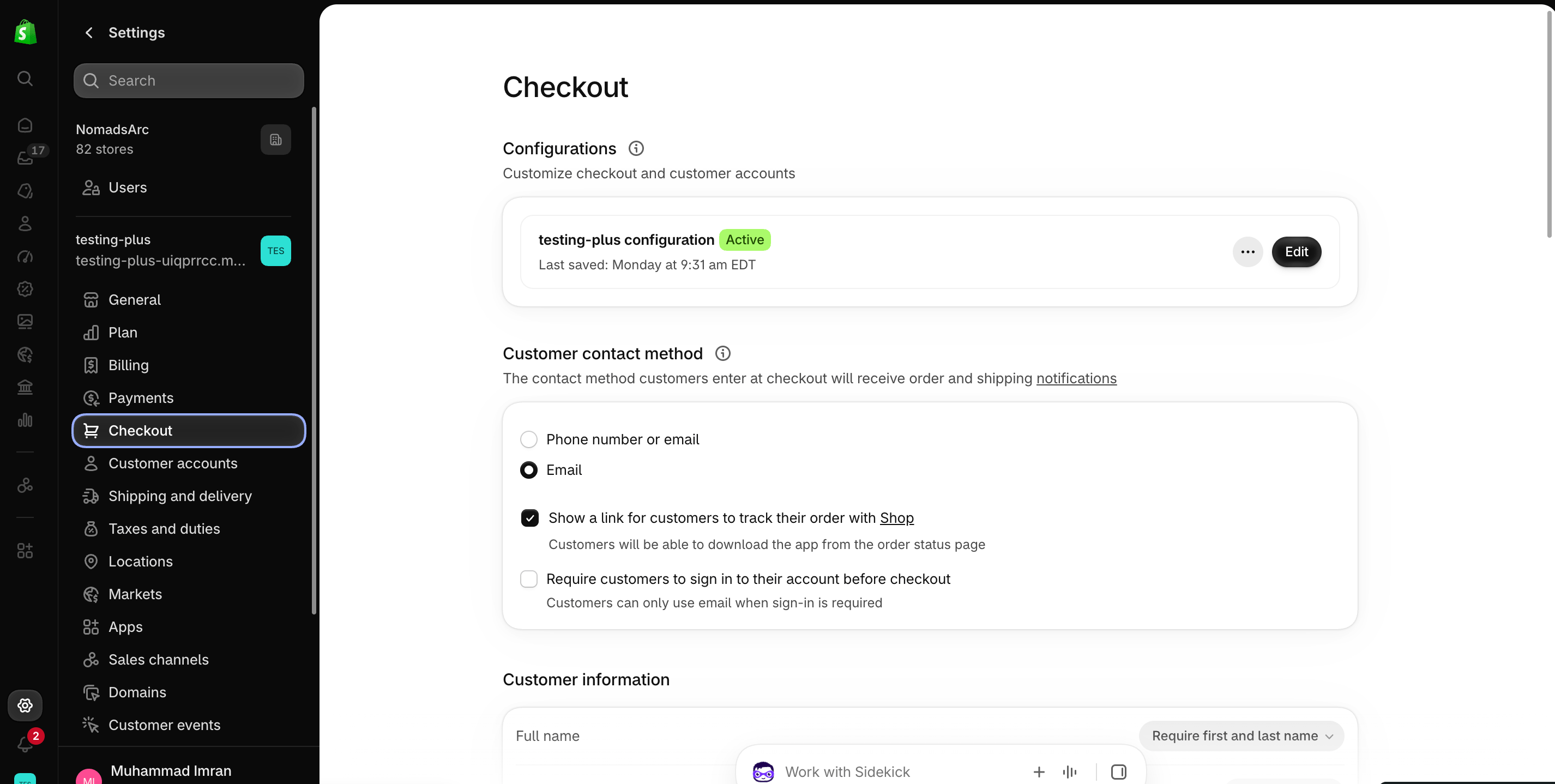
 Go to your Shopify [**Settings**](https://admin.shopify.com/settings) → Checkout, select your checkout profile, and click **Edit**.
 In the [Checkout Editor](https://admin.shopify.com/settings/checkout/editor), click **Add app block**.
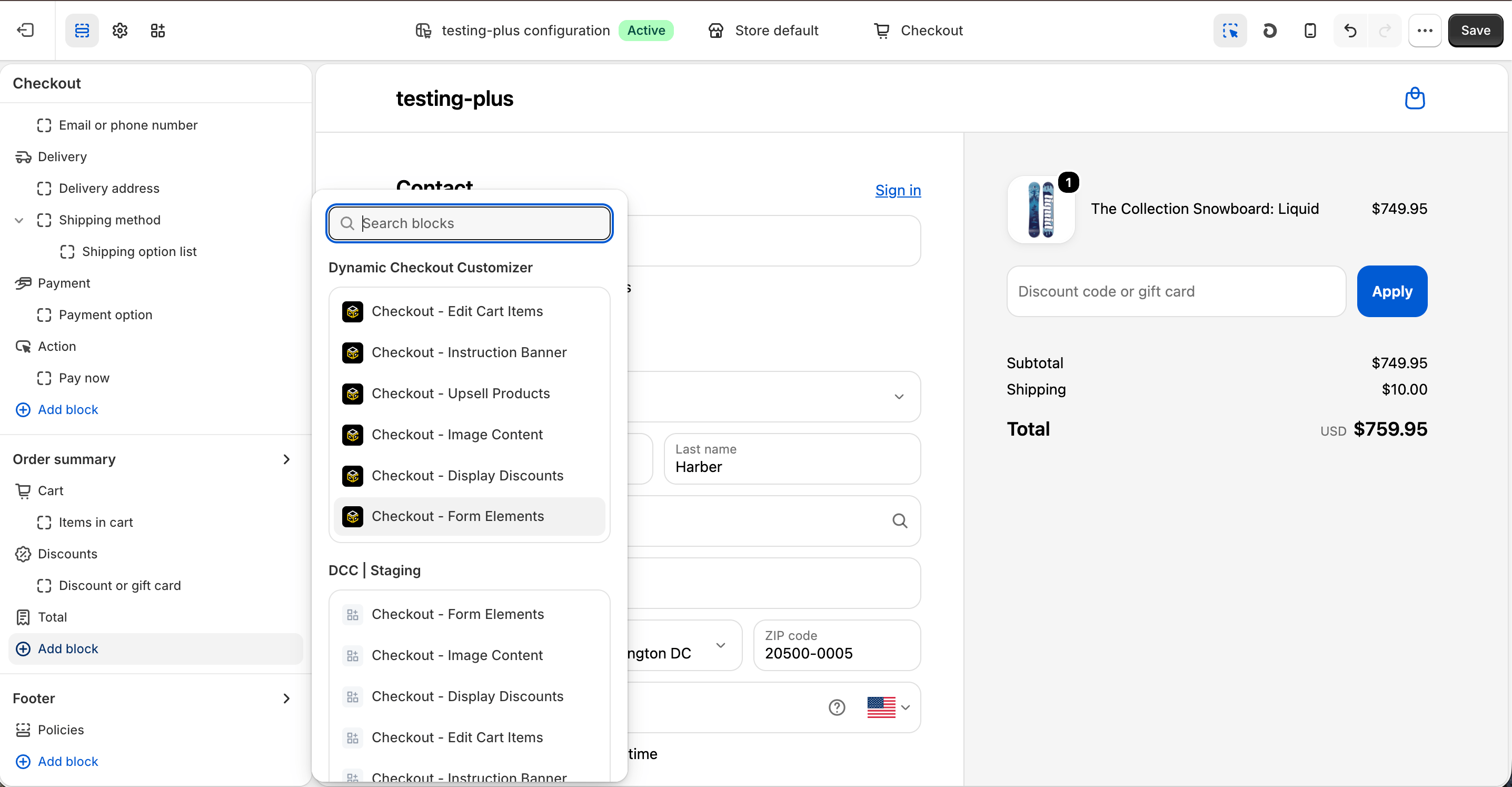 Make sure the app block is placed in the same checkout placement you selected in Dynamic Checkout Customizer.
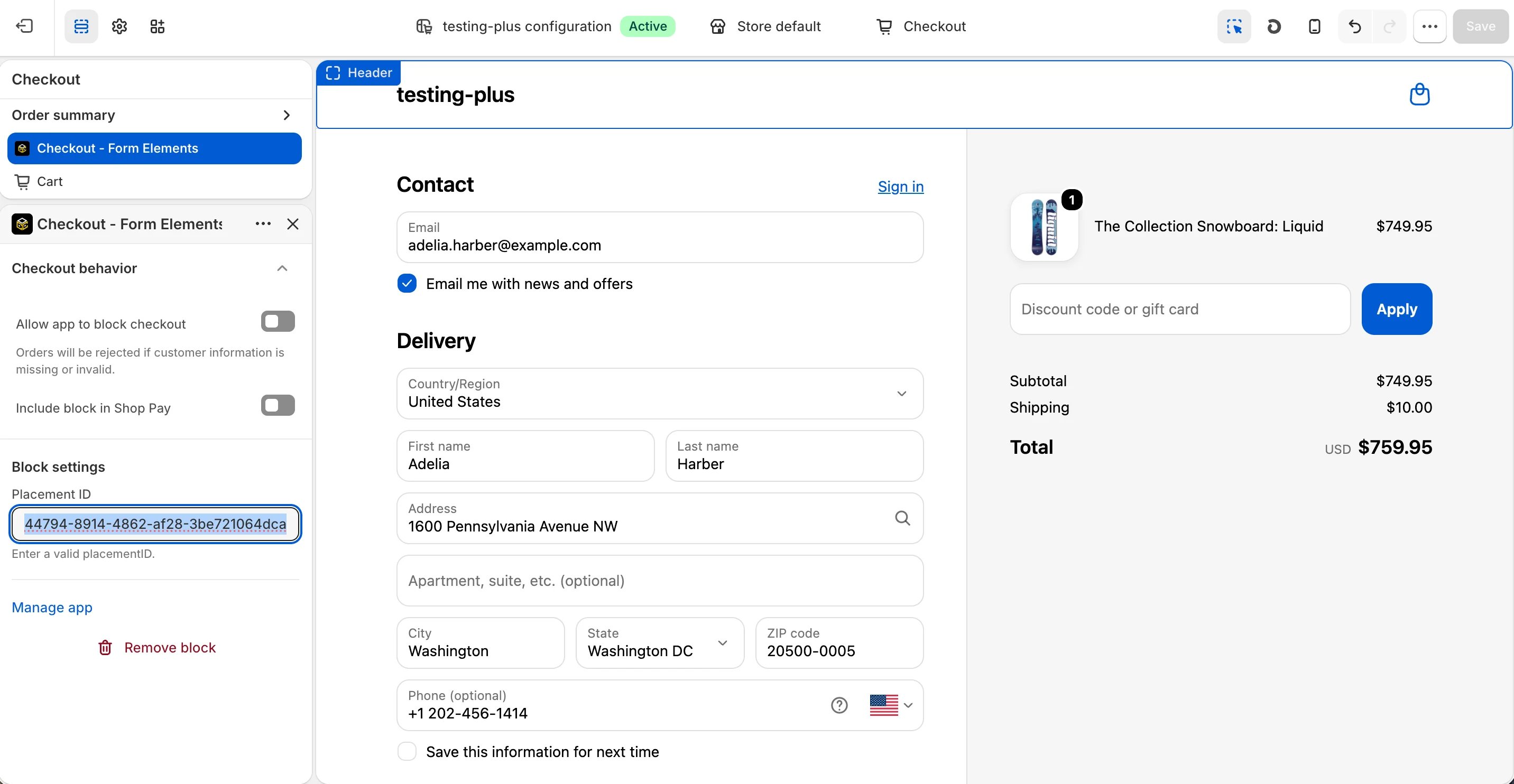
Select the **Checkout – Form Elements** app block, and paste the copied **Placement ID**.
Make sure the app block is placed in the same checkout placement you selected in Dynamic Checkout Customizer.
Select the **Checkout – Form Elements** app block, and paste the copied **Placement ID**.
-1.png?fit=max&auto=format&n=QsvrCOFqqSzeMcaO&q=85&s=c2b5e217a5f78413e29f4861bac821c6) Click **Save** in the Checkout Editor to publish the customization.
Click **Save** in the Checkout Editor to publish the customization.
 **Why does it matter?**
[Sunco](https://www.sunco.com/) uses the **Notifications → Form** customization to collect additional customer information during checkout, helping improve its brand reputation and customer experience.
This documentation is built and hosted on [Mintlify](https://mintlify.com), a developer documentation platform.
**Why does it matter?**
[Sunco](https://www.sunco.com/) uses the **Notifications → Form** customization to collect additional customer information during checkout, helping improve its brand reputation and customer experience.
This documentation is built and hosted on [Mintlify](https://mintlify.com), a developer documentation platform.