> ## Documentation Index
> Fetch the complete documentation index at: https://docs.nomadsarc.app/llms.txt
> Use this file to discover all available pages before exploring further.
# 🖼️ Image With Text
How to display **Image with text** on the Checkout using the **Custom ->** **Content -> Image with text** option.
## Guide
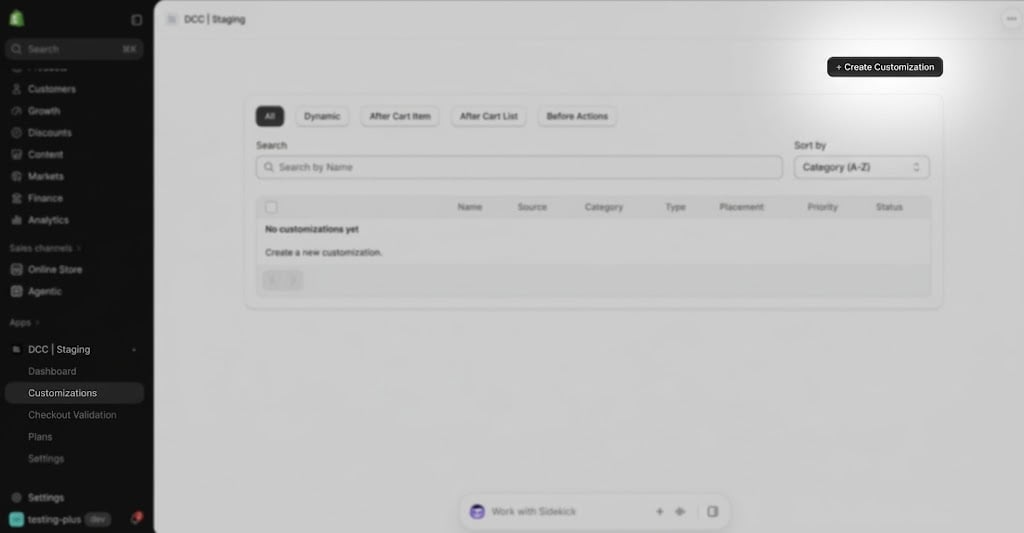
Create a new [customization](https://admin.shopify.com/apps/dynamic-checkout-customizer/customizations).
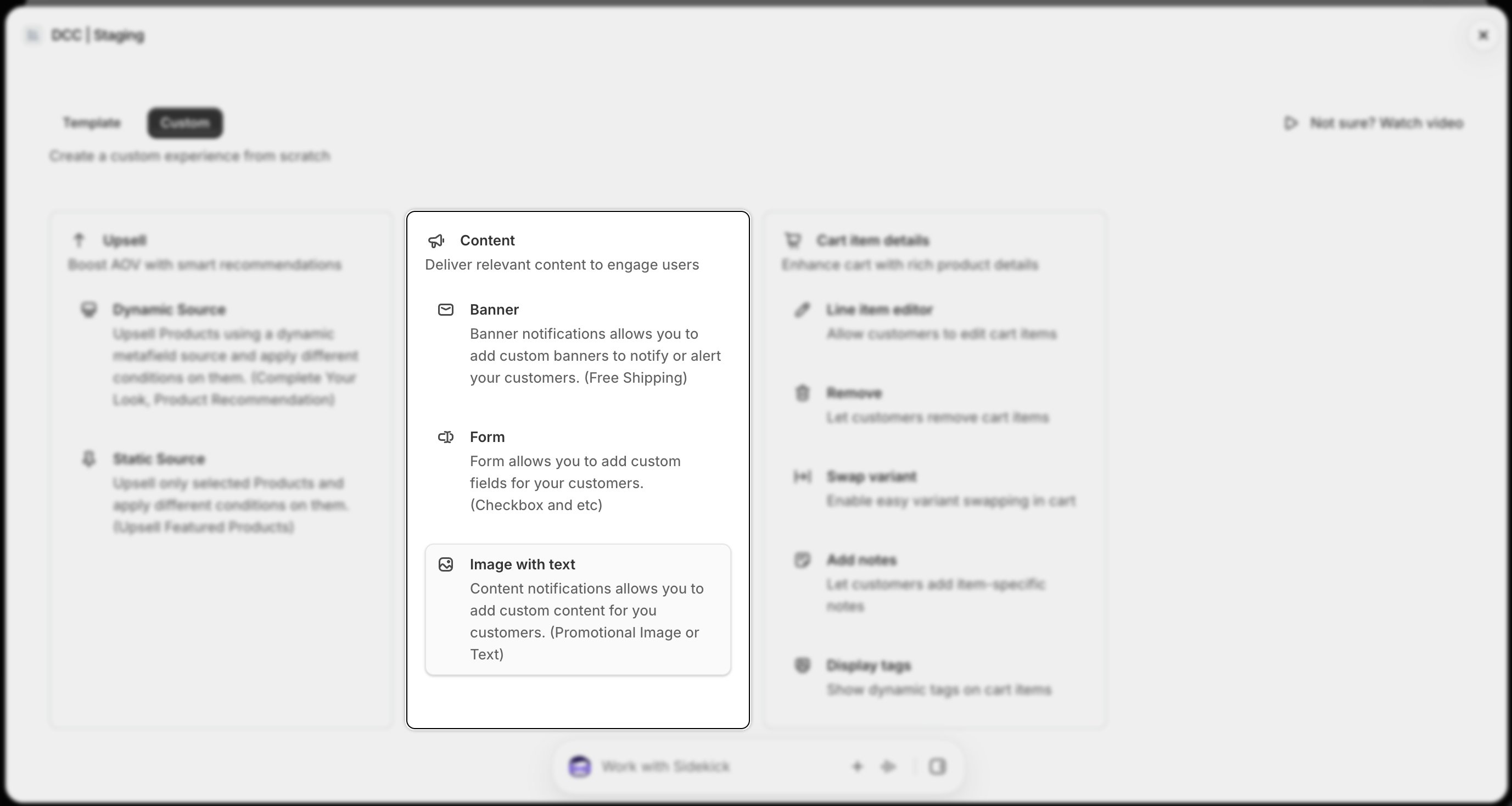
 Select **Image With Text** from the available content types to display custom images and text during checkout.
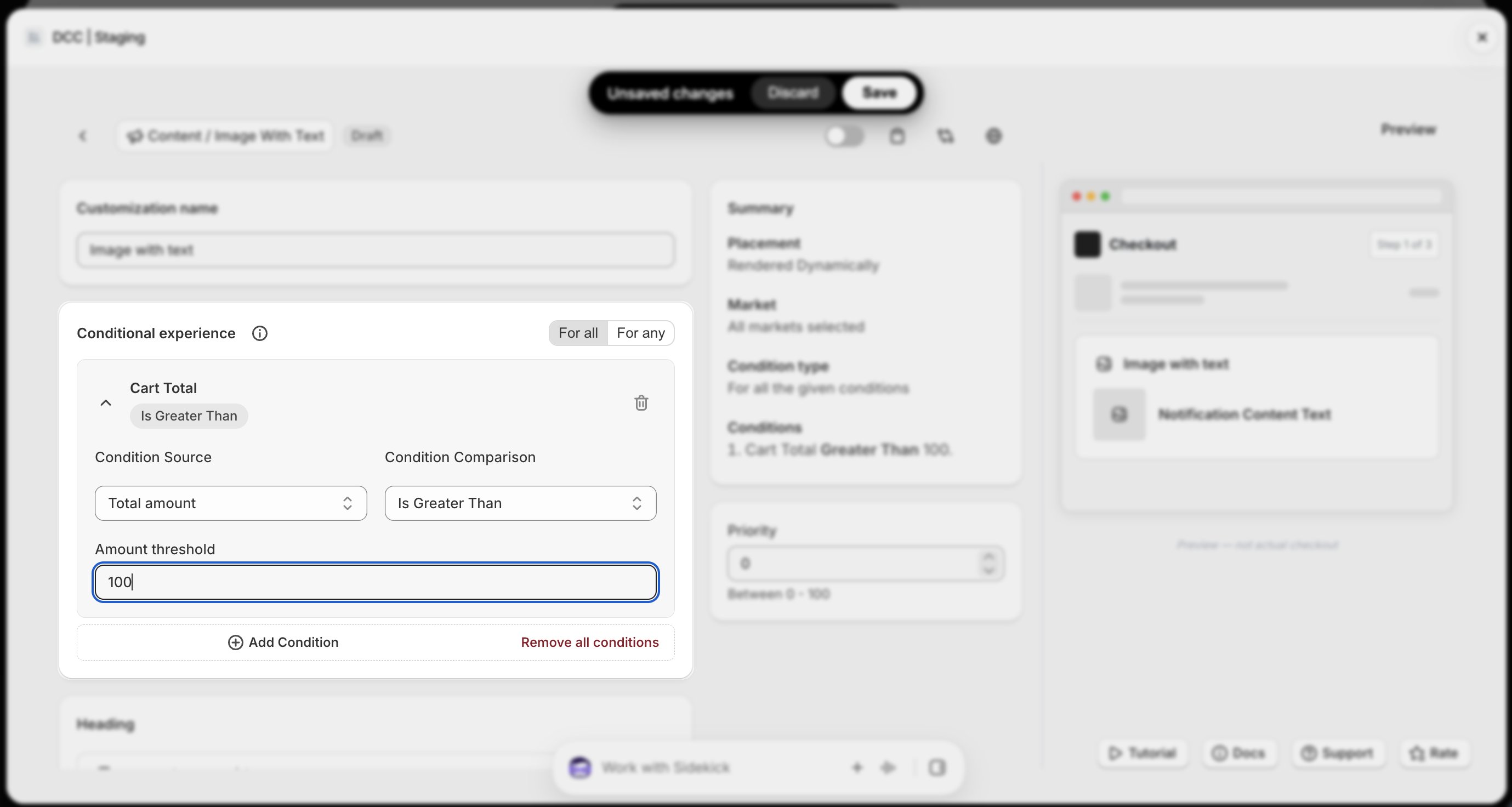
 Add one or more **conditions** to control when the content appears during checkout.
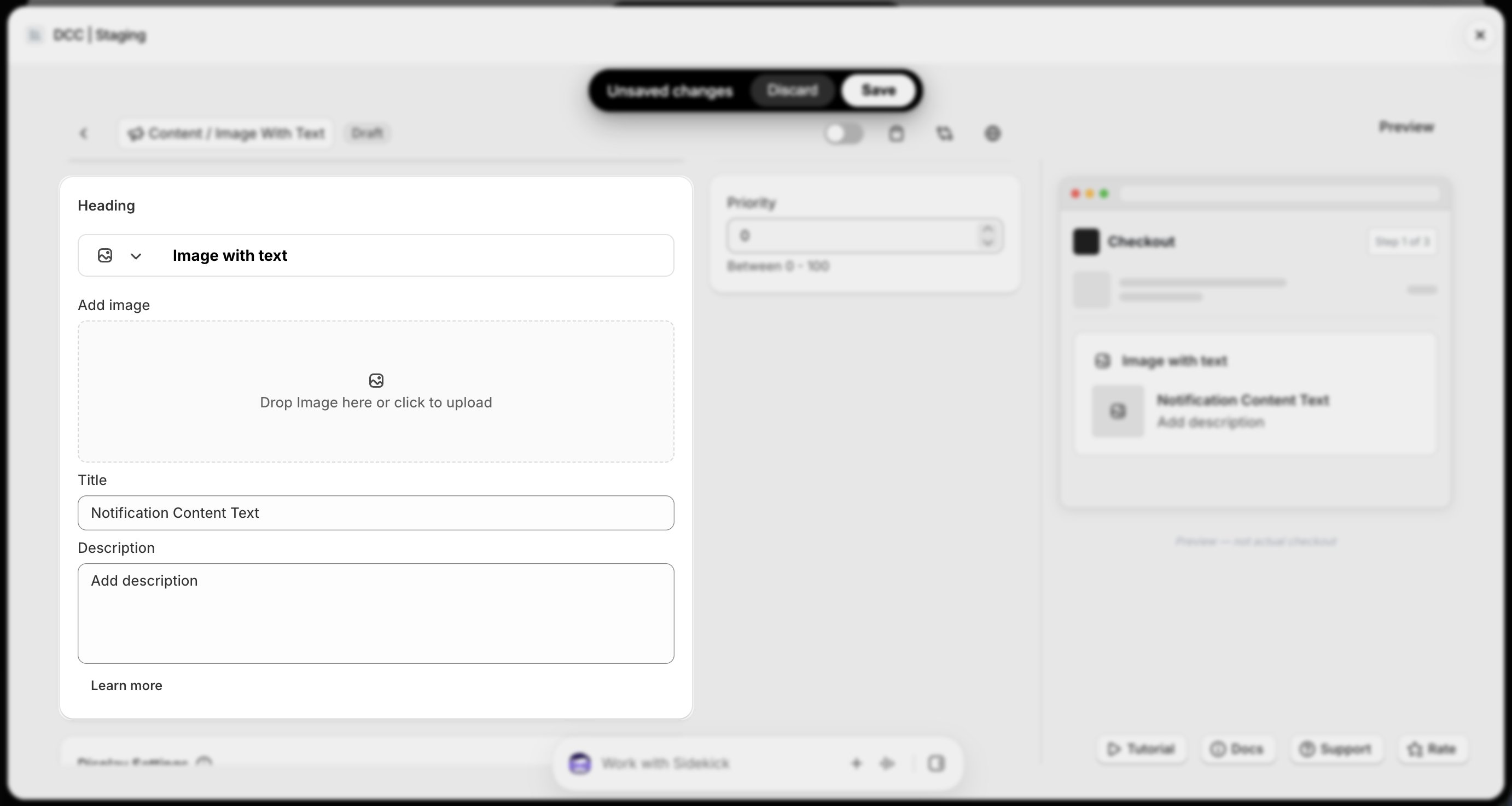
 Configure the **Content Settings**, including:
* **Upload image**
* **Add Title**
* **Add Description**
Adjust these settings to match your store's branding and checkout experience.
Configure the **Content Settings**, including:
* **Upload image**
* **Add Title**
* **Add Description**
Adjust these settings to match your store's branding and checkout experience.
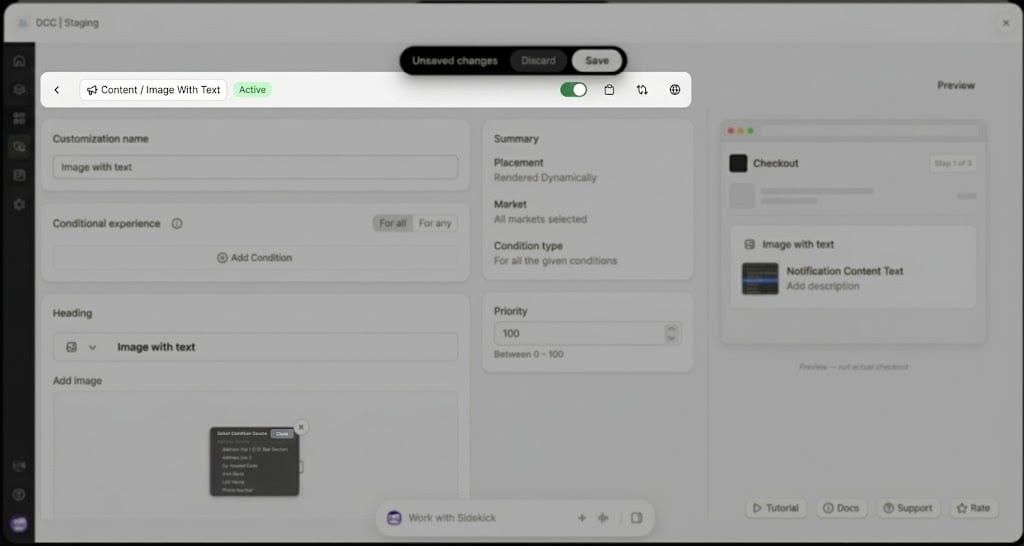
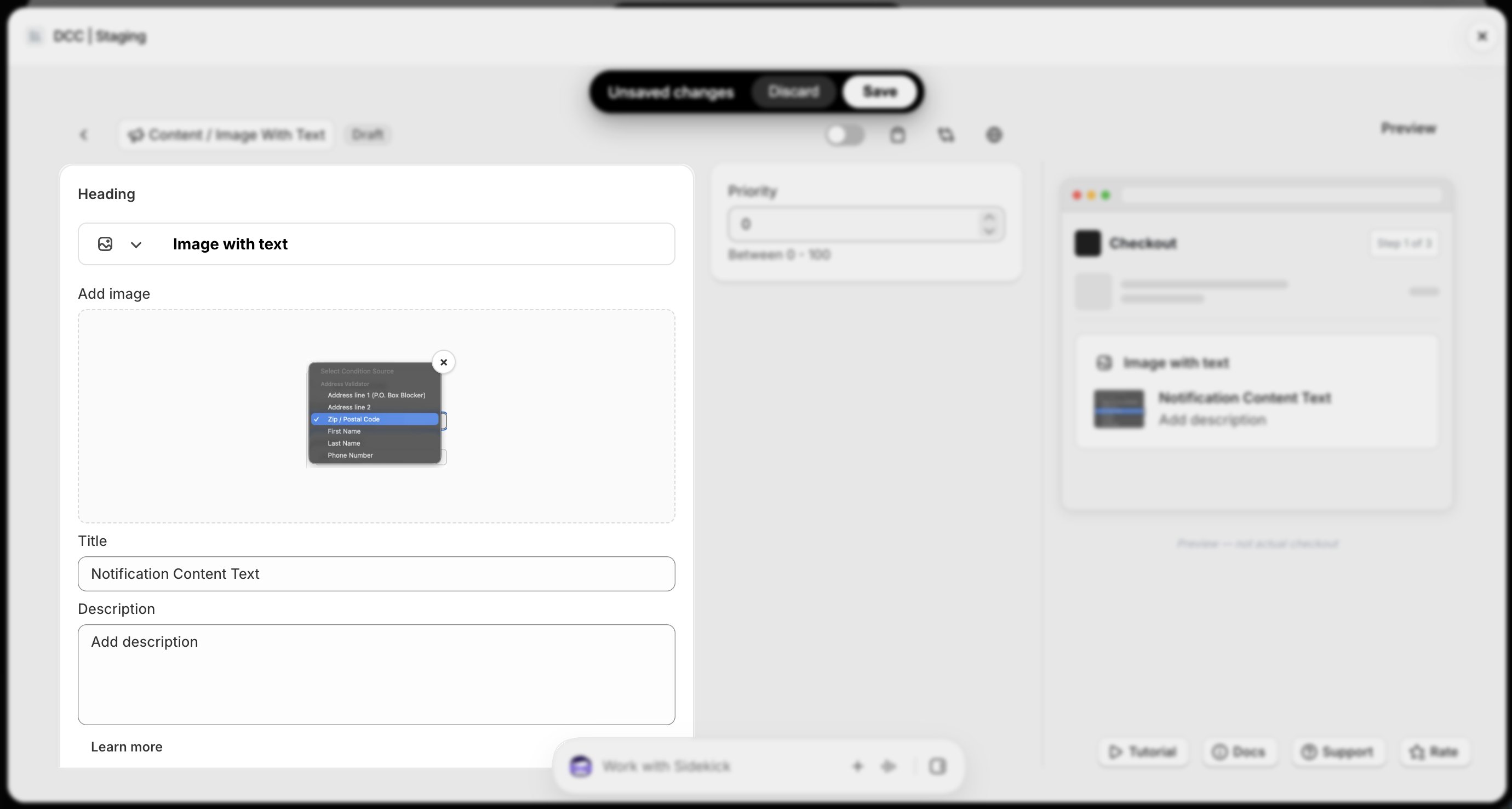 Change the **Status** to **Active** using toggle button to activate the customization.
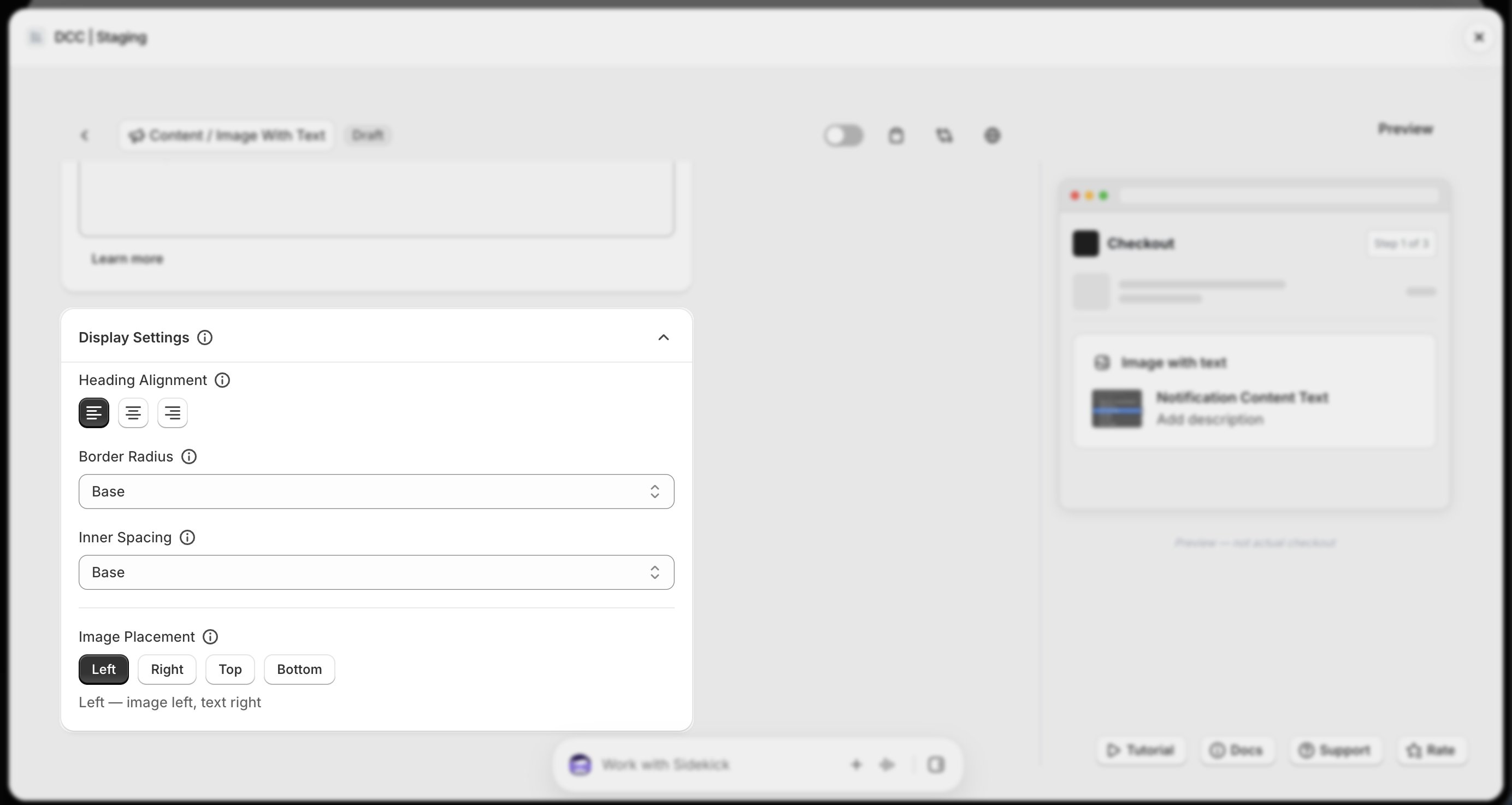
 Configure the **Display Settings** to control how the image and text will appear during checkout.
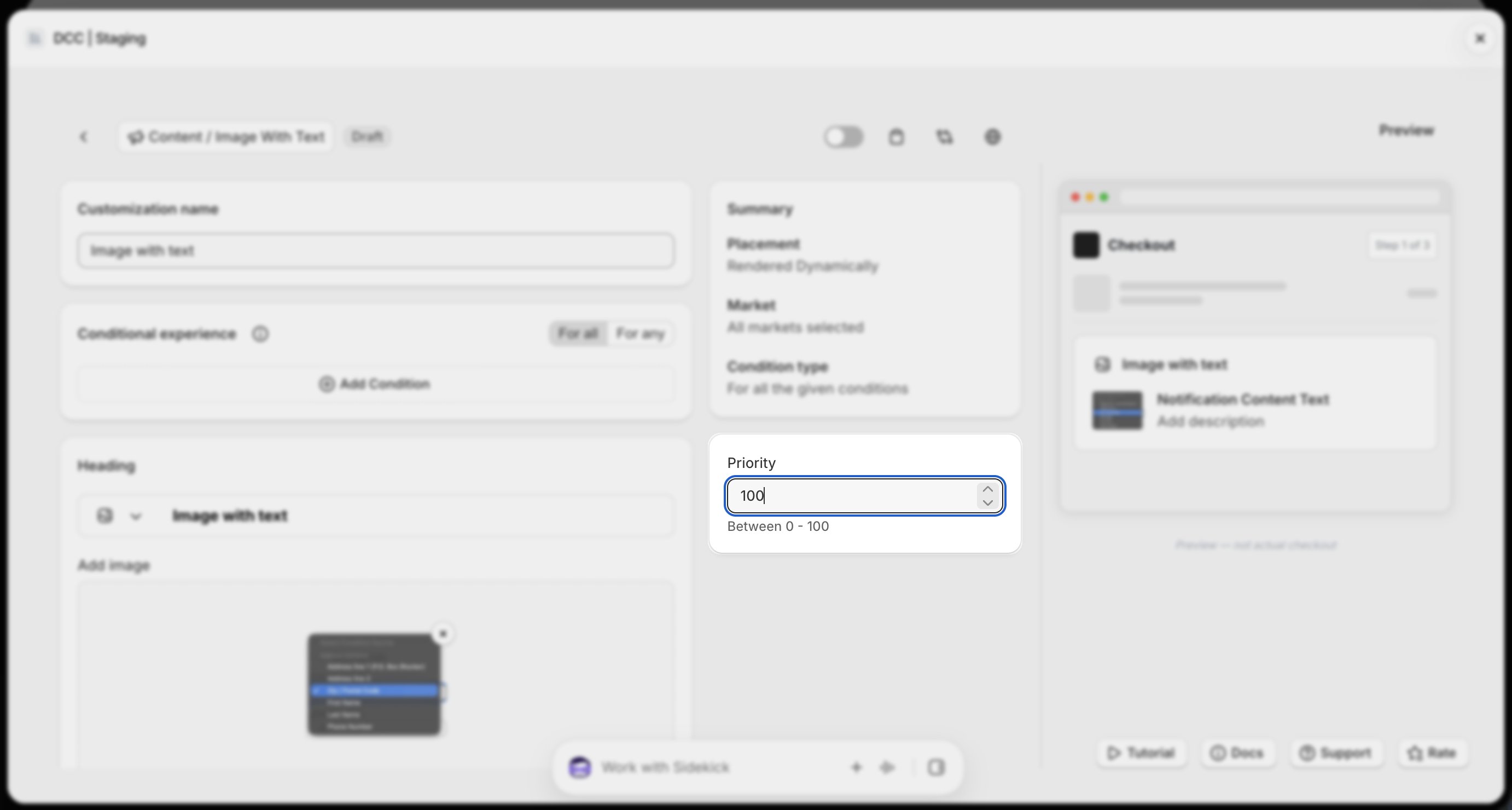
 Configure the **Priority** (0–100) to determine the execution order when multiple customizations are eligible.
 Copy the generated **Placement ID** from clipboard icon. You'll use this in the Shopify Checkout Editor.
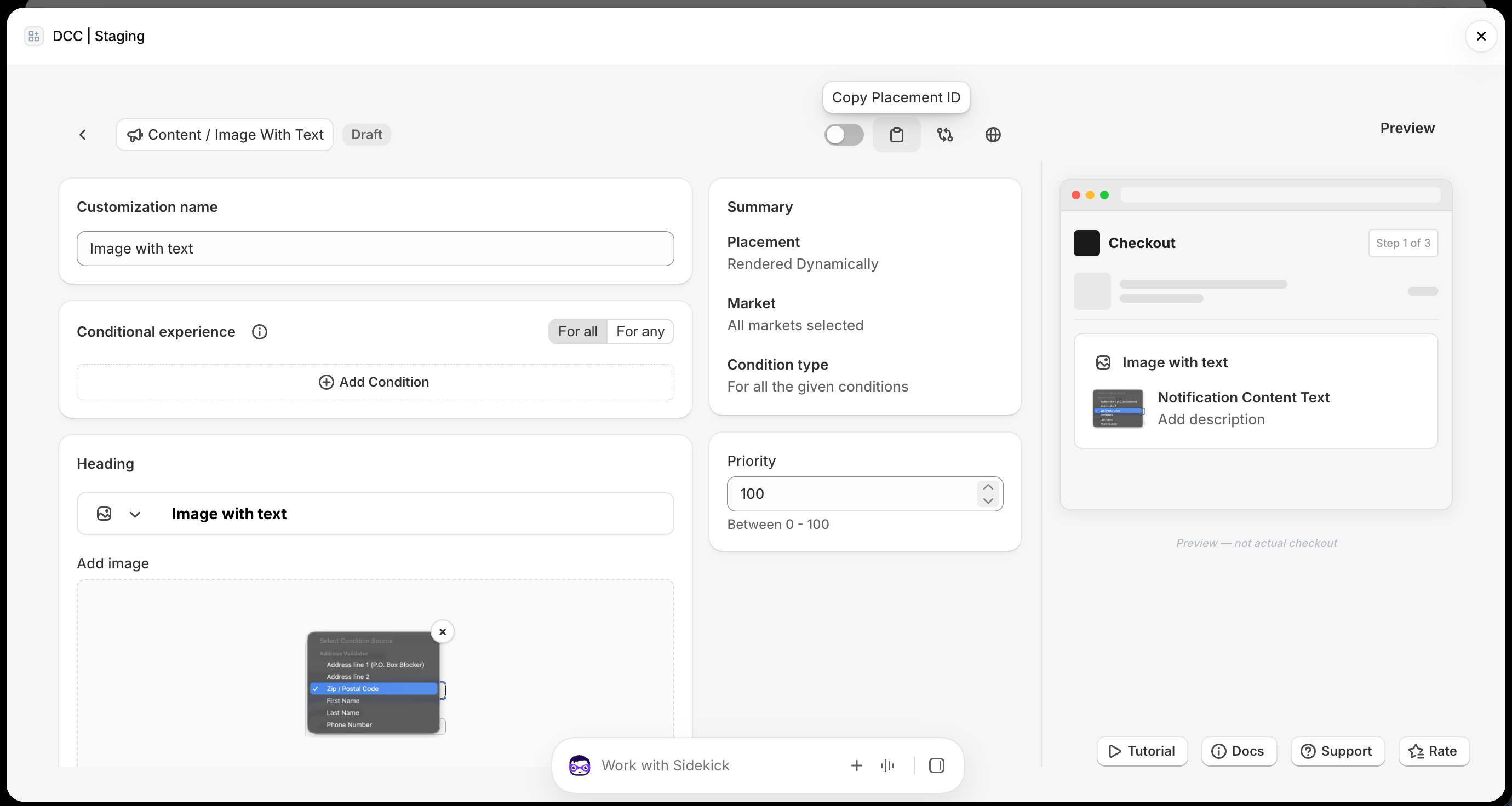 Preview shows , How this block looks like at **CheckOut.**
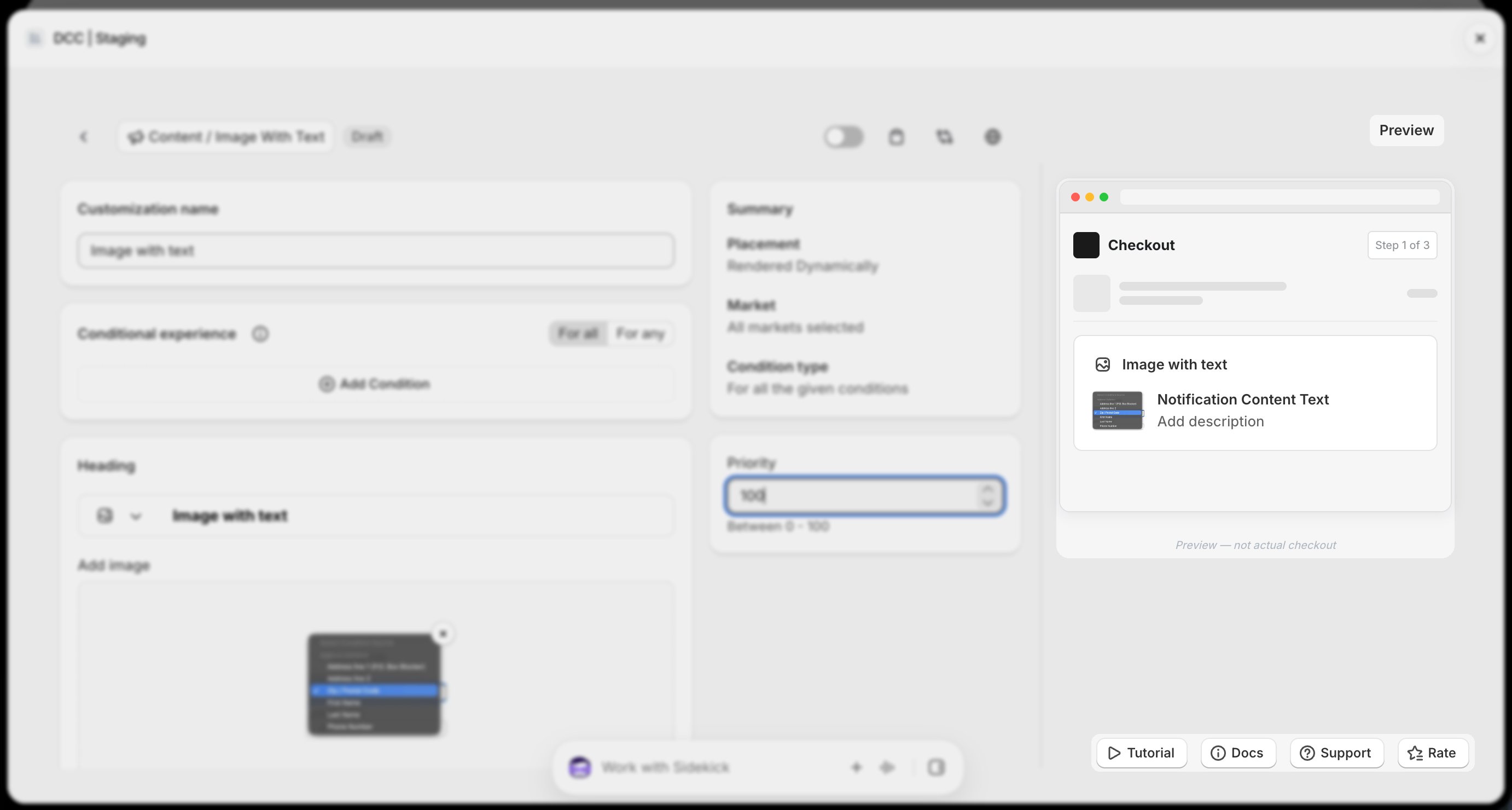 Click **Save** to store your configuration.
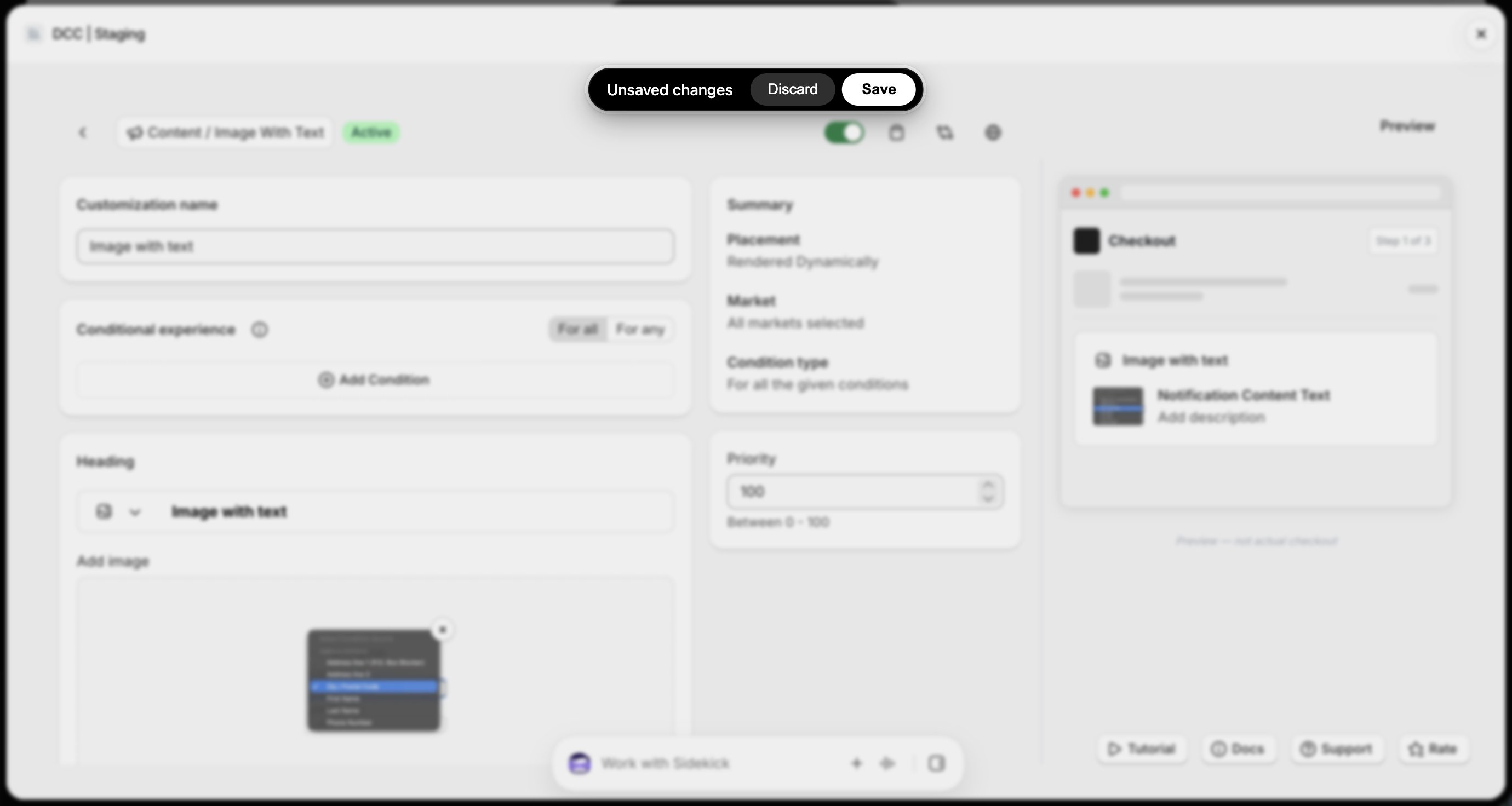 Go to your Shopify [Settings](https://admin.shopify.com/settings) **→ Checkout**, select your checkout profile, and click **Edit**.
 In the [Checkout Editor](https://admin.shopify.com/settings/checkout/editor), click **Add app block**.
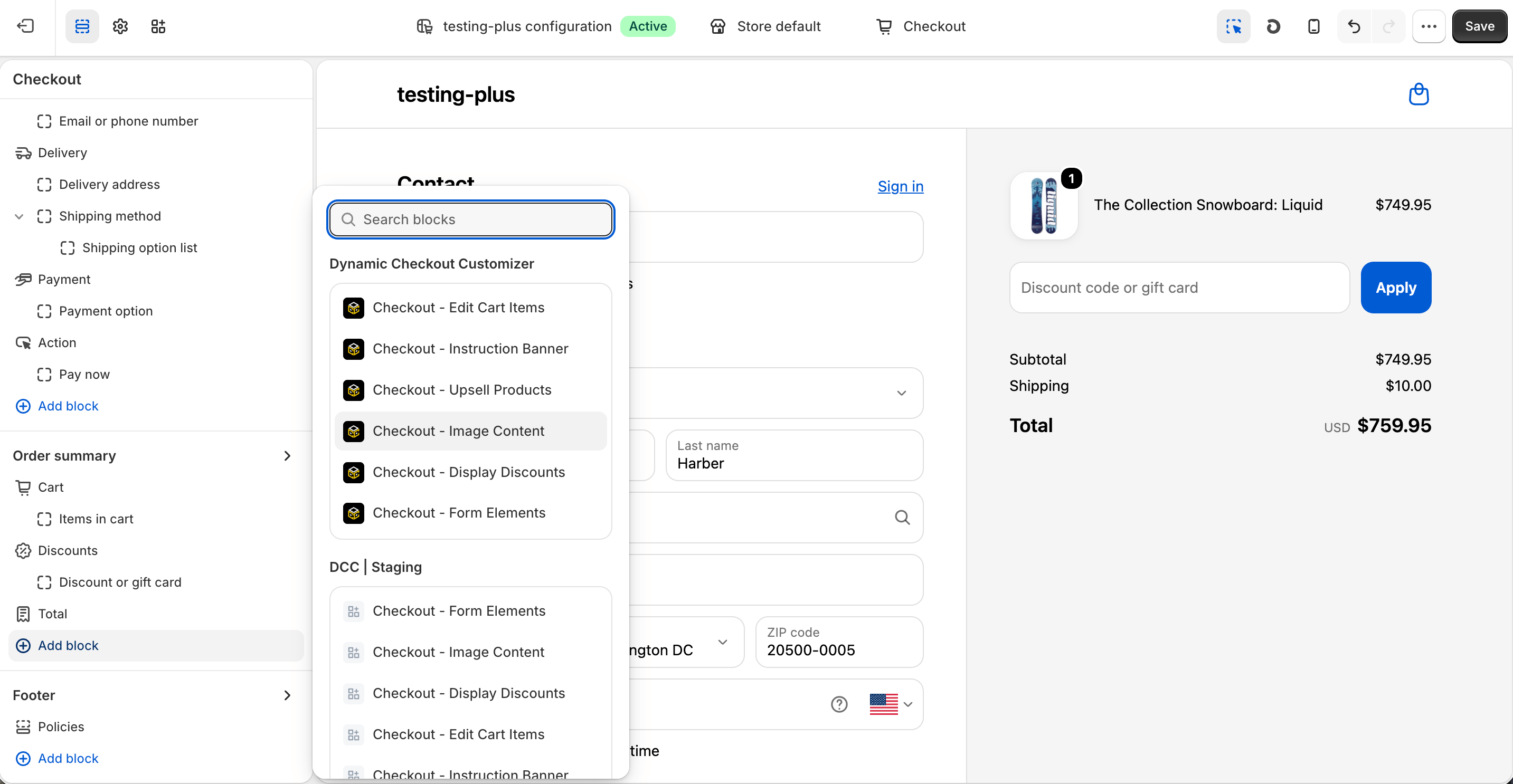 Make sure the app block is placed in the same checkout placement you selected in Dynamic Checkout Customizer.
Select the **Checkout – Image Content** app block, and paste the copied **Placement ID**.
Make sure the app block is placed in the same checkout placement you selected in Dynamic Checkout Customizer.
Select the **Checkout – Image Content** app block, and paste the copied **Placement ID**.
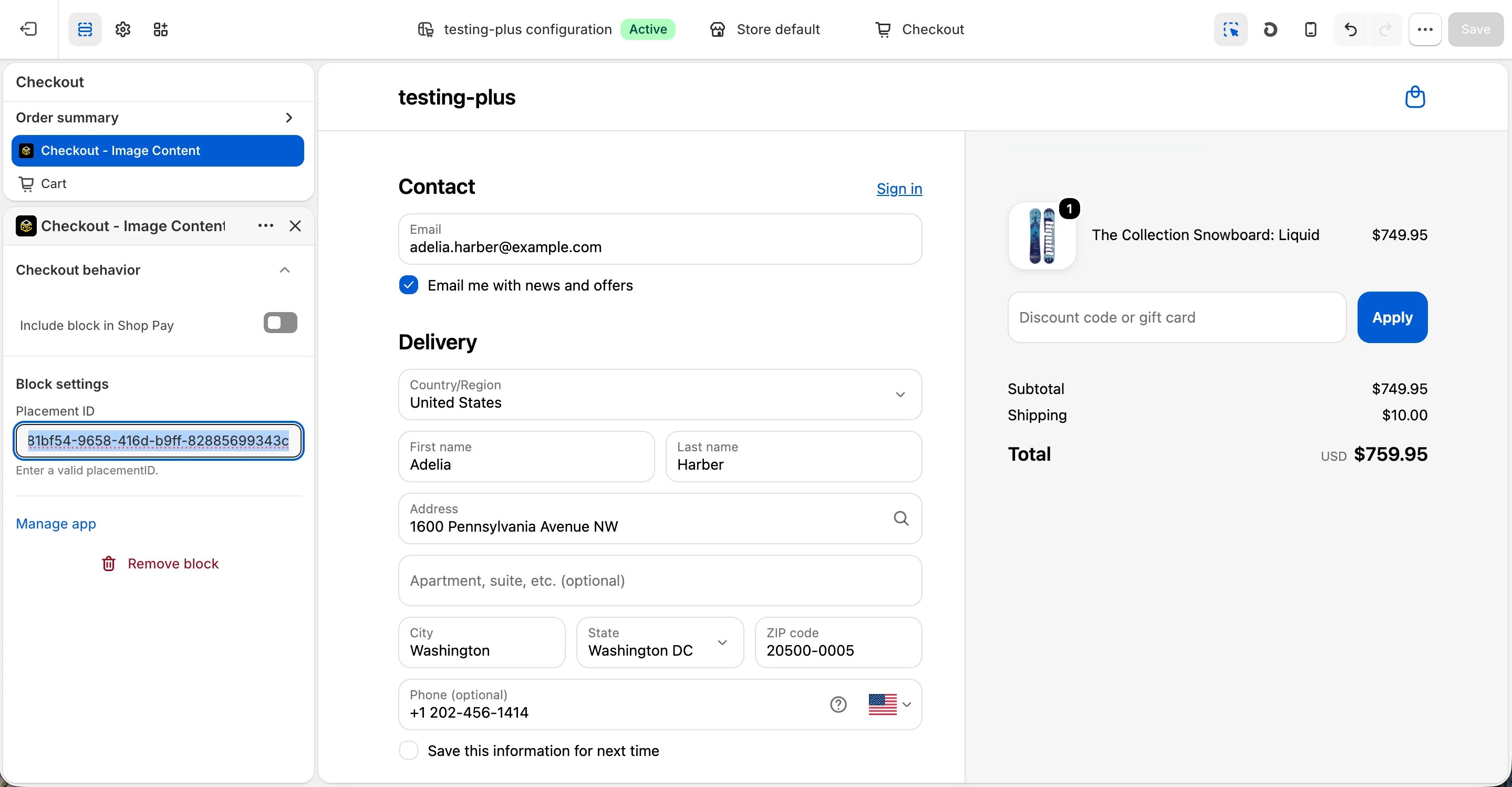
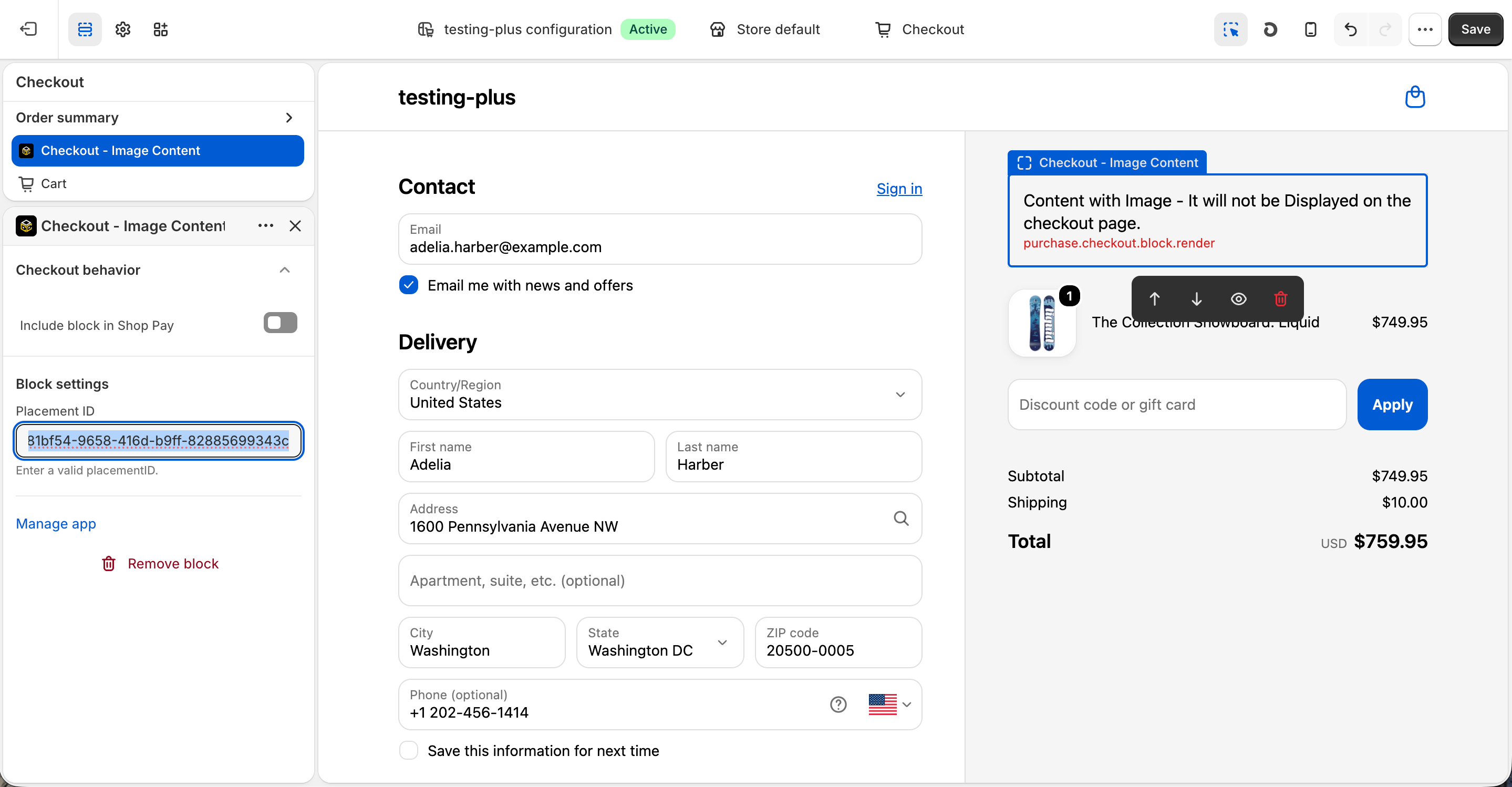 Click **Save** in the Checkout Editor to publish the customization.
 **Why does it matter?**
**Custom →** **Content → Image with text** , customization to review images during checkout, for positive impresion at the final stage of the purchase journey can help increase customer confidence and improve customer acquisition.
This documentation is built and hosted on [Mintlify](https://mintlify.com), a developer documentation platform.
**Why does it matter?**
**Custom →** **Content → Image with text** , customization to review images during checkout, for positive impresion at the final stage of the purchase journey can help increase customer confidence and improve customer acquisition.
This documentation is built and hosted on [Mintlify](https://mintlify.com), a developer documentation platform.