> ## Documentation Index
> Fetch the complete documentation index at: https://docs.nomadsarc.app/llms.txt
> Use this file to discover all available pages before exploring further.

# 🔄 Swap Variant

How to display a **Swap Variant** for each cart item on the Checkout using the **Template/Custom ->** **Cart Item Details -> Swap variant** option.

<video src="https://mintcdn.com/nomads-arc/CG_hEn4NJlaeeeAR/videos/swap-variant.mp4?fit=max&auto=format&n=CG_hEn4NJlaeeeAR&q=85&s=224a02c20b07d2192af1fa7074c84801" controls data-path="videos/swap-variant.mp4" />

## Guide

<Steps>
  <Step title="**Create a new customization**">
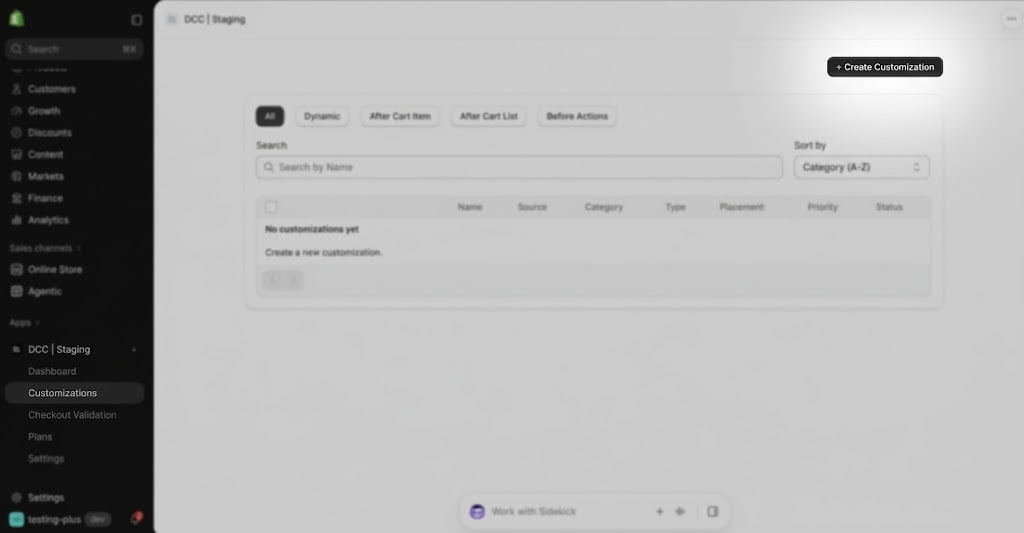
    Create a new [**customization**](https://admin.shopify.com/apps/dynamic-checkout-customizer/customizations).
    <img src="https://mintcdn.com/nomads-arc/kB8B2TpjWkaofH1d/images/image-45.png?fit=max&auto=format&n=kB8B2TpjWkaofH1d&q=85&s=33147da4329a65bce8848e6579015c9e" alt="Image" width="1024" height="533" data-path="images/image-45.png" />
  </Step>

  <Step title="**Choose the Swap Variant option**">
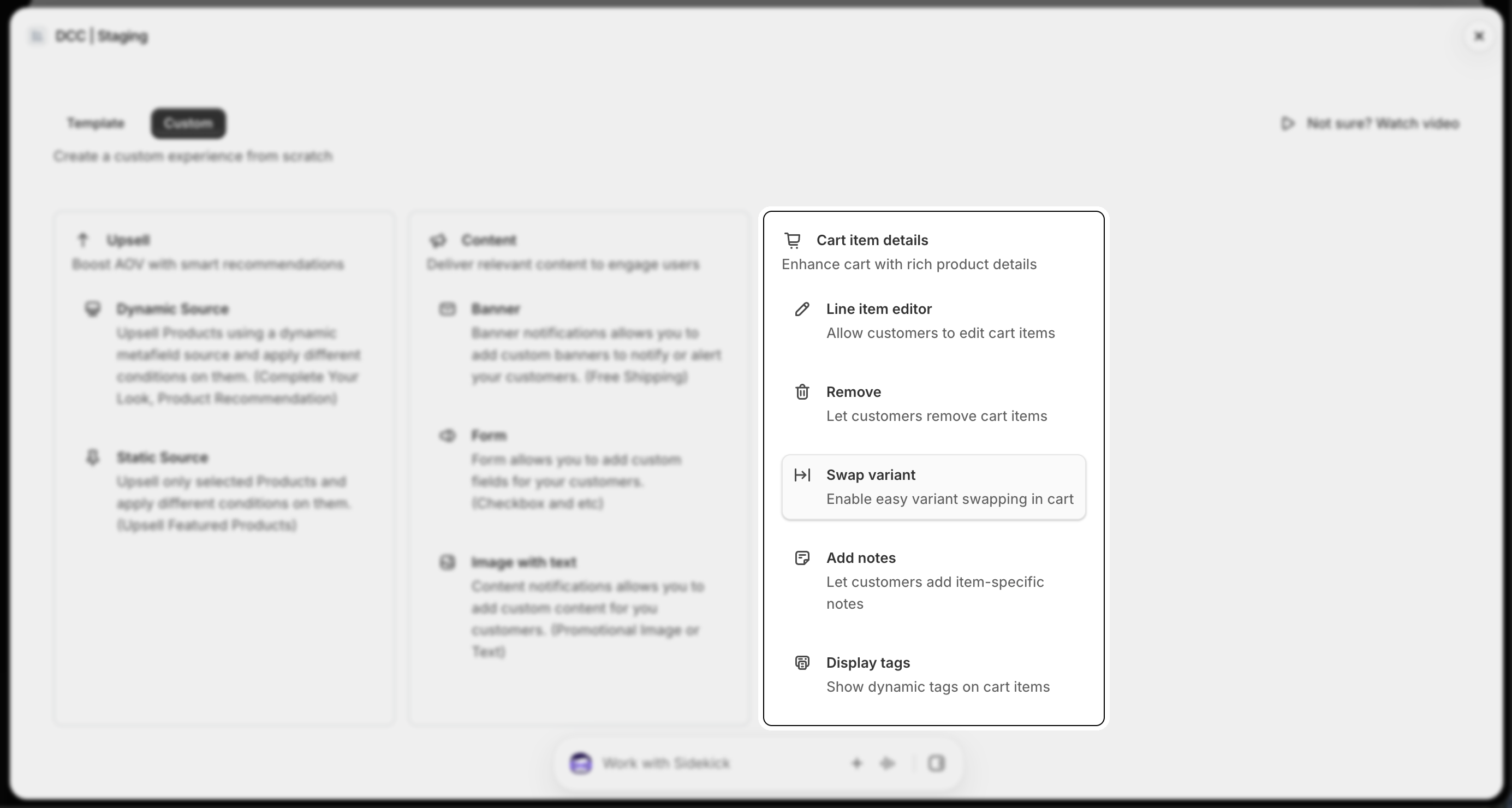
    Choose the **Swap Variant** option from Cart Item Details section
    <img src="https://mintcdn.com/nomads-arc/kB8B2TpjWkaofH1d/images/swap_6_cart_item_details.png?fit=max&auto=format&n=kB8B2TpjWkaofH1d&q=85&s=fcf1fe5d309ac8906181b71306821011" alt="Swap 6 Cart Item Details" width="2770" height="1480" data-path="images/swap_6_cart_item_details.png" />
  </Step>

  <Step title="**Configure display condition**">
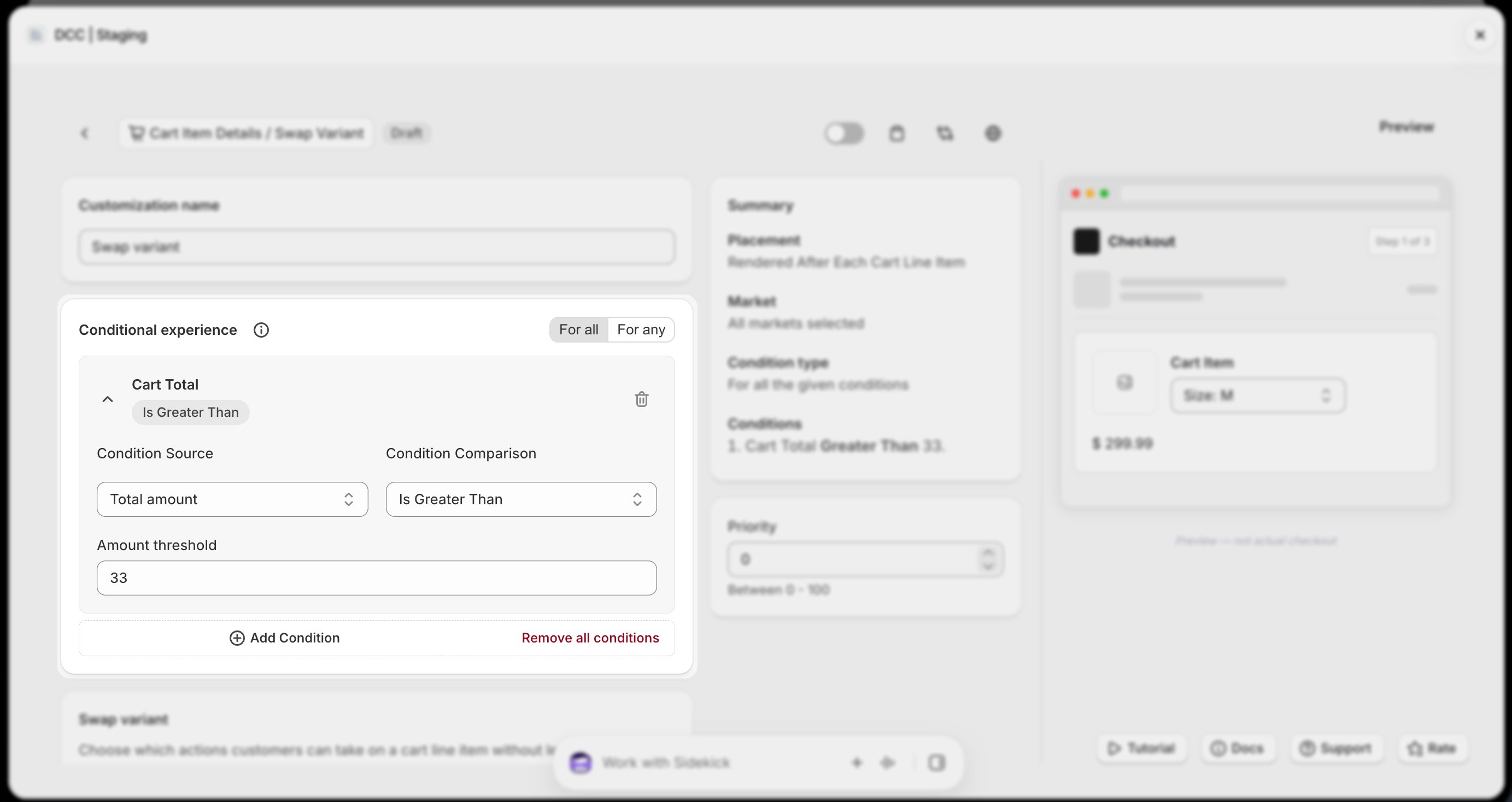
    Add one or more **conditions** to control when the customization is displayed during checkout.
    <img src="https://mintcdn.com/nomads-arc/kB8B2TpjWkaofH1d/images/swap_7_conditional_experience.png?fit=max&auto=format&n=kB8B2TpjWkaofH1d&q=85&s=a8fe1afdb680c65616403a5c854903f7" alt="Swap 7 Conditional Experience" width="2766" height="1468" data-path="images/swap_7_conditional_experience.png" />
  </Step>

  <Step title="**Select Swap Variant**">
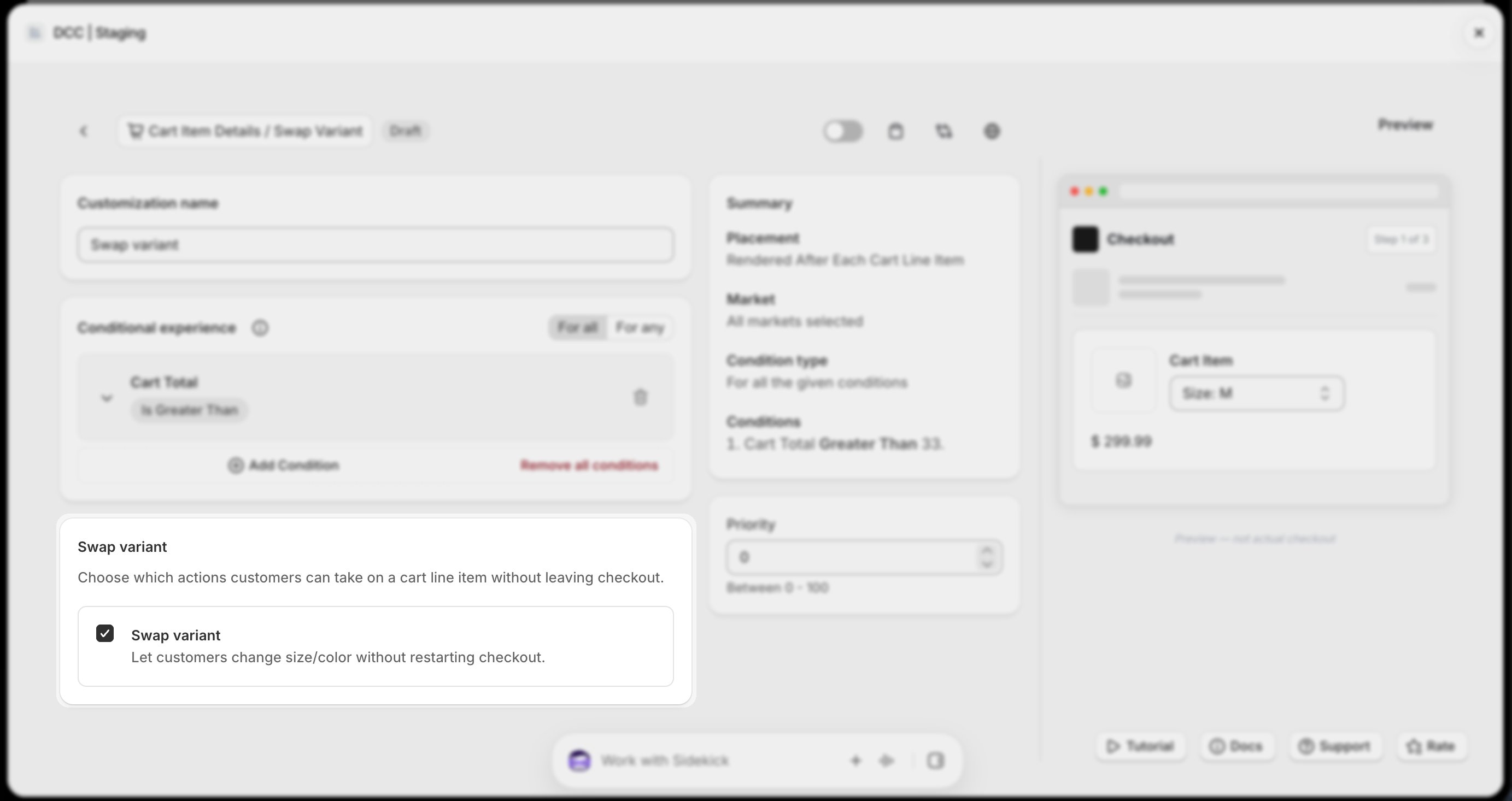
    Select Swap Variant from Action Section to enable the relevant action.
    <img src="https://mintcdn.com/nomads-arc/kB8B2TpjWkaofH1d/images/swap_3_swap_variant.png?fit=max&auto=format&n=kB8B2TpjWkaofH1d&q=85&s=2326bc8a754aa28902a0929ea1a240ef" alt="Swap 3 Swap Variant" width="2766" height="1466" data-path="images/swap_3_swap_variant.png" />
  </Step>

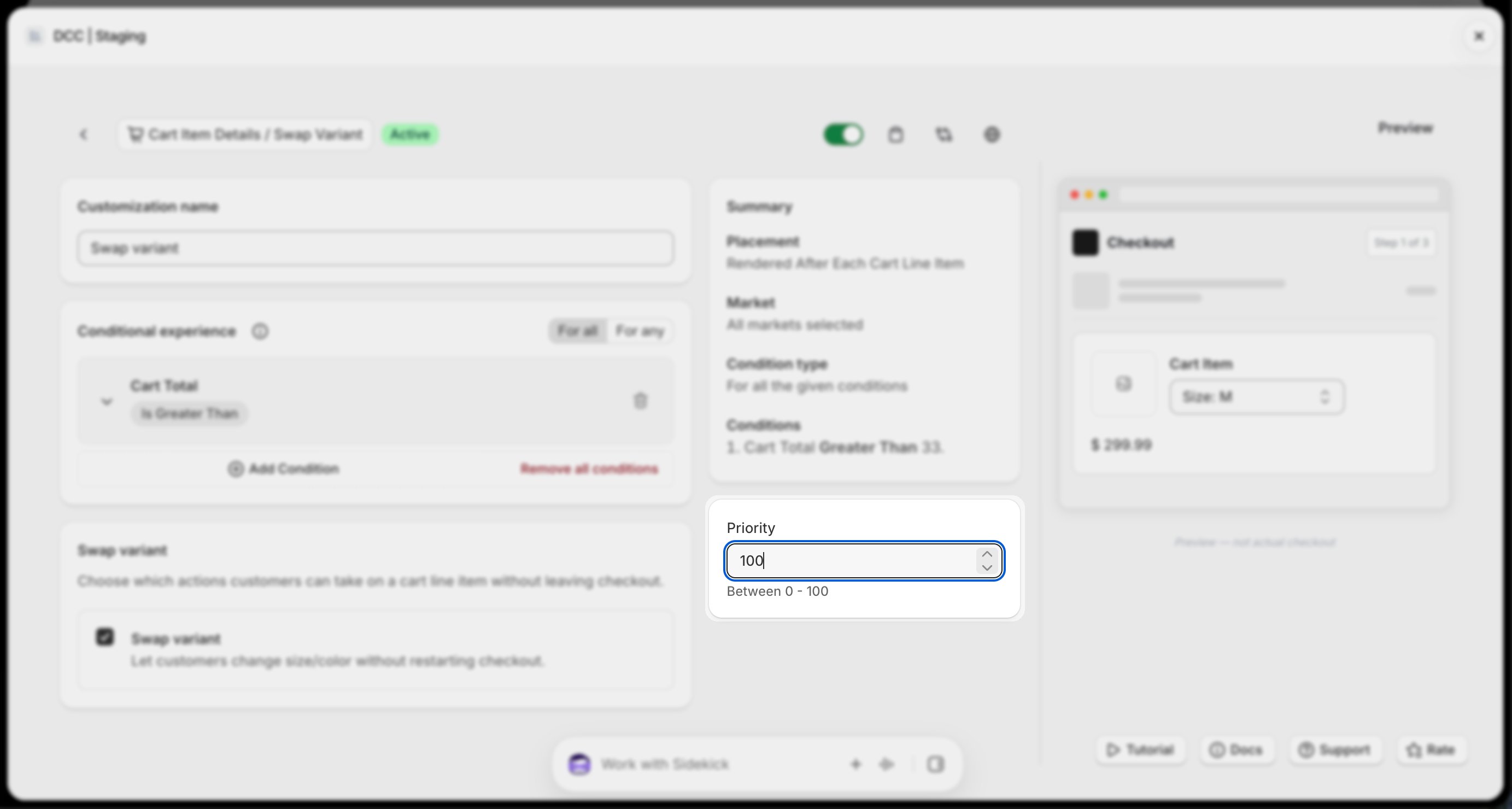
  <Step title="**Set the priority**">
    Configure the Priority (0–100) to determine the execution order when multiple customizations are eligible.
    <img src="https://mintcdn.com/nomads-arc/kB8B2TpjWkaofH1d/images/swap_2_priority.png?fit=max&auto=format&n=kB8B2TpjWkaofH1d&q=85&s=6d10b7196c1e65d75e482f3e0abe525e" alt="Swap 2 Priority" width="2766" height="1480" data-path="images/swap_2_priority.png" />
  </Step>

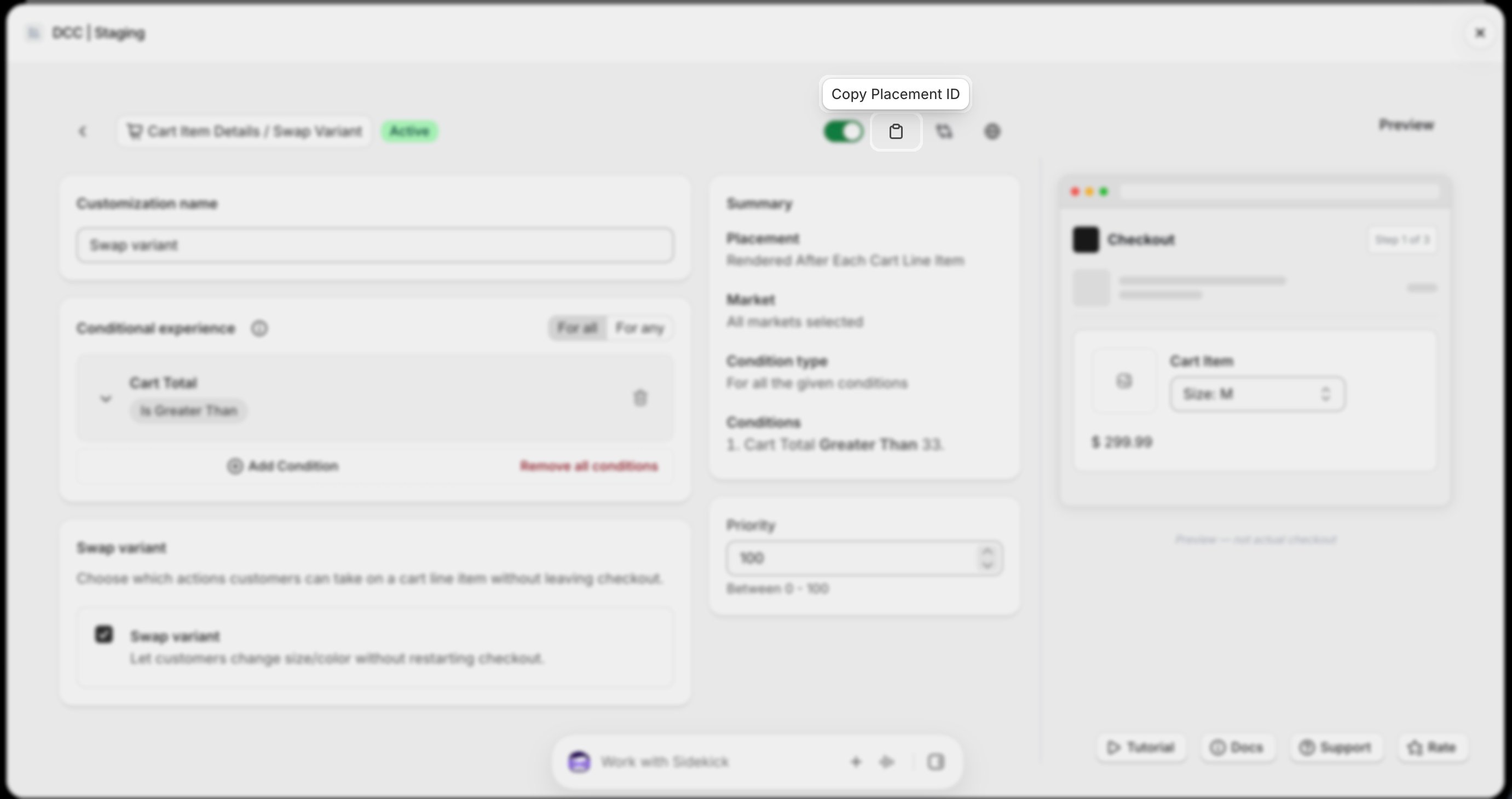
  <Step title="**Copy the Placement ID**">
    Copy the generated **Placement ID** from clipboard icon. You'll use this in the Shopify Checkout Editor.
    <img src="https://mintcdn.com/nomads-arc/kB8B2TpjWkaofH1d/images/swap_1_placement_id.png?fit=max&auto=format&n=kB8B2TpjWkaofH1d&q=85&s=e6b46b07888713023efc85f0dd91bad0" alt="Swap 1 Placement Id" width="2762" height="1460" data-path="images/swap_1_placement_id.png" />
  </Step>

  <Step title="**Activate the customization**">
    Change the **Status** to **Active** using toggle button to enable the customization.
    <img src="https://mintcdn.com/nomads-arc/kB8B2TpjWkaofH1d/images/swap_4_active_bar.png?fit=max&auto=format&n=kB8B2TpjWkaofH1d&q=85&s=014ac9f15cae51af3bbb62cd354863bd" alt="Swap 4 Active Bar" width="2752" height="1468" data-path="images/swap_4_active_bar.png" />
  </Step>

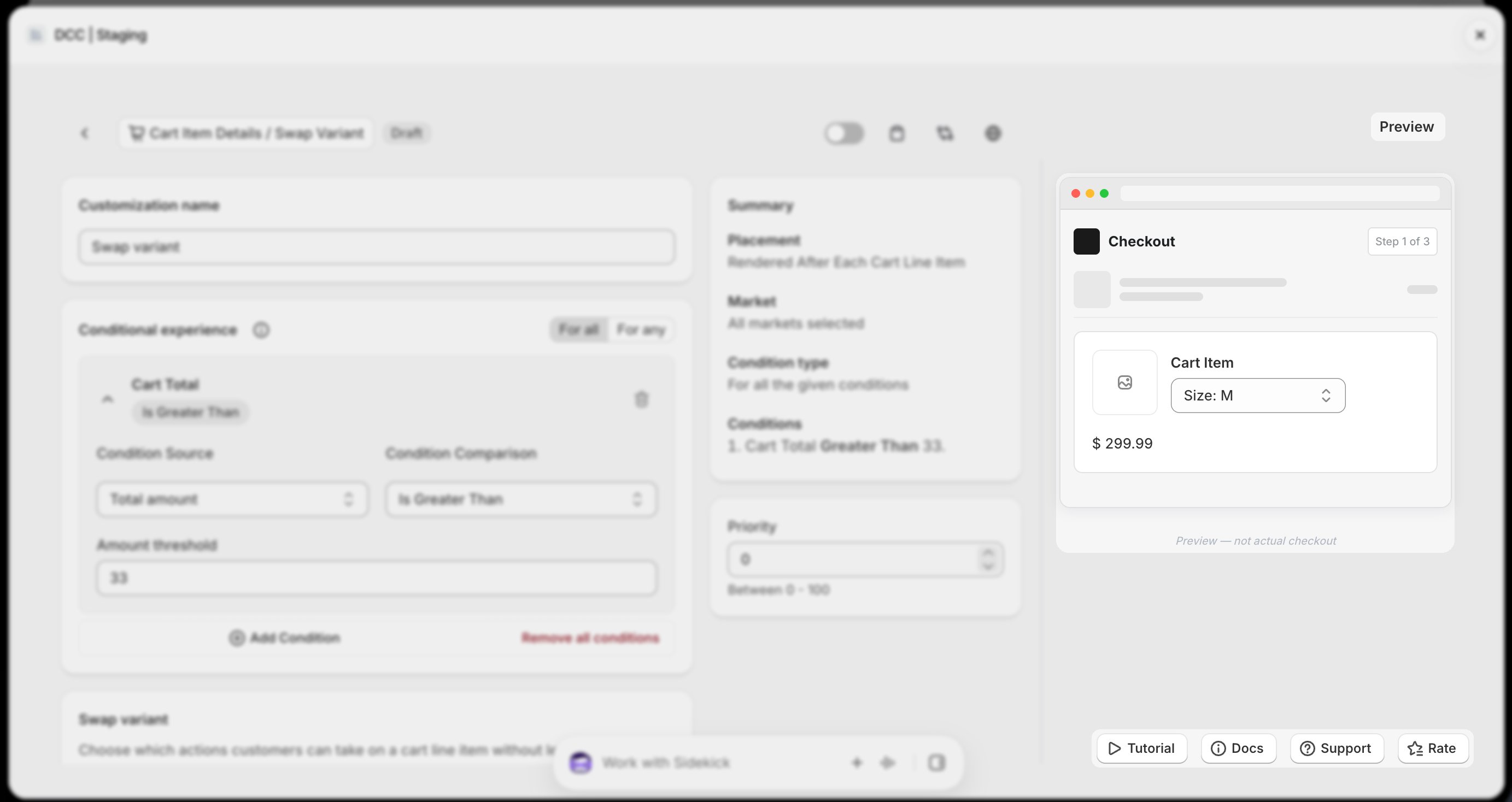
  <Step title="**Preview**">
    Preview shows , How this block looks like at **CheckOut.**
    <img src="https://mintcdn.com/nomads-arc/9Qv3bHMEBT_l5ot0/images/swap_preview_focus.png?fit=max&auto=format&n=9Qv3bHMEBT_l5ot0&q=85&s=7bbc386f9f35ed62422dba58abfe80aa" alt="Swap Preview Focus" width="2766" height="1468" data-path="images/swap_preview_focus.png" />
  </Step>

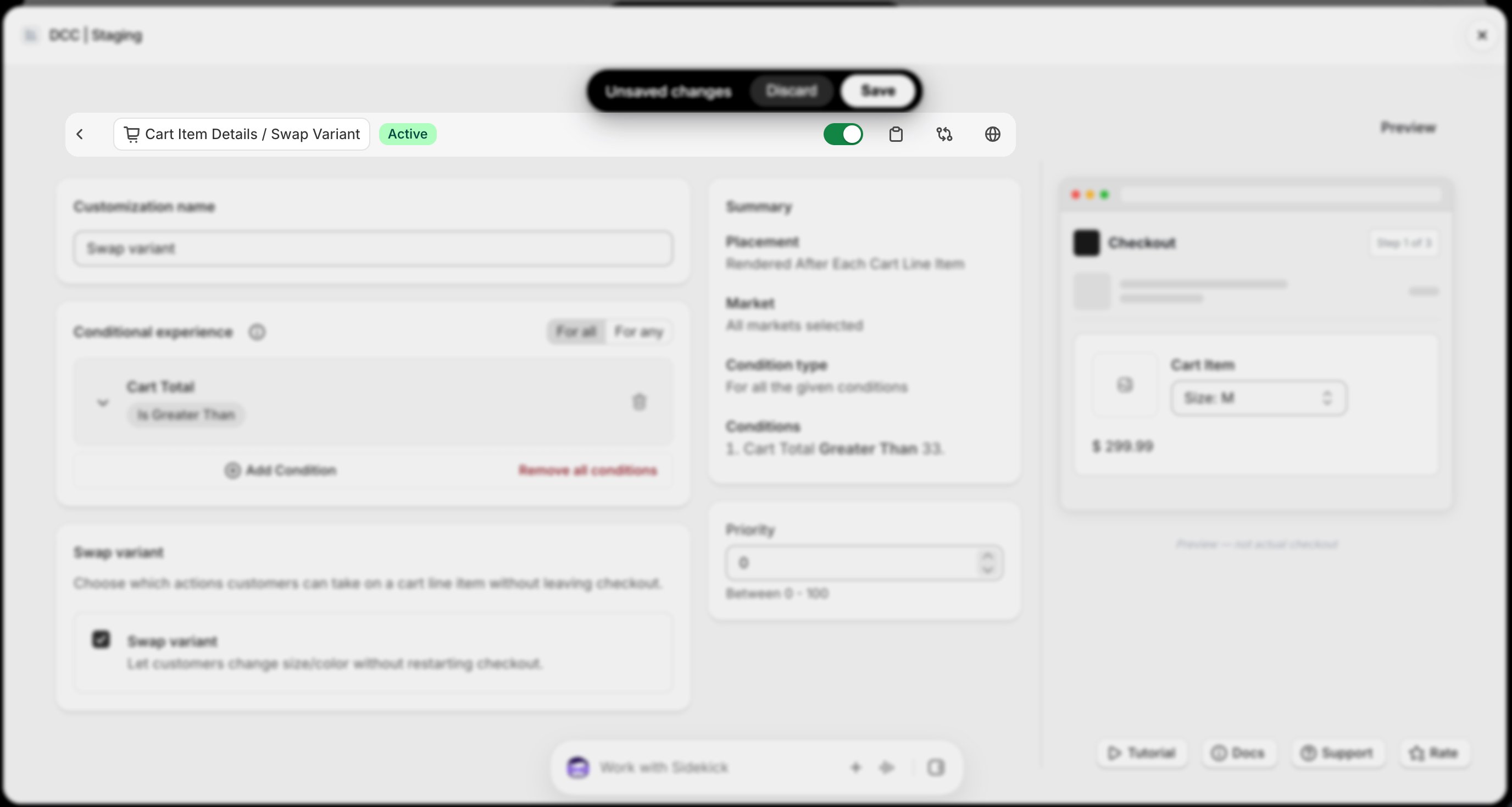
  <Step title="**Save the customization**">
    Click **Save** to store your configuration.
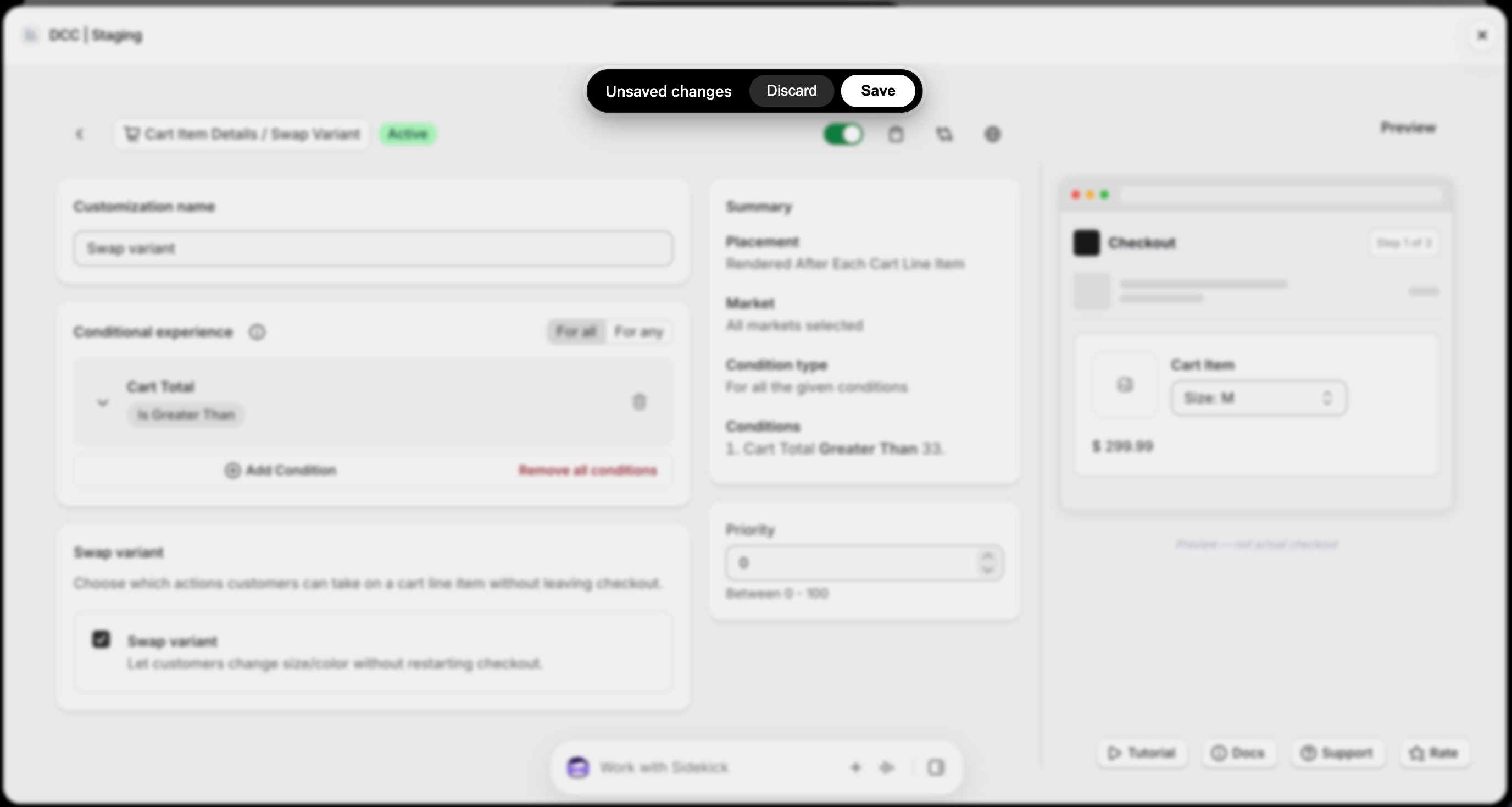
    <img src="https://mintcdn.com/nomads-arc/kB8B2TpjWkaofH1d/images/swap_5_unsaved_changes.png?fit=max&auto=format&n=kB8B2TpjWkaofH1d&q=85&s=e8523eccfe8767f6392998ab9b233ad7" alt="Swap 5 Unsaved Changes" width="2752" height="1468" data-path="images/swap_5_unsaved_changes.png" />
  </Step>

  <Step title="**Open the Checkout Editor**">
    Go to your Shopify [**Settings**](https://admin.shopify.com/settings) → Checkout, select your checkout profile, and click **Edit**.
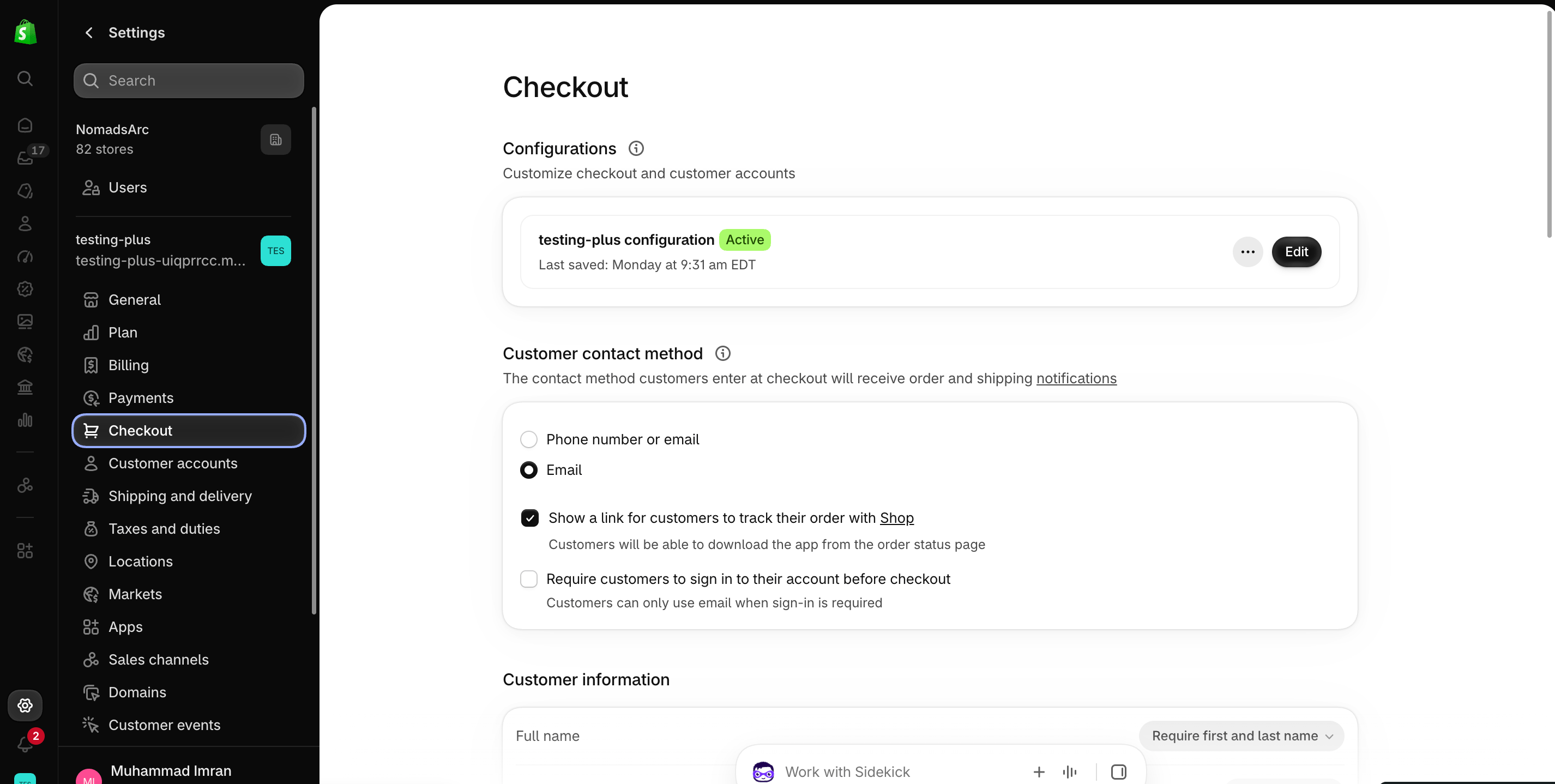
    <img src="https://mintcdn.com/nomads-arc/iXpFGcSFUJL7FNKL/images/screenshot_08.png?fit=max&auto=format&n=iXpFGcSFUJL7FNKL&q=85&s=16ba7d2015cd3c1cb9962b0f9665bac0" alt="" width="2852" height="1438" data-path="images/screenshot_08.png" />
  </Step>

  <Step title="**Add the app block**">
    In the [Checkout Editor](https://admin.shopify.com/settings/checkout/editor), click **Add app block**.
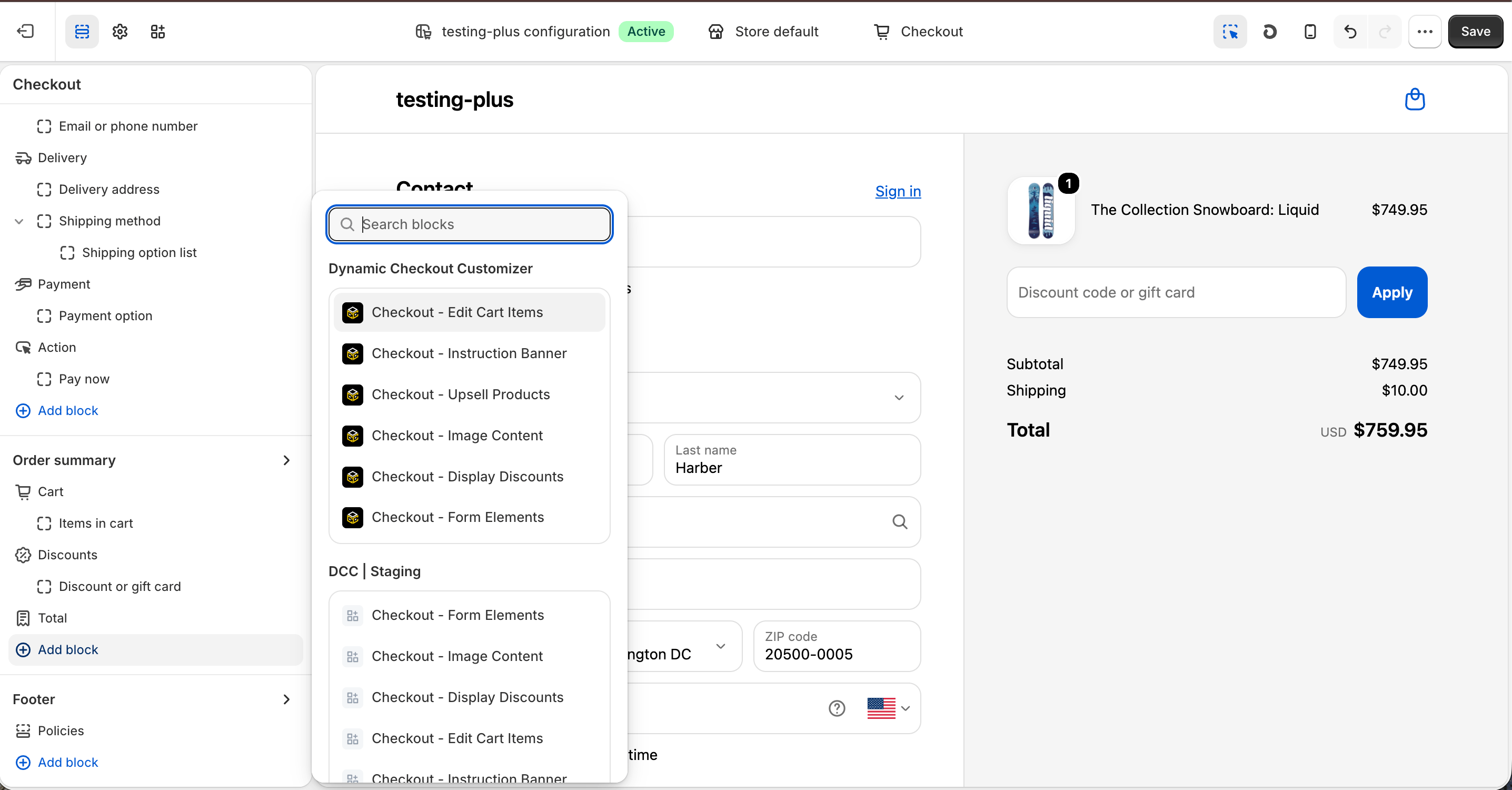
    <img src="https://mintcdn.com/nomads-arc/UCR5SRuGjVYtJoUj/images/Screenshot-2026-10-08-at-16.32.10.png?fit=max&auto=format&n=UCR5SRuGjVYtJoUj&q=85&s=69c61361f950eb531285eb7c0429fefb" alt="Screenshot 2026 10 08 At 16 32 10" width="2872" height="1500" data-path="images/Screenshot-2026-10-08-at-16.32.10.png" />

    <Note>
      Make sure the app block is placed in the same checkout placement you selected in Dynamic Checkout Customizer.
    </Note>
  </Step>

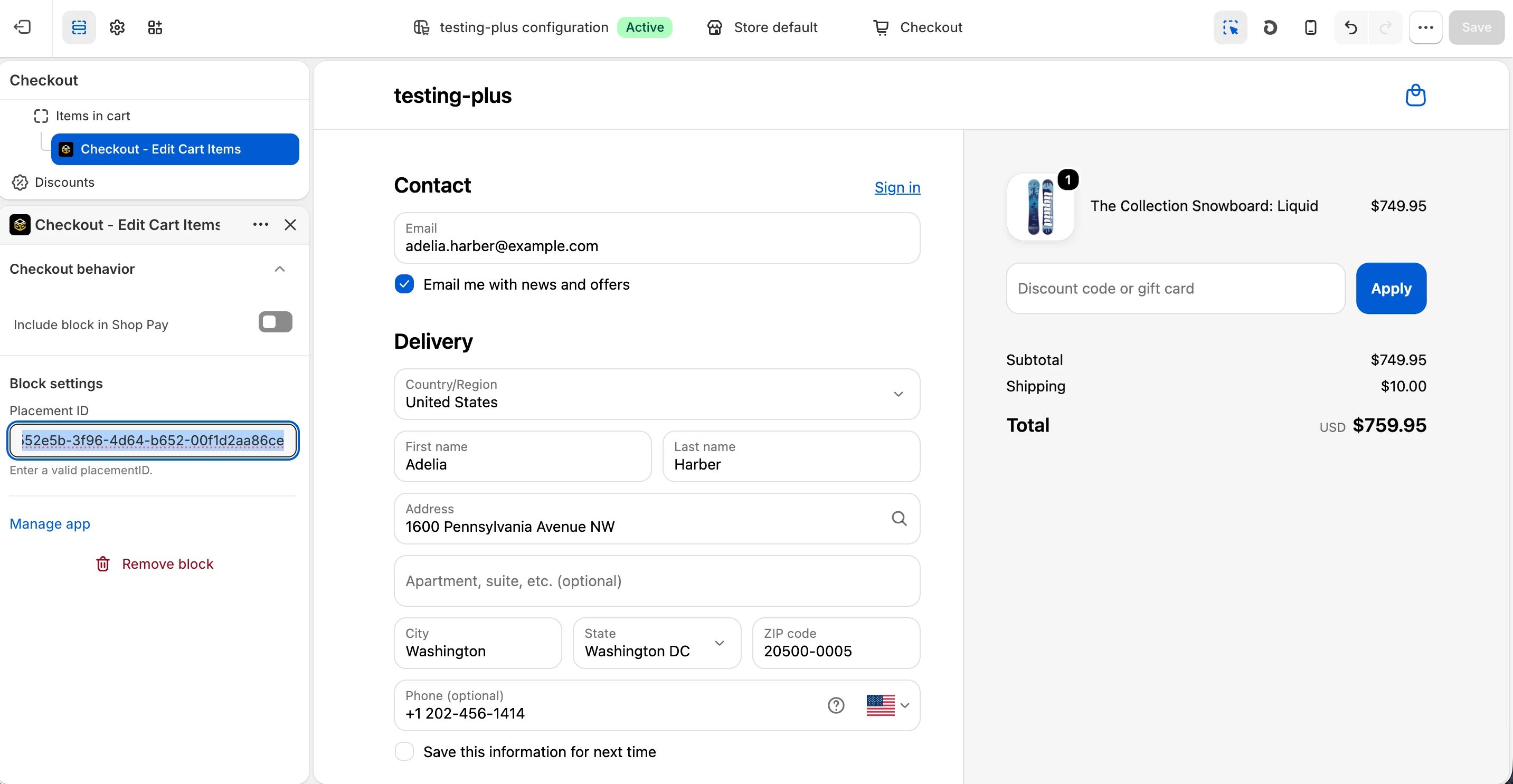
  <Step title="**Configure the app block**">
    Select the **Checkout – Edit cart item** app block, and paste the copied **Placement ID**.
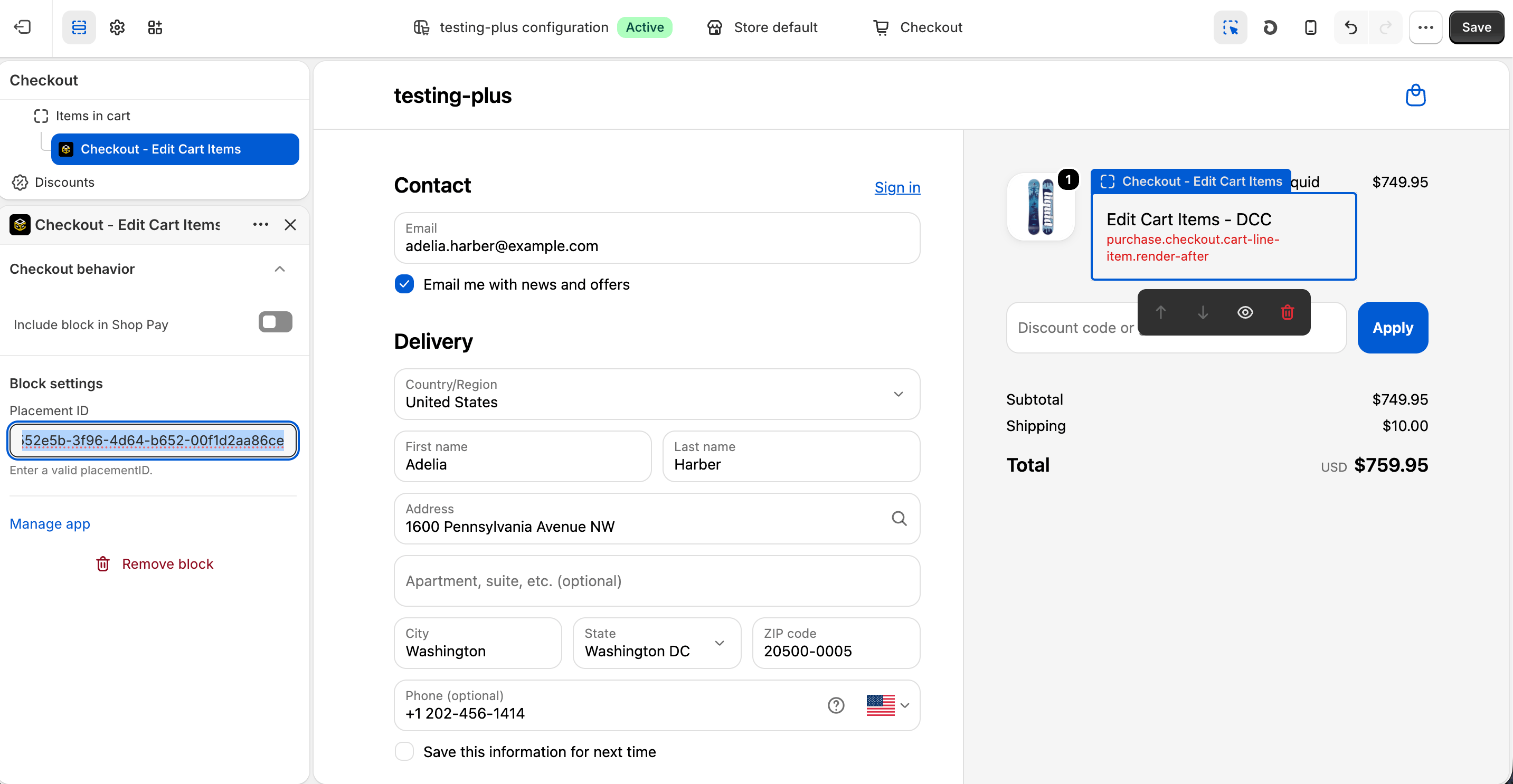
    <img src="https://mintcdn.com/nomads-arc/UCR5SRuGjVYtJoUj/images/Screenshot-2026-10-08-at-16.32.42.png?fit=max&auto=format&n=UCR5SRuGjVYtJoUj&q=85&s=ce095afe2ec4ff085c37af7b934c8939" alt="Screenshot 2026 10 08 At 16 32 42" width="2866" height="1486" data-path="images/Screenshot-2026-10-08-at-16.32.42.png" />
  </Step>

  <Step title="**Publish your changes**">
    Click **Save** in the Checkout Editor to publish the customization.
    <img src="https://mintcdn.com/nomads-arc/cqW515qnj7Jw10j_/images/swap_clean.png?fit=max&auto=format&n=cqW515qnj7Jw10j_&q=85&s=664e6480a62550b670b829556611f455" alt="Swap Clean" width="2866" height="1486" data-path="images/swap_clean.png" />
  </Step>
</Steps>


This documentation is built and hosted on [Mintlify](https://mintlify.com), a developer documentation platform.