> ## Documentation Index
> Fetch the complete documentation index at: https://docs.nomadsarc.app/llms.txt
> Use this file to discover all available pages before exploring further.

# 🛡️ Warranty Details

How to display **Warranty Details** on checkout using the **Template ->** **Content -> Warranty details** option.

<video src="https://mintcdn.com/nomads-arc/kh4Xoe0LvyhnwDcH/videos/warranty-details.mp4?fit=max&auto=format&n=kh4Xoe0LvyhnwDcH&q=85&s=9ee9d8754ae666b715744460f465f18b" controls data-path="videos/warranty-details.mp4" />

## Guide

<Steps>
  <Step title="**Create a new customization**">
    Create a new [customization](https://admin.shopify.com/apps/dynamic-checkout-customizer/customizations).
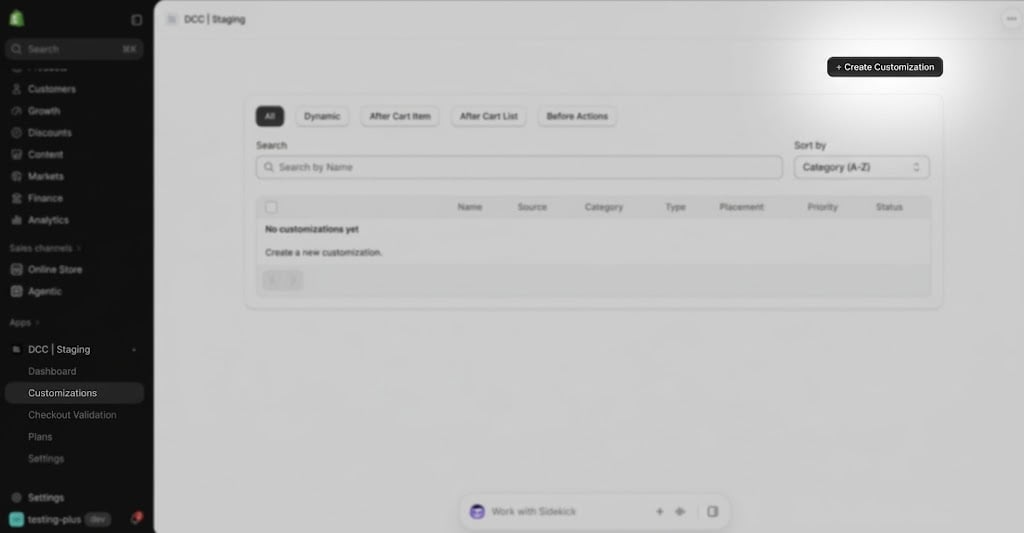
    <img src="https://mintcdn.com/nomads-arc/9K0A-5MuUGoYAB4Z/images/image-36.png?fit=max&auto=format&n=9K0A-5MuUGoYAB4Z&q=85&s=ee1d12d8d0744e03fa79245e45751cb1" alt="Image" width="1024" height="533" data-path="images/image-36.png" />
  </Step>

  <Step title="**Choose the Content type**">
    Select \*\*Warranty details \*\*from the available content types to display custom images and text during checkout.
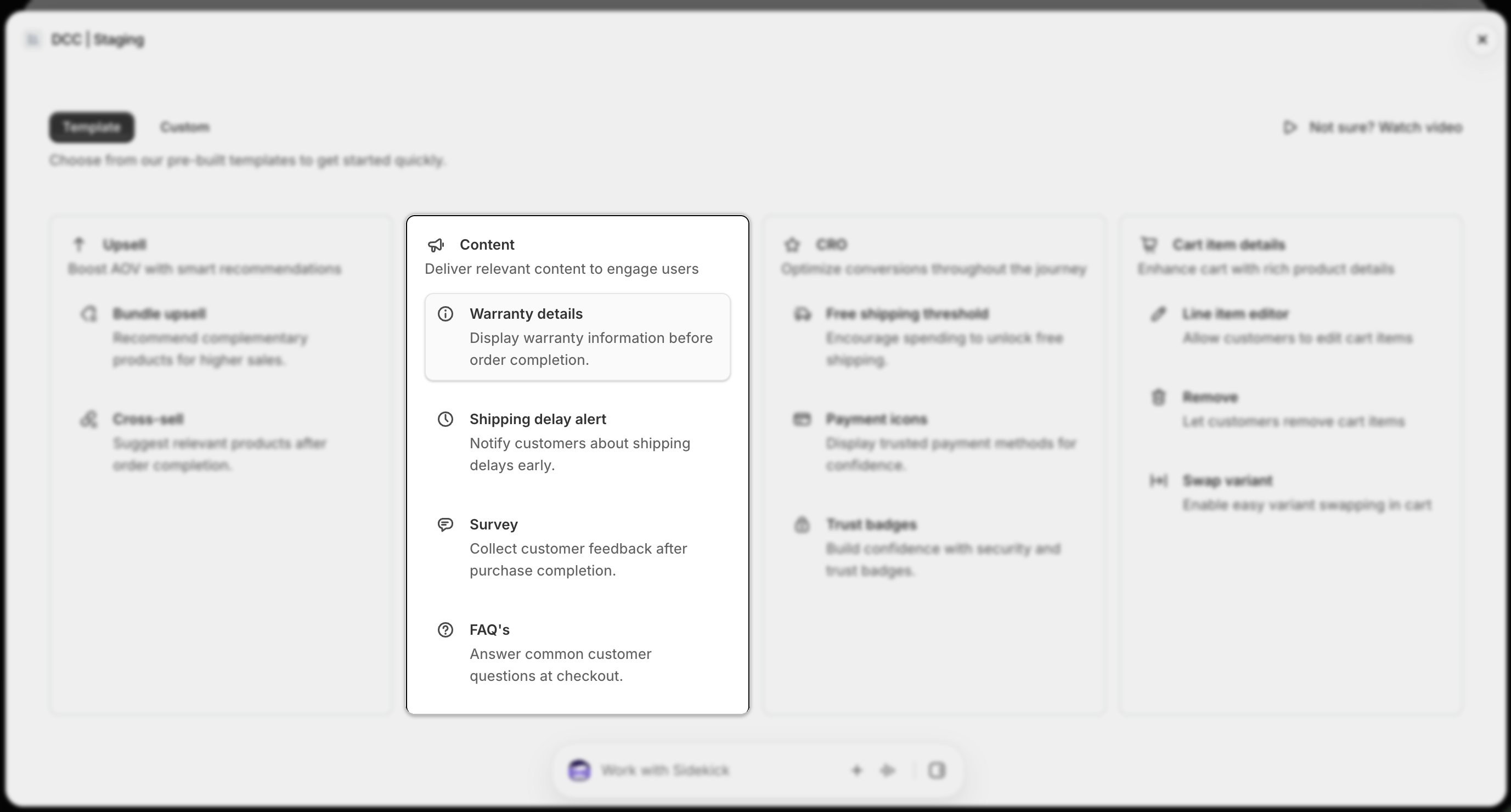
    <img src="https://mintcdn.com/nomads-arc/9K0A-5MuUGoYAB4Z/images/template_content_card_warranty_focus.png?fit=max&auto=format&n=9K0A-5MuUGoYAB4Z&q=85&s=8e4fb9f635a0022481e1ea879b1d932f" alt="Template Content Card Warranty Focus" width="2754" height="1480" data-path="images/template_content_card_warranty_focus.png" />
  </Step>

  <Step title="**Configure display conditions**">
    Add one or more **conditions** to control when the content appears during checkout.
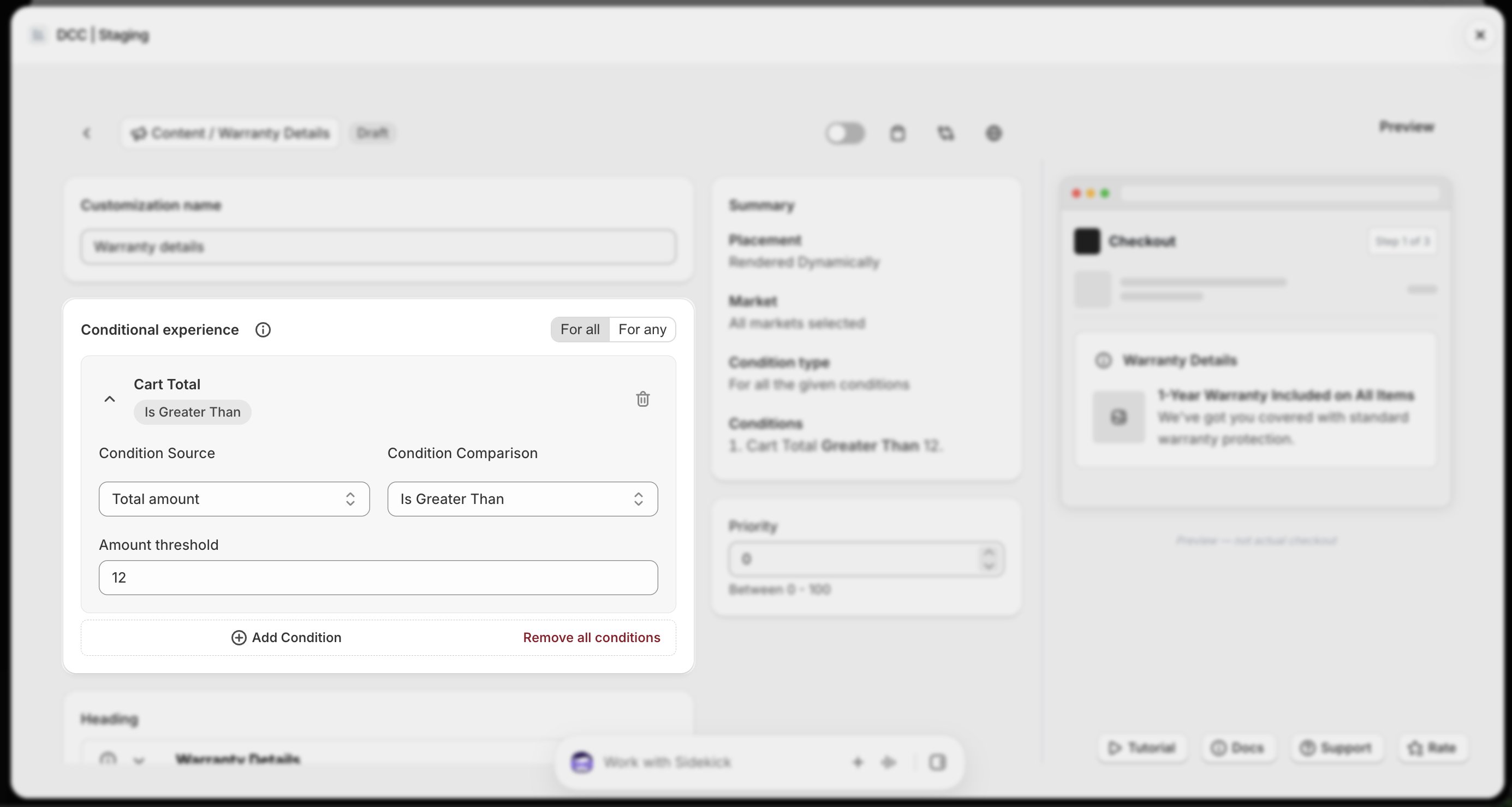
    <img src="https://mintcdn.com/nomads-arc/9K0A-5MuUGoYAB4Z/images/warranty_conditional_experience_focus.png?fit=max&auto=format&n=9K0A-5MuUGoYAB4Z&q=85&s=fff6a522e5ffadb58011d92bc8b6ba97" alt="Warranty Conditional Experience Focus" width="2770" height="1478" data-path="images/warranty_conditional_experience_focus.png" />
  </Step>

  <Step title="**Configure the content**">
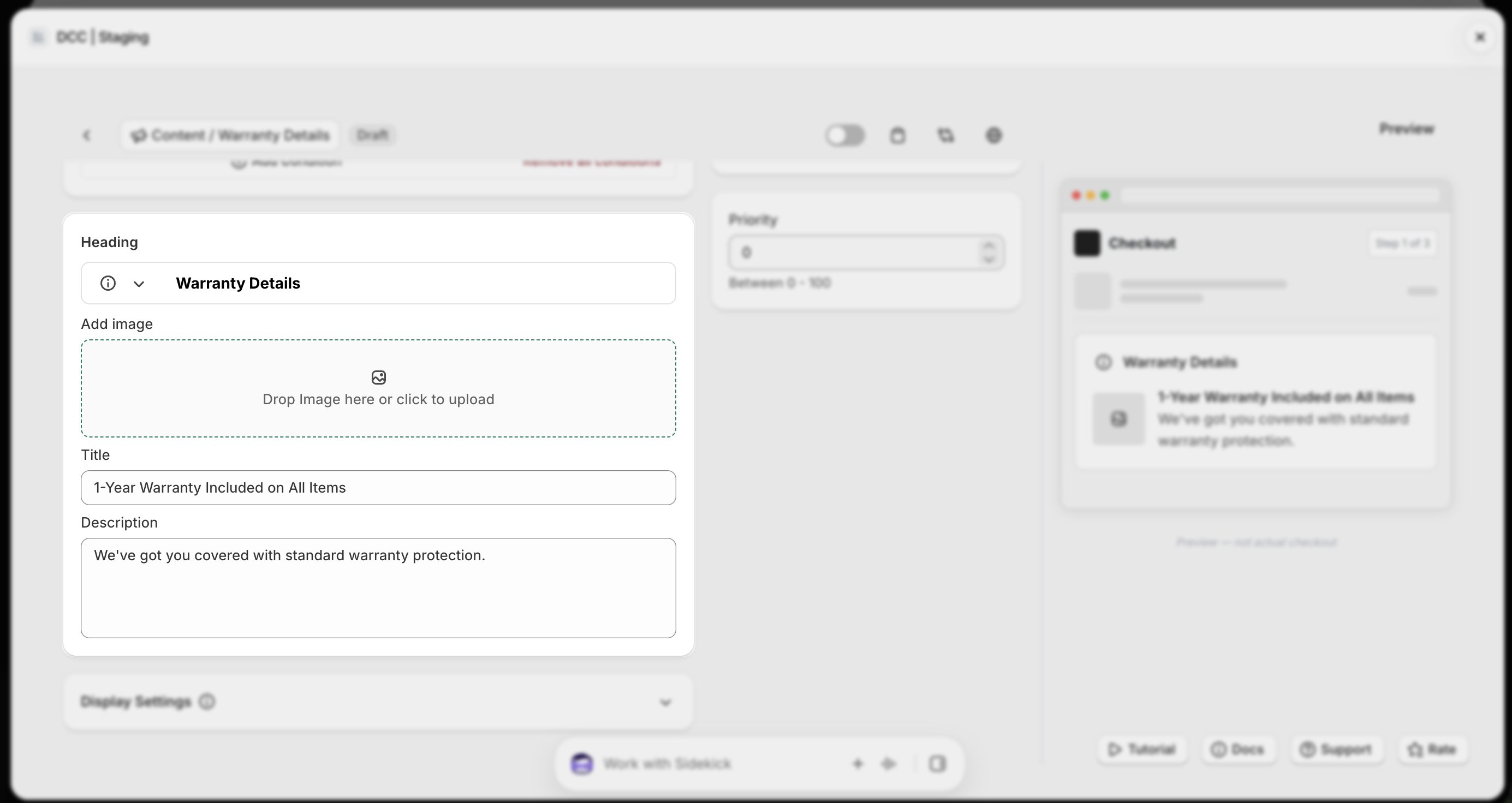
    Configure the **Content Settings**, including:

    * **Upload image**
    * **Add Title**
    * **Add Description**

    Adjust these settings to match your store's branding and checkout experience.
    <img src="https://mintcdn.com/nomads-arc/9K0A-5MuUGoYAB4Z/images/warranty_heading_image_title_description_focus.png?fit=max&auto=format&n=9K0A-5MuUGoYAB4Z&q=85&s=cf1e08af45152ae70dbcc5a55c42c1b5" alt="Warranty Heading Image Title Description Focus" width="2770" height="1472" data-path="images/warranty_heading_image_title_description_focus.png" />
  </Step>

  <Step title="**Activate the customization**">
    Change the **Status** to **Active** using toggle button to enable the customization.
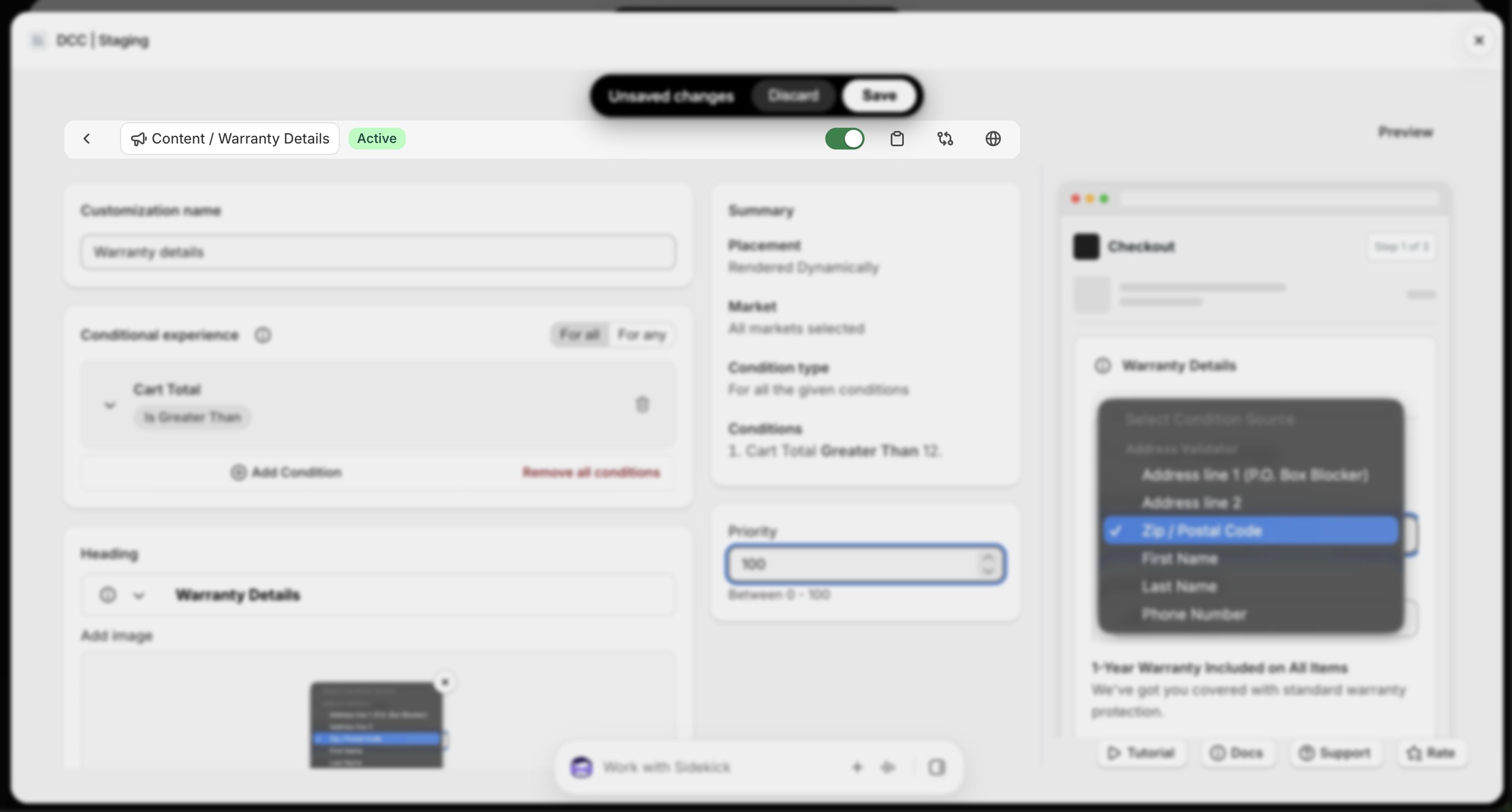
    <img src="https://mintcdn.com/nomads-arc/9K0A-5MuUGoYAB4Z/images/warranty_toolbar_focus.png?fit=max&auto=format&n=9K0A-5MuUGoYAB4Z&q=85&s=75a4966efecd205a27ae2e3a826fbe7f" alt="Warranty Toolbar Focus" width="2772" height="1488" data-path="images/warranty_toolbar_focus.png" />
  </Step>

  <Step title="**Customize the display**">
    Configure the **Display Settings** to control how the image will appear during checkout.
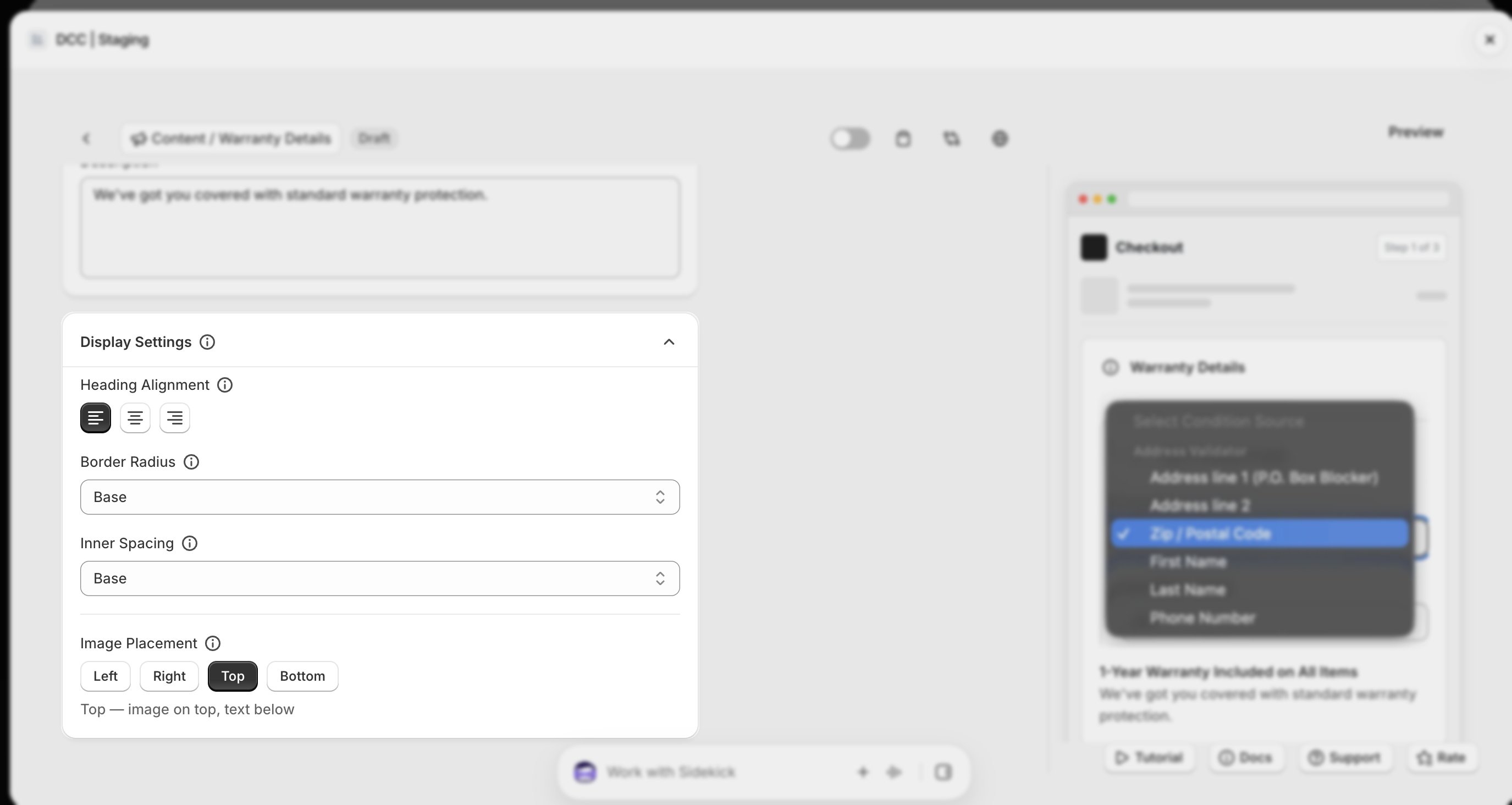
    <img src="https://mintcdn.com/nomads-arc/9K0A-5MuUGoYAB4Z/images/warranty_display_settings_focus.png?fit=max&auto=format&n=9K0A-5MuUGoYAB4Z&q=85&s=30d91296ce20230328e4fa761bf6c1bf" alt="Warranty Display Settings Focus" width="2750" height="1464" data-path="images/warranty_display_settings_focus.png" />
  </Step>

  <Step title="**Set the priority**">
    Configure the **Priority** (0–100) to determine the execution order when multiple customizations are eligible.
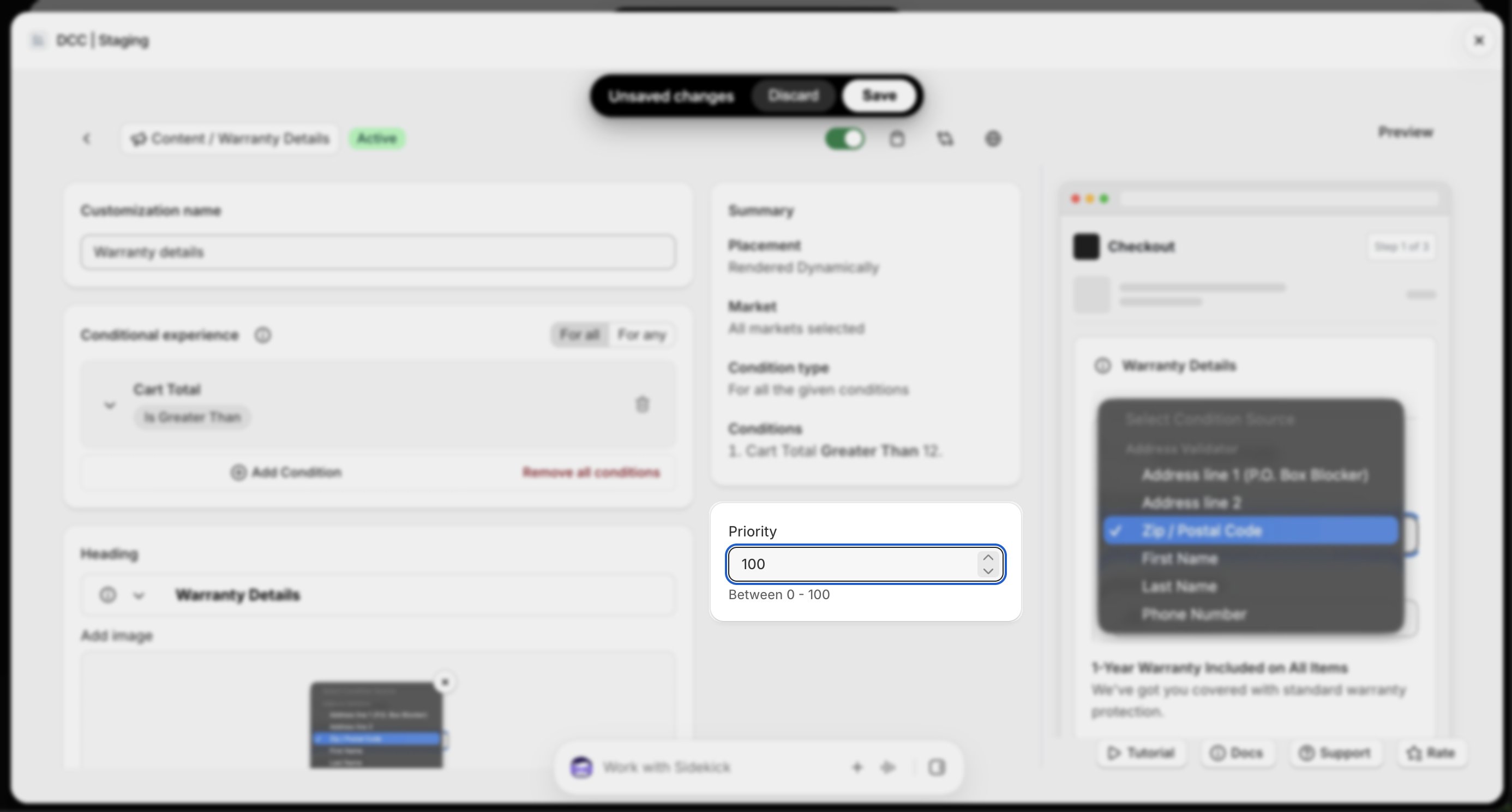
    <img src="https://mintcdn.com/nomads-arc/9K0A-5MuUGoYAB4Z/images/warranty_priority_focus.png?fit=max&auto=format&n=9K0A-5MuUGoYAB4Z&q=85&s=2dba0d66f974c8ffebd3ed21ed964cbc" alt="Warranty Priority Focus" width="2772" height="1488" data-path="images/warranty_priority_focus.png" />
  </Step>

  <Step title="**Copy the Placement ID**">
    Copy the generated **Placement ID** from clipboard icon. You'll use this in the Shopify Checkout Editor.
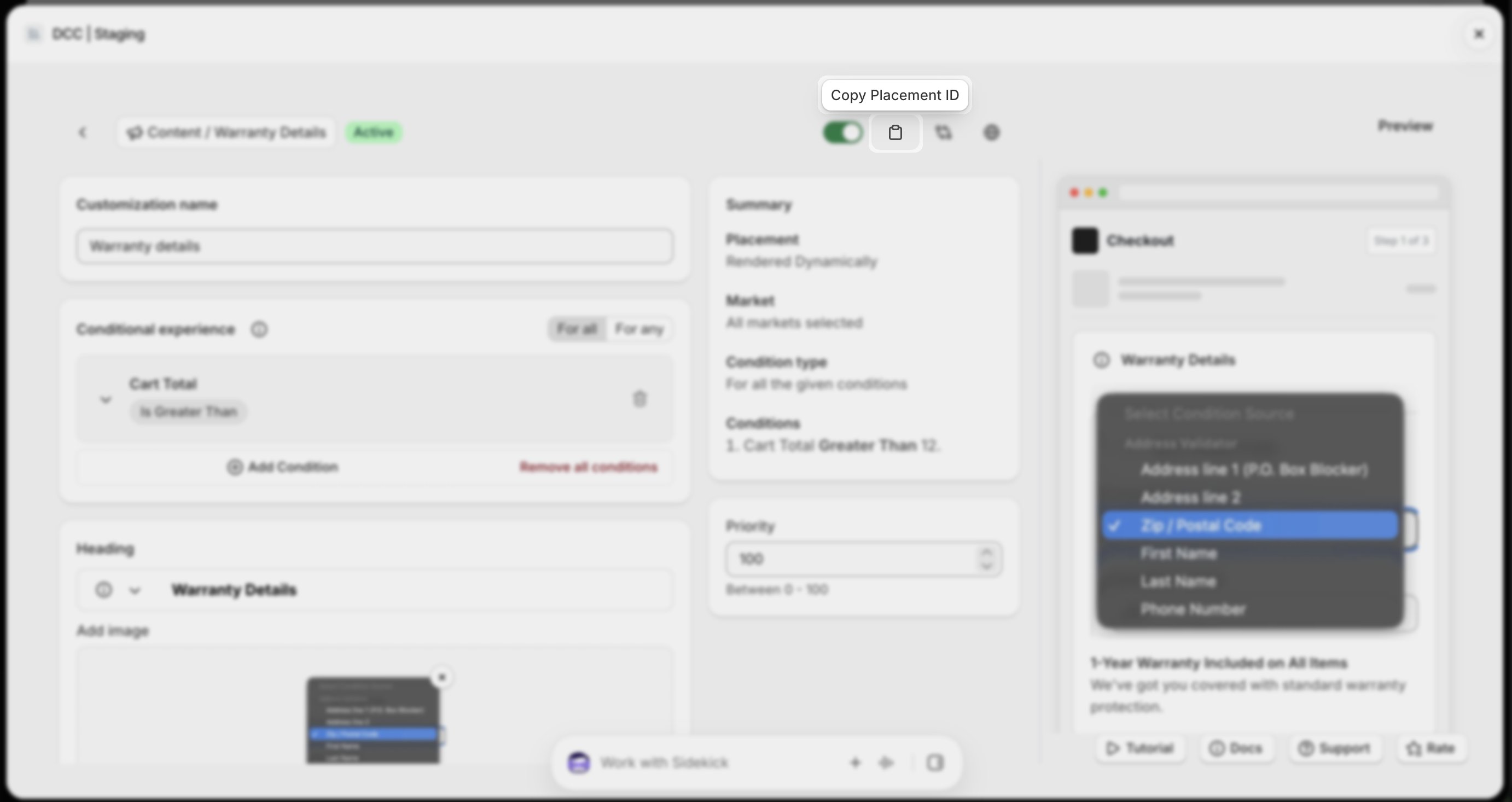
    <img src="https://mintcdn.com/nomads-arc/9K0A-5MuUGoYAB4Z/images/warranty_copy_placement_id_focus.png?fit=max&auto=format&n=9K0A-5MuUGoYAB4Z&q=85&s=32295a4a28cf470cc885eb8564595796" alt="Warranty Copy Placement Id Focus" width="2764" height="1466" data-path="images/warranty_copy_placement_id_focus.png" />
  </Step>

  <Step title="**Preview**">
    Preview shows , How this block looks like at **CheckOut.**
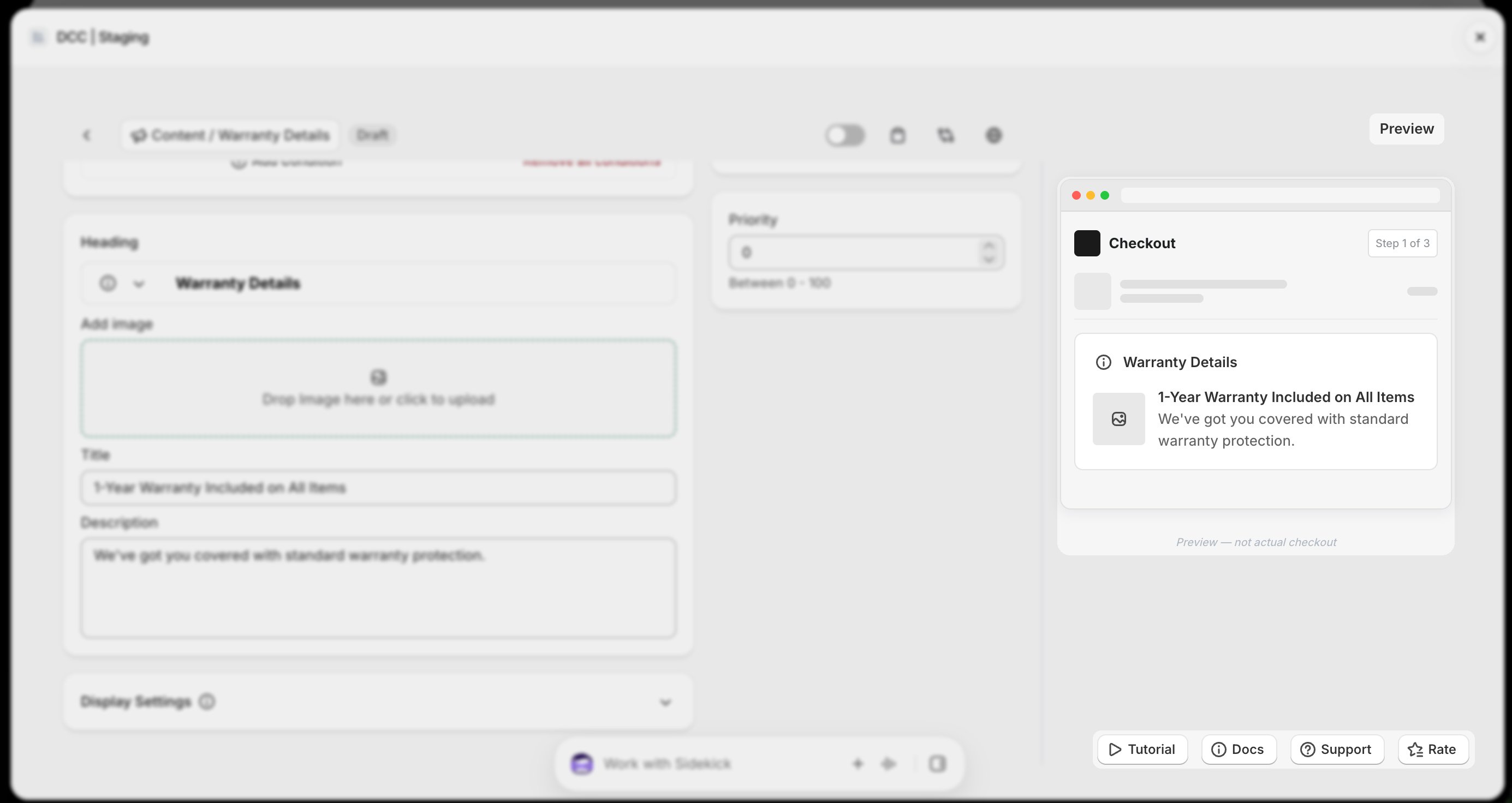
    <img src="https://mintcdn.com/nomads-arc/9Qv3bHMEBT_l5ot0/images/warranty_preview_focus.png?fit=max&auto=format&n=9Qv3bHMEBT_l5ot0&q=85&s=3973d9d54cbd432c19c285d0495612e0" alt="Warranty Preview Focus" width="2770" height="1472" data-path="images/warranty_preview_focus.png" />
  </Step>

  <Step title="**Save the customization**">
    Click **Save** to store your configuration.
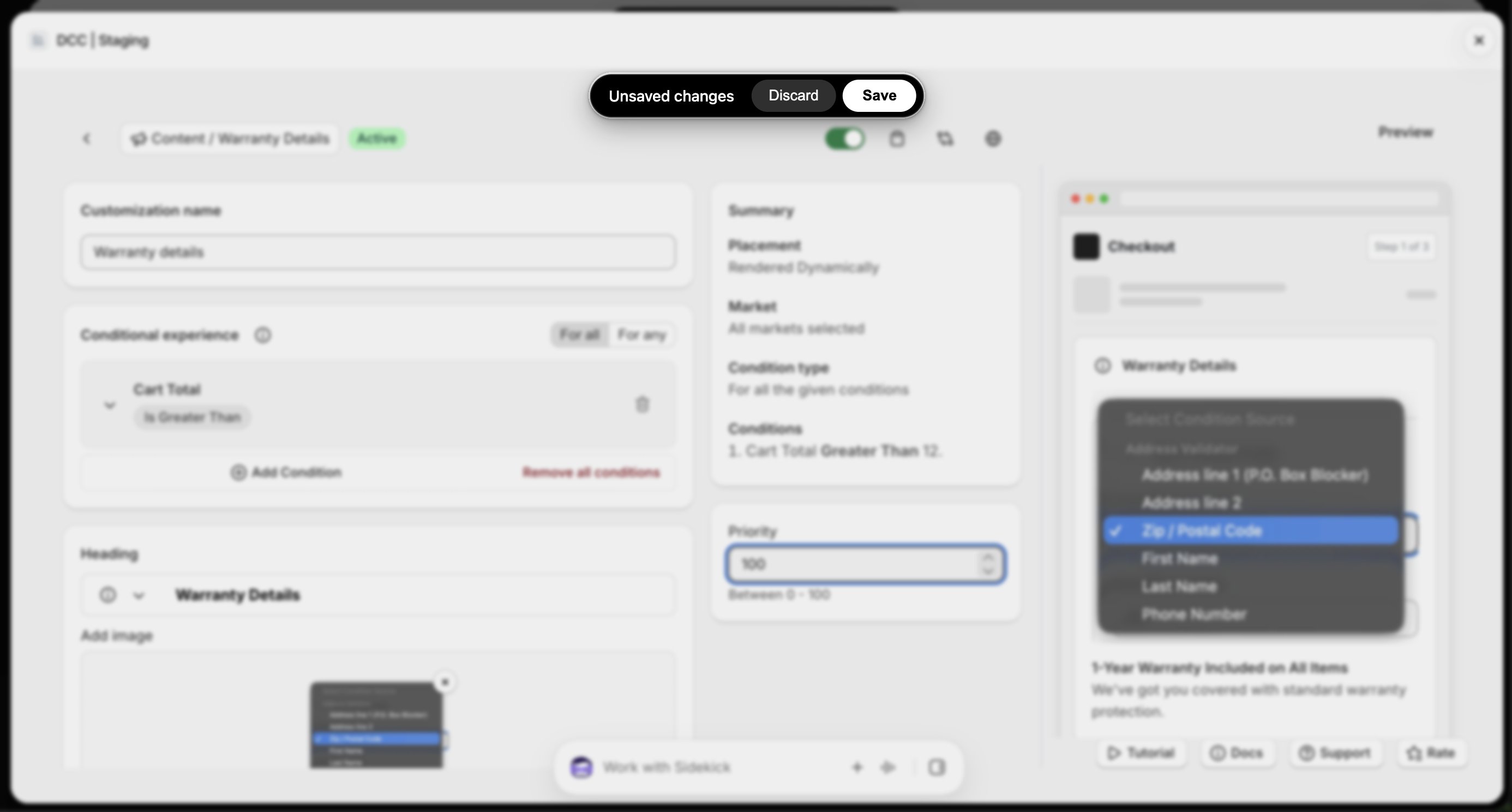
    <img src="https://mintcdn.com/nomads-arc/9K0A-5MuUGoYAB4Z/images/warranty_unsaved_changes_focus.png?fit=max&auto=format&n=9K0A-5MuUGoYAB4Z&q=85&s=749aa3dc08d44e13fac354b7b67dd6d3" alt="Warranty Unsaved Changes Focus" width="2772" height="1488" data-path="images/warranty_unsaved_changes_focus.png" />
  </Step>

  <Step title="**Open the Checkout Editor**">
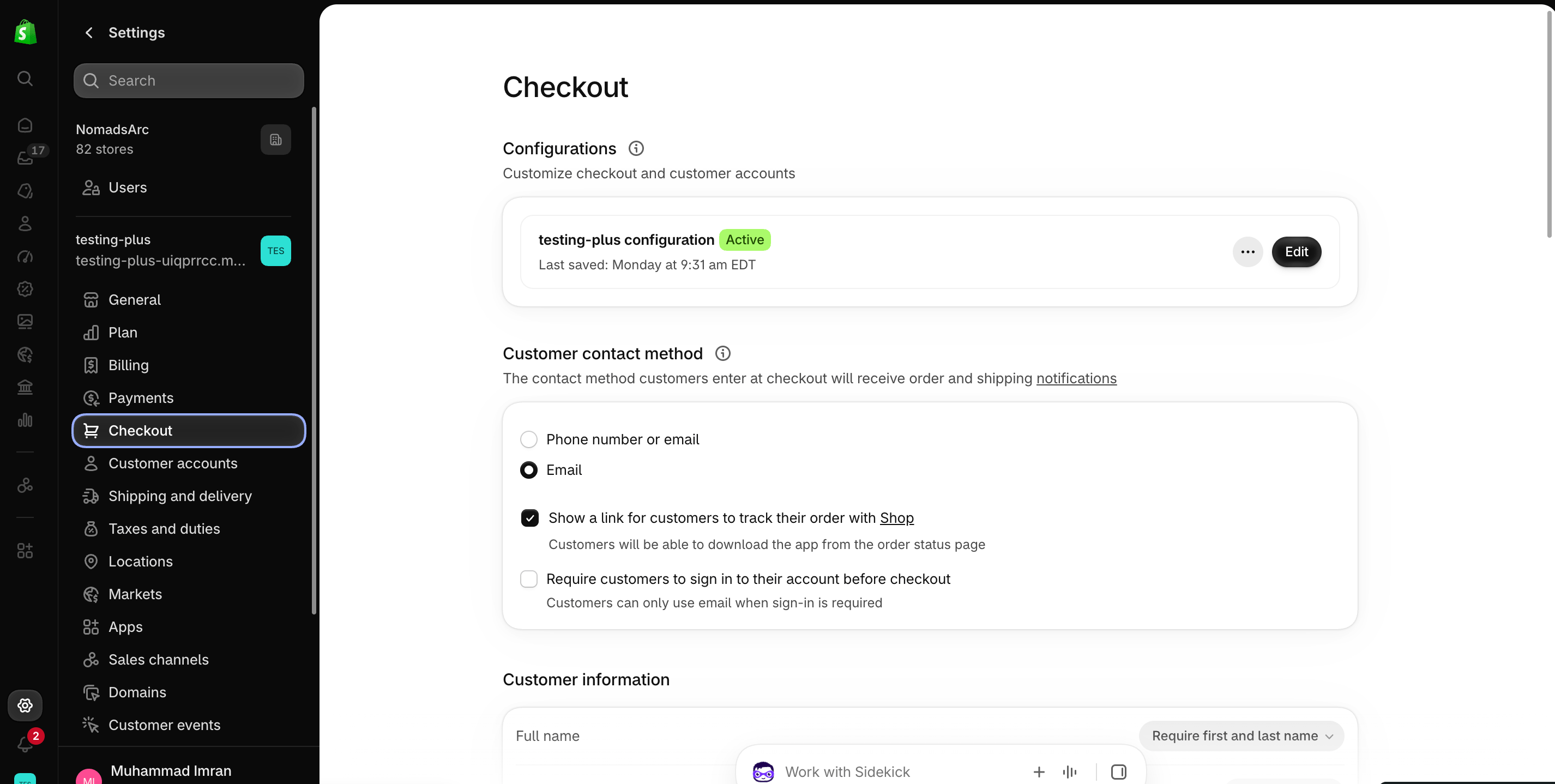
    Go to your Shopify [Settings](https://admin.shopify.com/settings) **→ Checkout**, select your checkout profile, and click **Edit**.
    <img src="https://mintcdn.com/nomads-arc/iXpFGcSFUJL7FNKL/images/screenshot_08.png?fit=max&auto=format&n=iXpFGcSFUJL7FNKL&q=85&s=16ba7d2015cd3c1cb9962b0f9665bac0" alt="" width="2852" height="1438" data-path="images/screenshot_08.png" />
  </Step>

  <Step title="**Add the app block**">
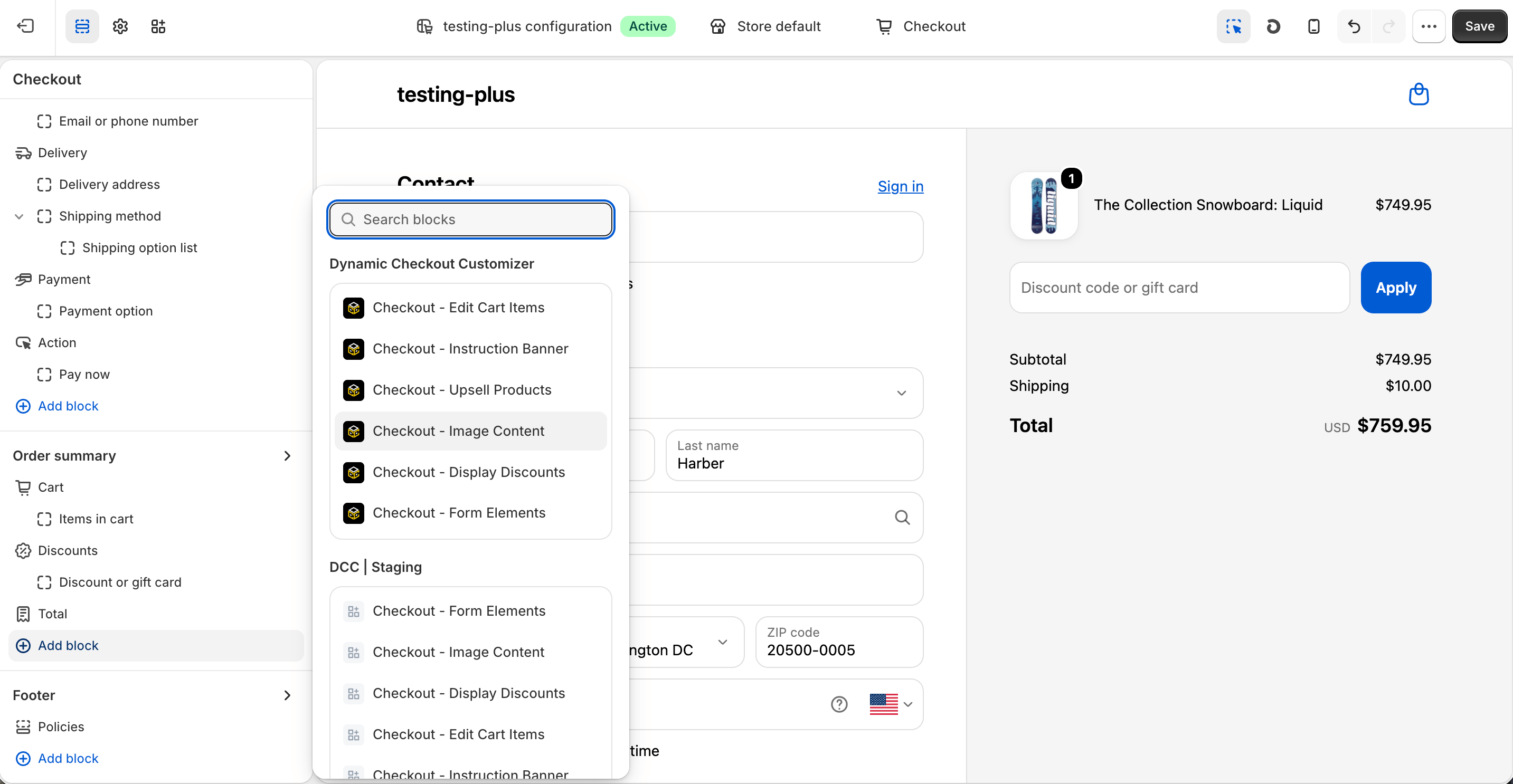
    In the [Checkout Editor](https://admin.shopify.com/settings/checkout/editor), click **Add app block**.
    <img src="https://mintcdn.com/nomads-arc/u9pYvztLRnrKdKD0/images/Screenshot-2026-10-08-at-16.25.08.png?fit=max&auto=format&n=u9pYvztLRnrKdKD0&q=85&s=9863aaeb303bee52b6ed0f1192f1a675" alt="Screenshot 2026 10 08 At 16 25 08" width="2866" height="1486" data-path="images/Screenshot-2026-10-08-at-16.25.08.png" />

    <Note>
      Make sure the app block is placed in the same checkout placement you selected in Dynamic Checkout Customizer.
    </Note>
  </Step>

  <Step title="**Configure the app block**">
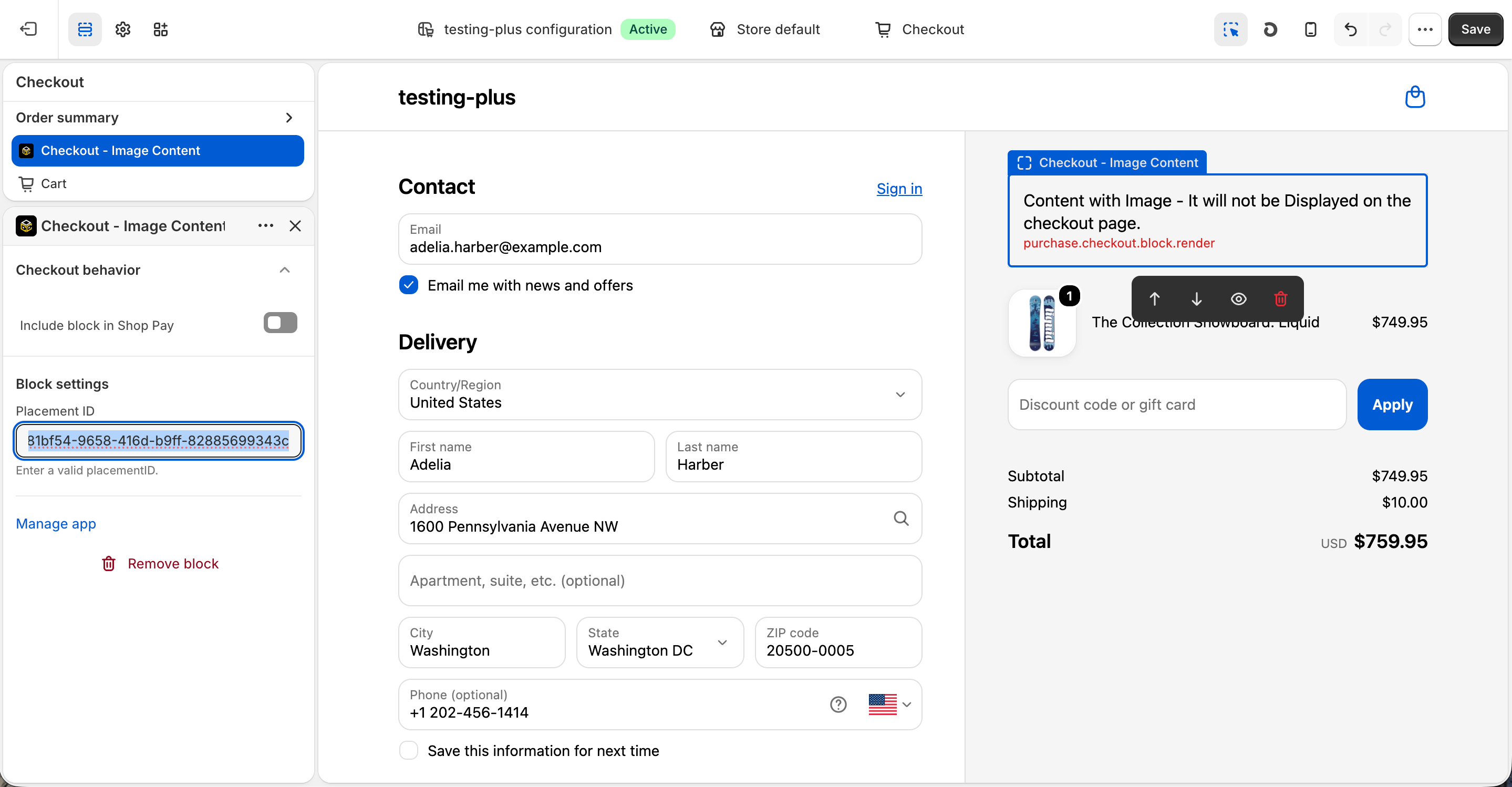
    Select the **Checkout – Image Content** app block, and paste the copied **Placement ID**.
    <img src="https://mintcdn.com/nomads-arc/u9pYvztLRnrKdKD0/images/Screenshot-2026-10-08-at-16.25.29.png?fit=max&auto=format&n=u9pYvztLRnrKdKD0&q=85&s=30ea02b8f6993917a4c2797d12bcef0c" alt="Screenshot 2026 10 08 At 16 25 29" width="2878" height="1498" data-path="images/Screenshot-2026-10-08-at-16.25.29.png" />
  </Step>

  <Step title="**Publish your changes**">
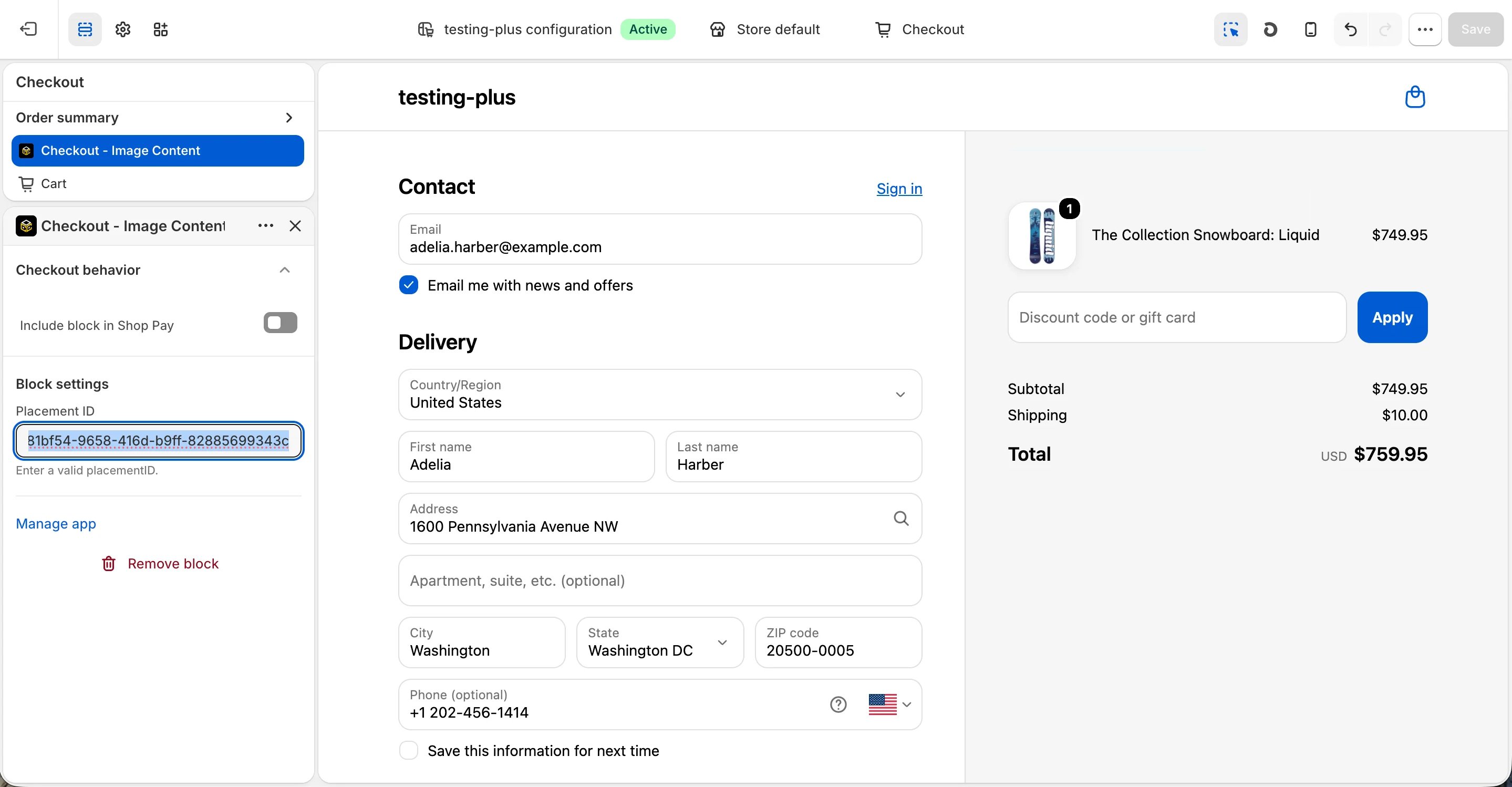
    Click **Save** in the Checkout Editor to publish the customization.
    <img src="https://mintcdn.com/nomads-arc/RzpK3cAhme6CksMw/images/image_content_clean-3.png?fit=max&auto=format&n=RzpK3cAhme6CksMw&q=85&s=3fc24b1c5d64e8af1afcd390a0fac580" alt="Image Content Clean" width="2878" height="1498" data-path="images/image_content_clean-3.png" />
  </Step>
</Steps>


This documentation is built and hosted on [Mintlify](https://mintlify.com), a developer documentation platform.