> ## Documentation Index
> Fetch the complete documentation index at: https://docs.nomadsarc.app/llms.txt
> Use this file to discover all available pages before exploring further.
# Set Quantity Break Pricing for Products in Shopify
> Configure quantity break discounts in Slice 'n Save with min/max breakpoints. Reward customers who buy in bulk with automatic pricing tiers.
Quantity breaks let you set different discount levels based on the quantity of a product in the cart, using minimum and maximum quantity breakpoints. Unlike tiered discounts (which apply one tier to the whole order), quantity breaks can apply different discounts to different quantity ranges simultaneously — ideal for clearance sales.
Quantity break discounts require the **Plus** plan. Upgrade your plan from the Slice 'n Save app settings before setting up this discount type.
## Steps Guide
Open the [Discounts](https://admin.shopify.com/apps/slice-n-save/discounts) section in the Slice 'n Save app and click **Create discount**.
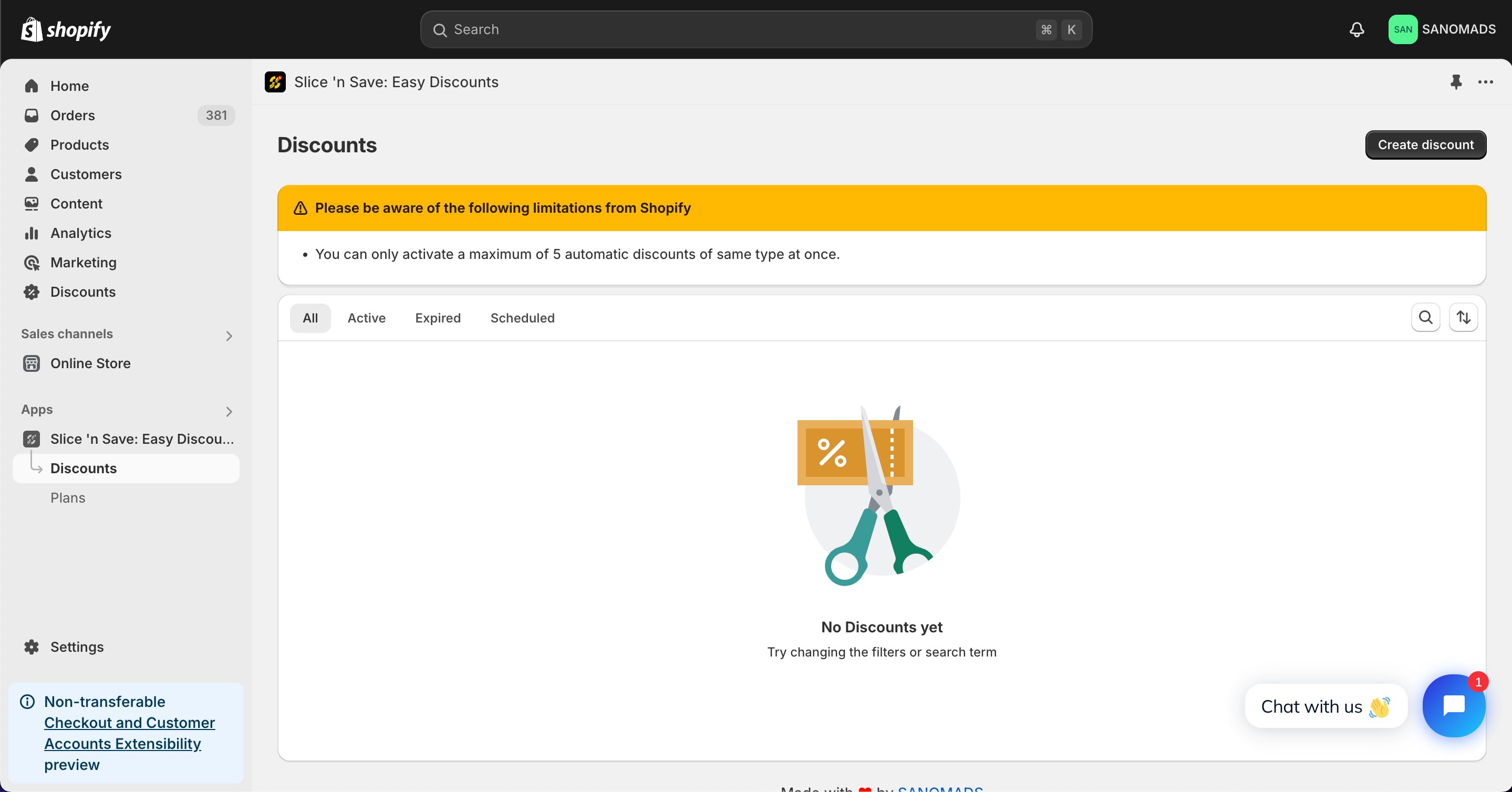 Choose **Quantity breaks** from the list of discount types.
 Select the discount method and enter a title for the discount.
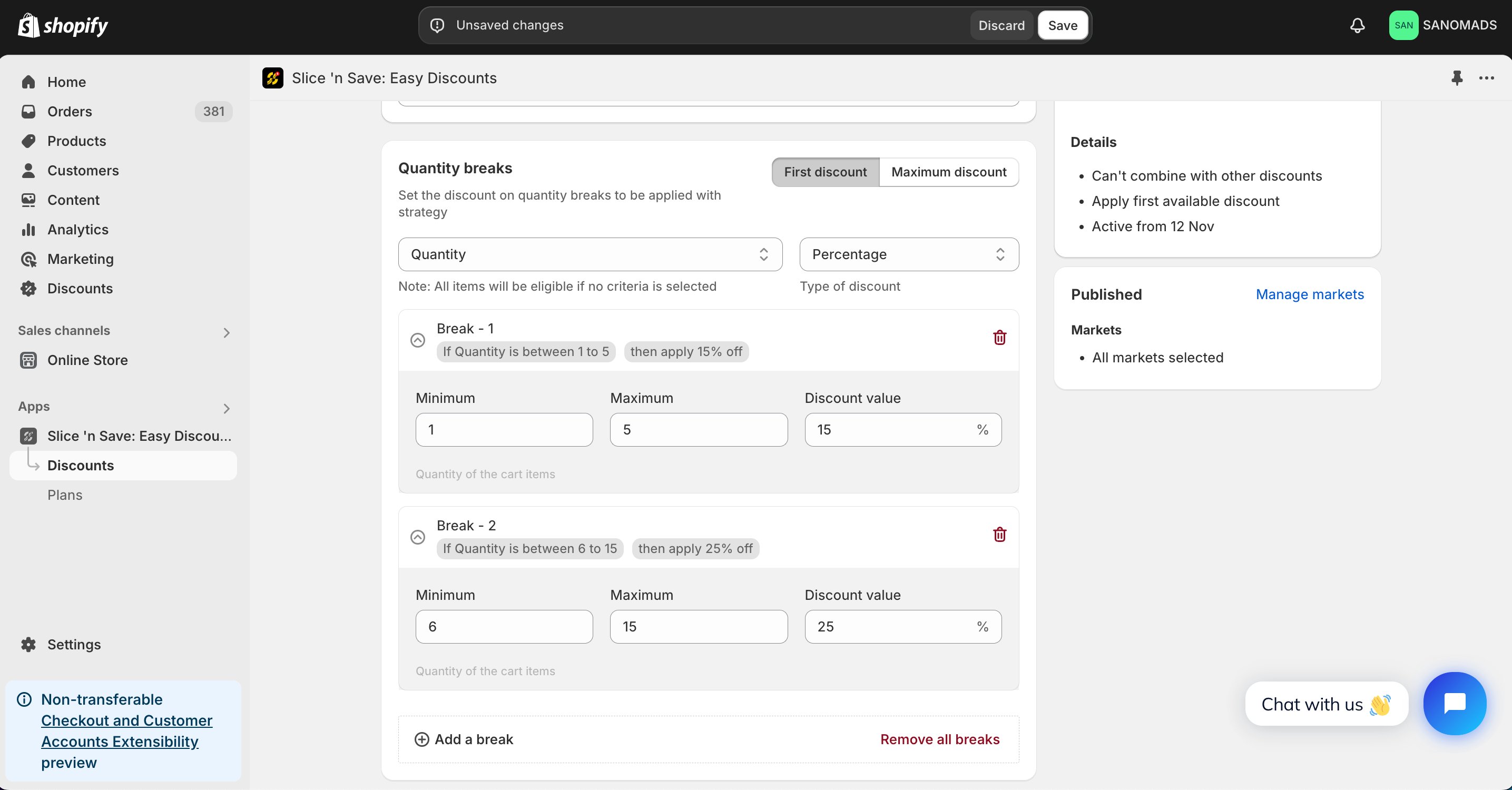
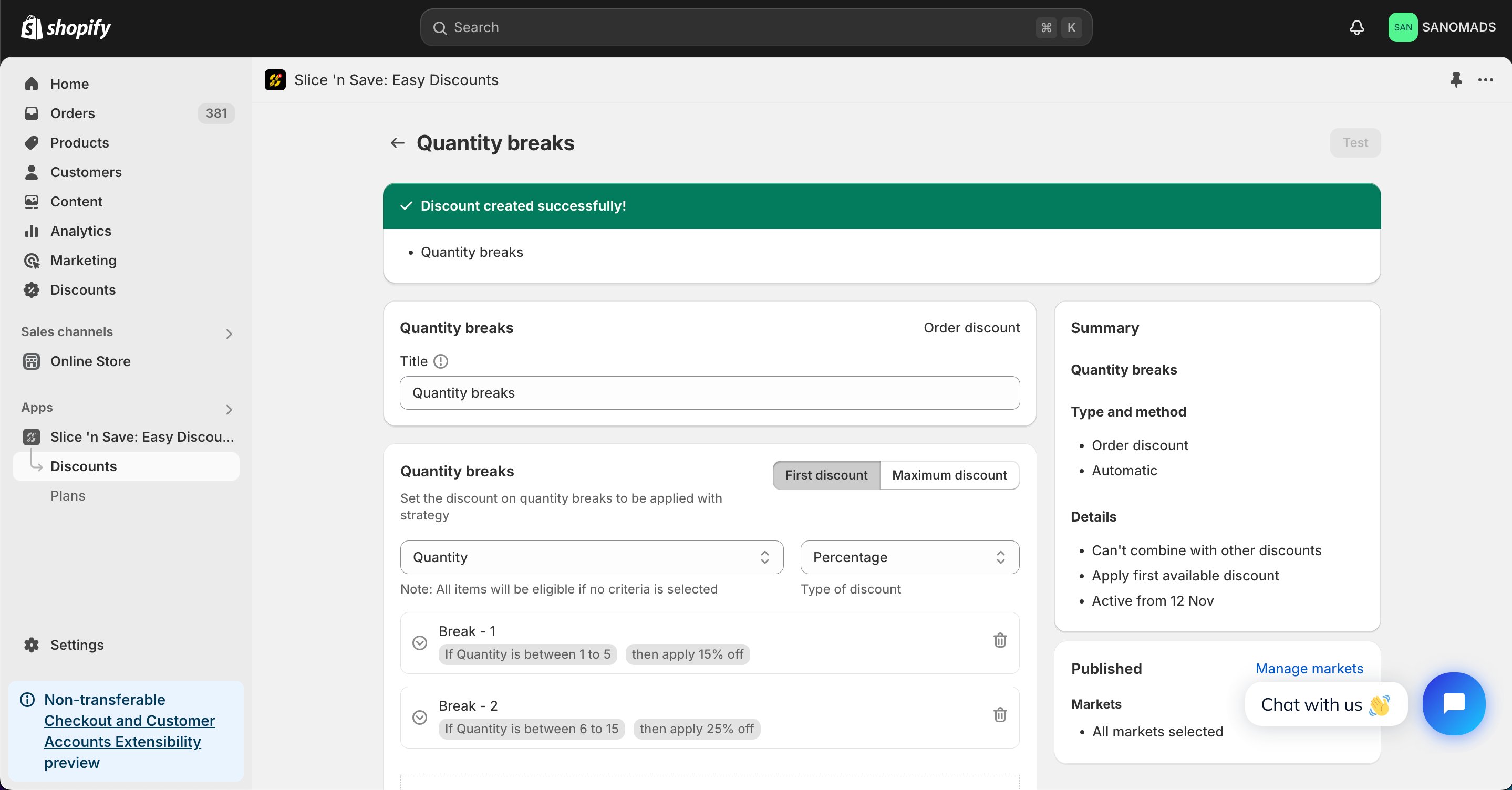
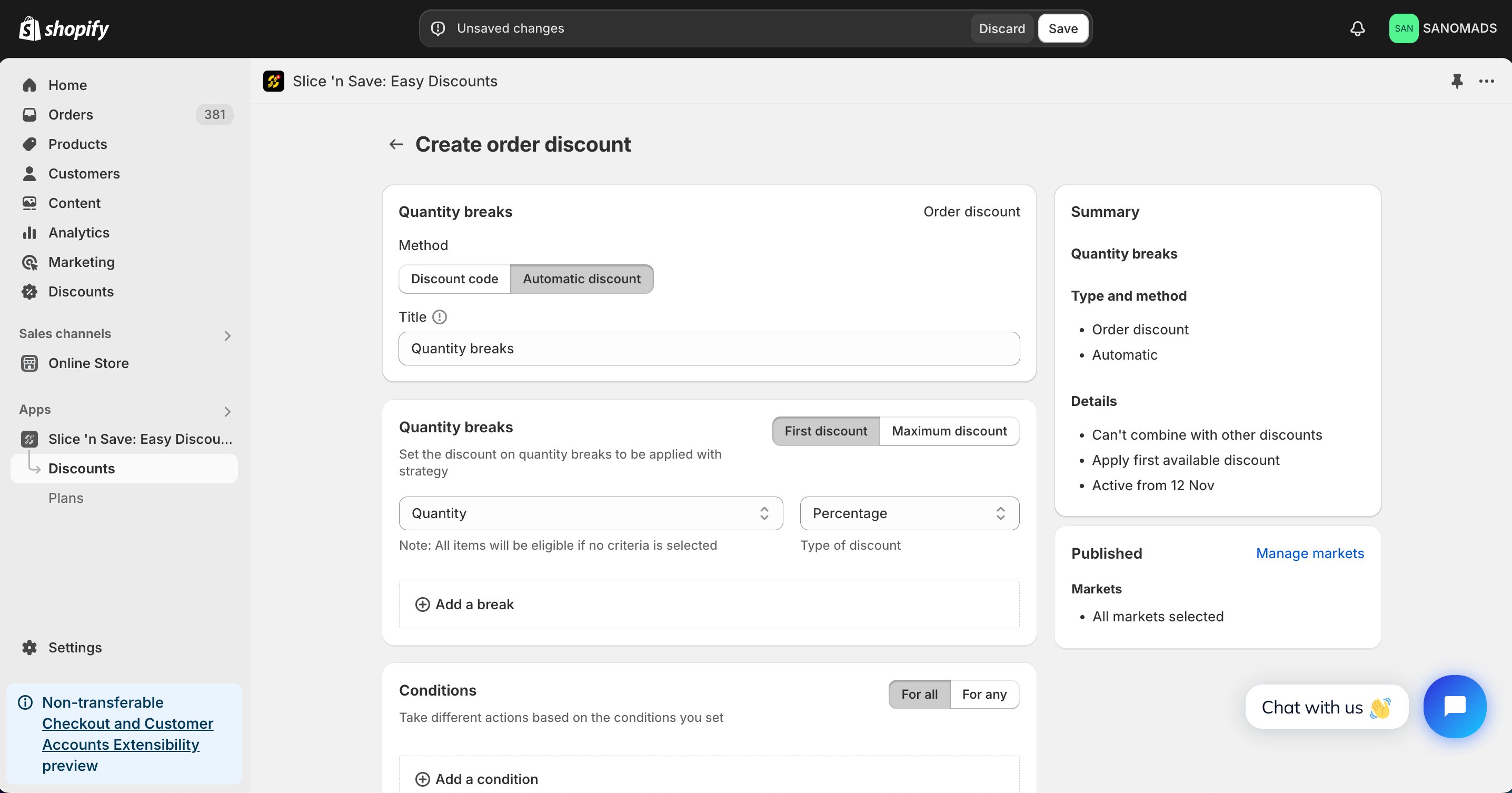 Add multiple breakpoints. For each breakpoint, set the minimum quantity, maximum quantity, and the discount value. For example: 1–3 items = 10% off, 4–10 items = 15% off, 11–20 items = 25% off.
 Add conditions to control when the discount is valid — for example, restrict it to products tagged "clearance sale".
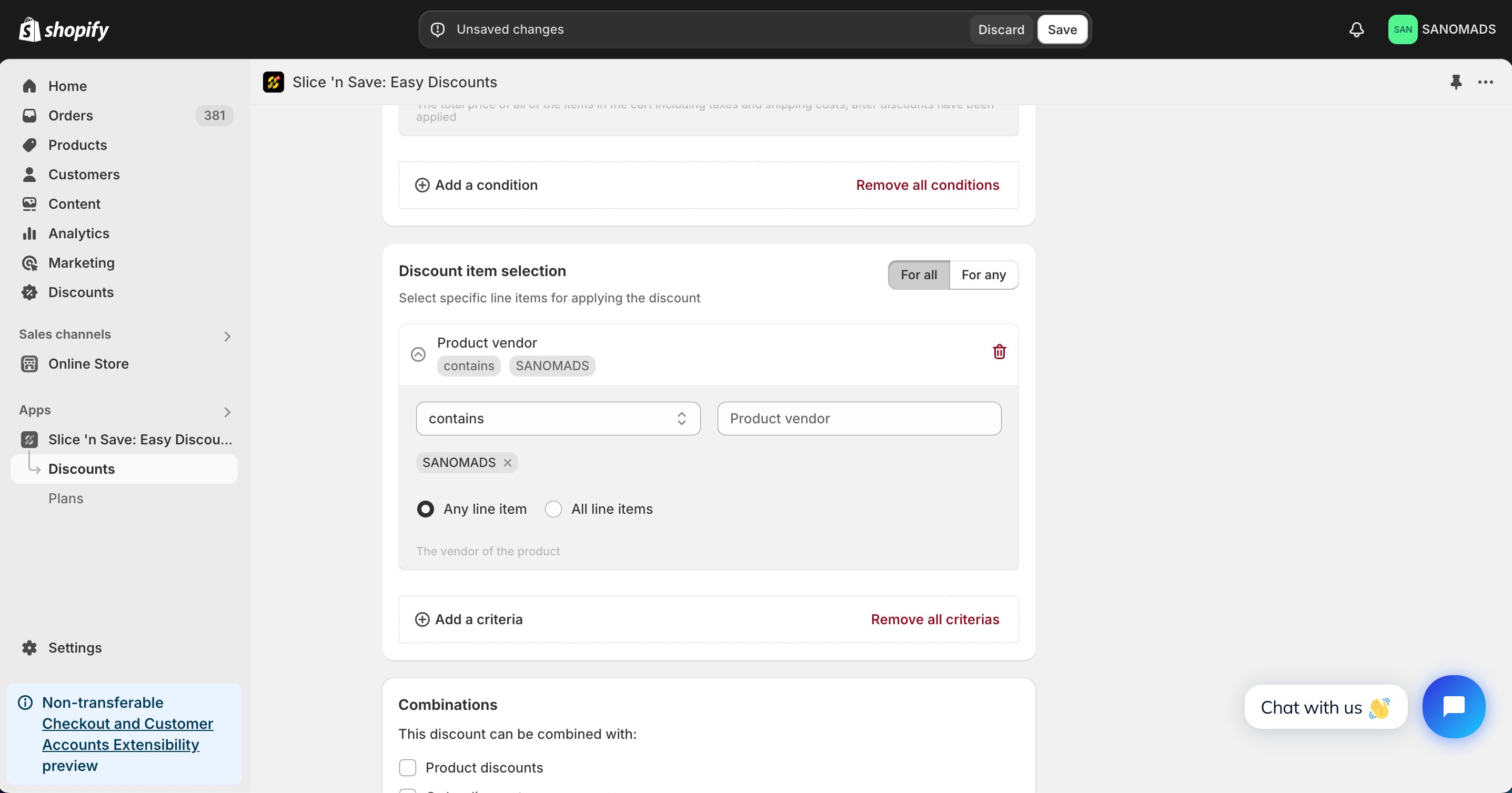
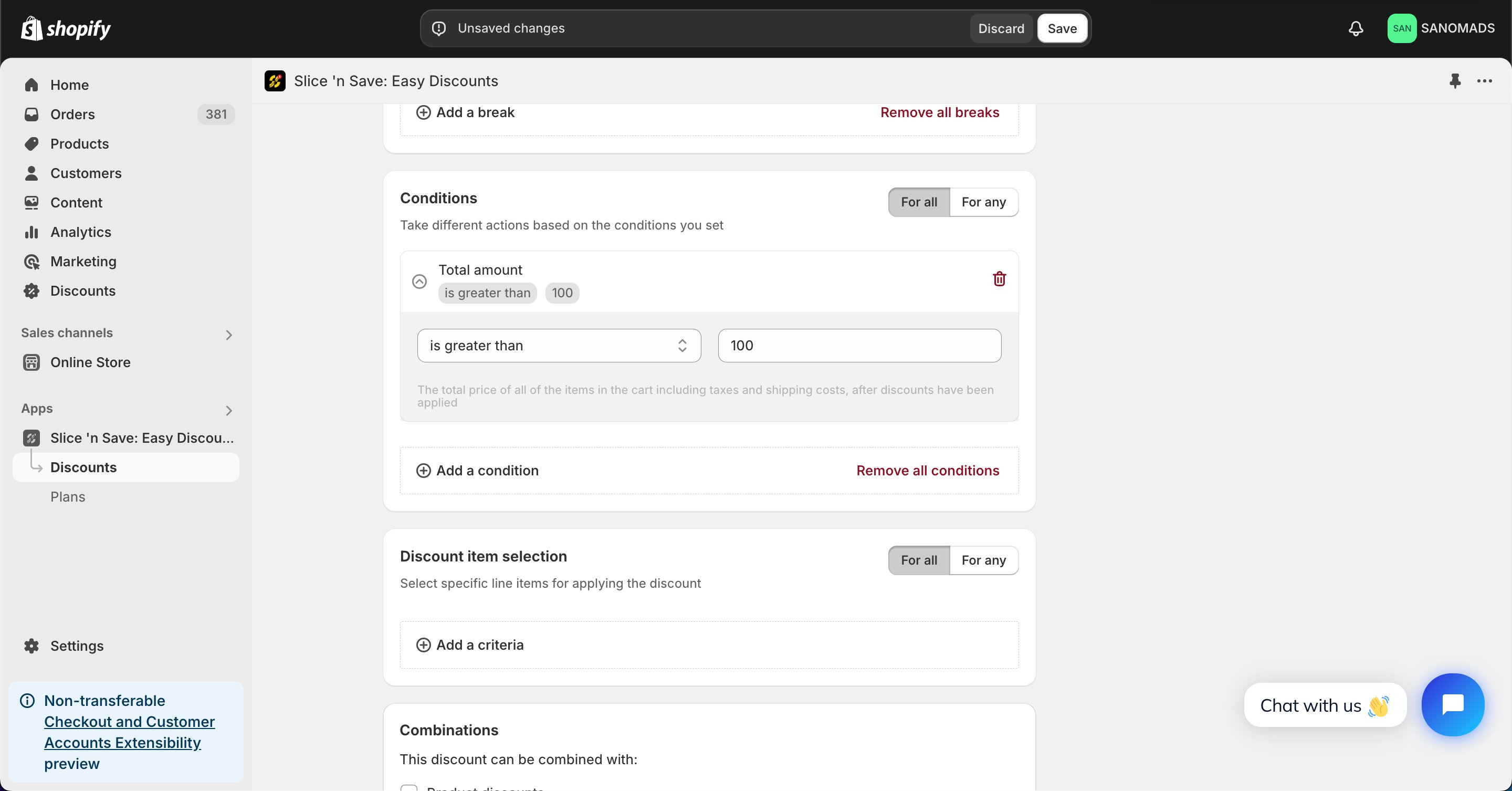 Add product-level criteria to filter which products the breakpoints apply to.
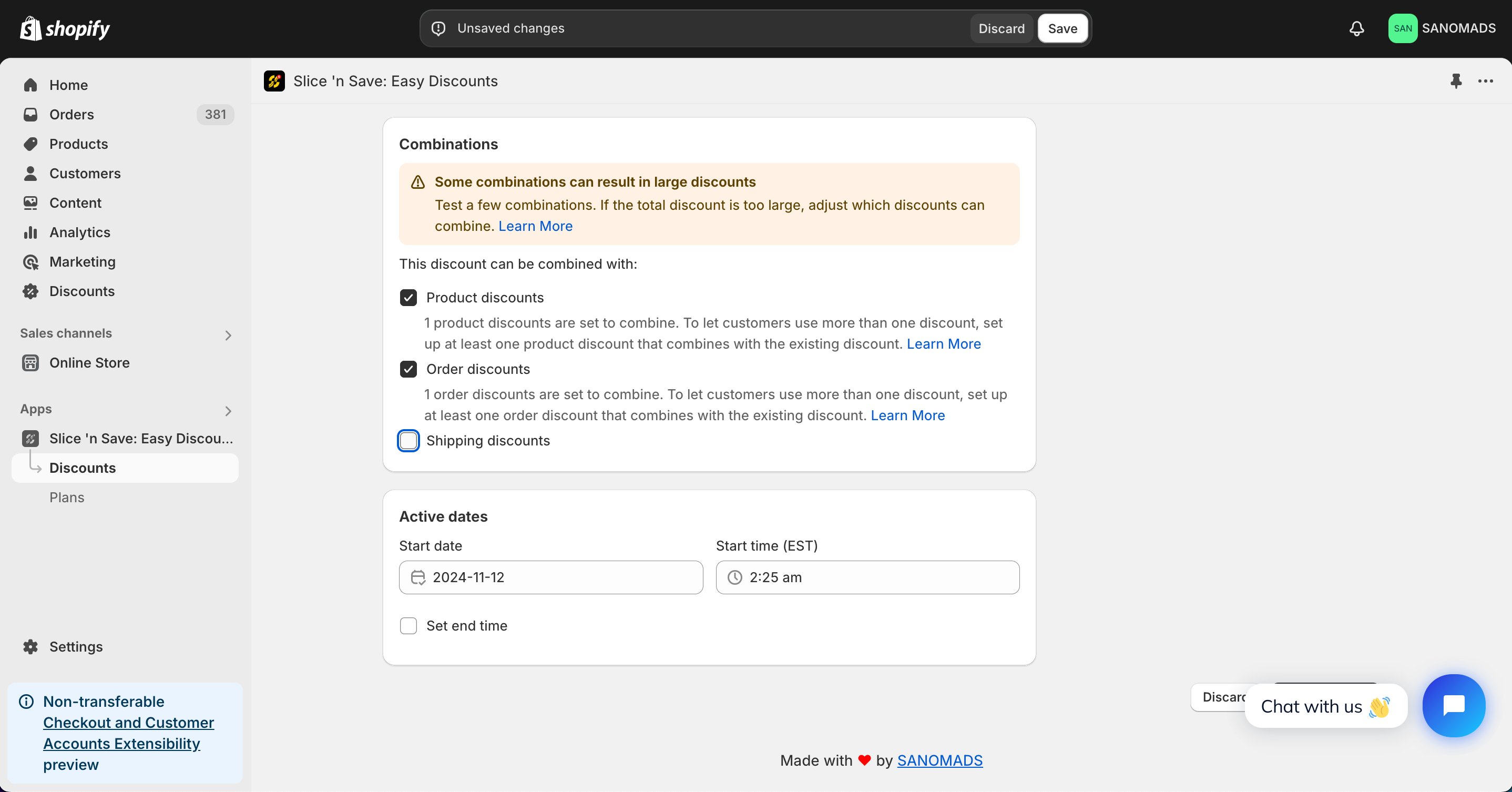
 Choose whether this discount can combine with other Slice 'n Save discounts.
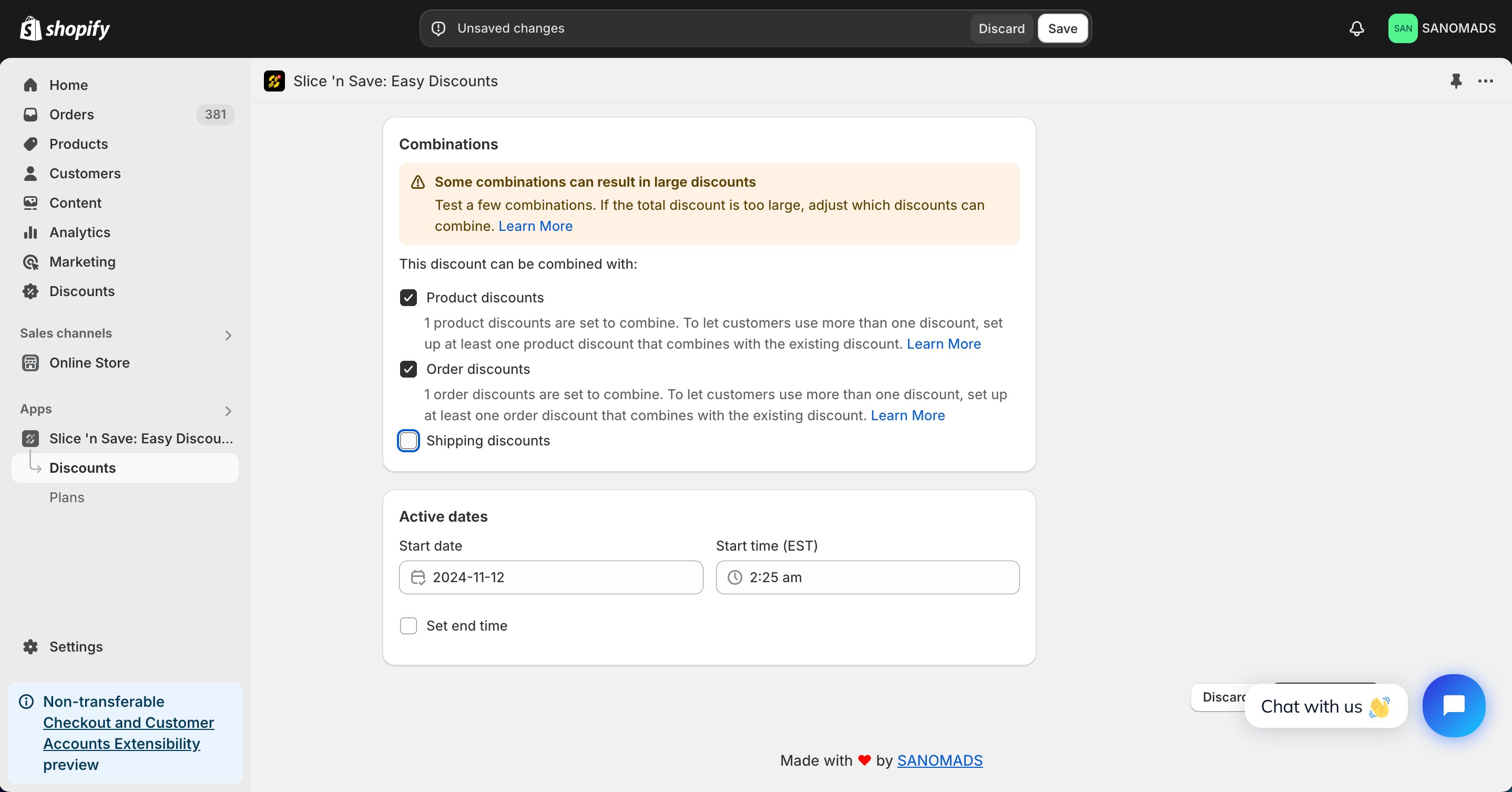
 To activate at a future date or time, update the active dates.
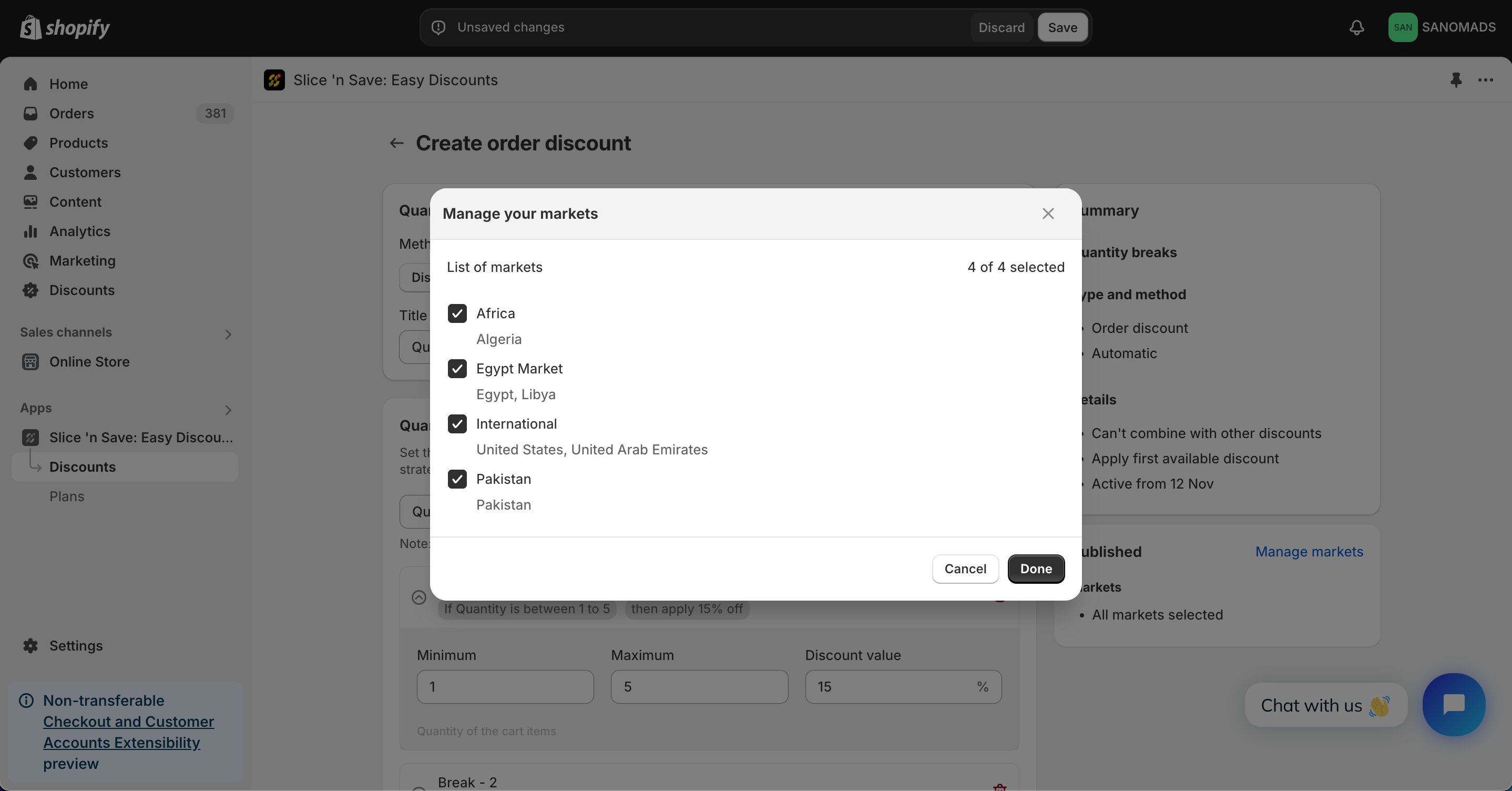
 Adjust the markets from the **manage markets** section for discount eligibility.
 Click **Save** to activate your discount.
 ## Tips & Gotchas
**Clearance sale example:** For products tagged "clearance sale", set three breakpoints:
* 1–3 units → 10% off
* 4–10 units → 15% off
* 11–20 units → 25% off
**Quantity breaks** and **tiered discounts** work differently:
* **Quantity breaks**: Each breakpoint has both a minimum AND maximum quantity range. The discount for that range applies to the matching quantity in the cart.
* **Tiered discounts**: Each tier has only a minimum threshold. The highest matching tier applies to the whole order.
## Tips & Gotchas
**Clearance sale example:** For products tagged "clearance sale", set three breakpoints:
* 1–3 units → 10% off
* 4–10 units → 15% off
* 11–20 units → 25% off
**Quantity breaks** and **tiered discounts** work differently:
* **Quantity breaks**: Each breakpoint has both a minimum AND maximum quantity range. The discount for that range applies to the matching quantity in the cart.
* **Tiered discounts**: Each tier has only a minimum threshold. The highest matching tier applies to the whole order.