
Product Discounts
Apply discounts at the product level using cart, customer, and line item conditions.
Order Discounts
Apply discounts across the entire order using the same flexible condition types.
Shipping Discounts
Discount specific shipping rates based on cart value, customer type, and more.
BOGO Discounts
Reward customers who buy qualifying products with a discount on related items.
Tiered Discounts
Unlock higher discount percentages as customers spend more or add more items.
Quantity Break Discounts
Set discount rates for specific quantity ranges on a per-product basis.
Scheduling
Set active date and time ranges to automate when discounts turn on and off.
Market Management
Scope discounts to specific Shopify Markets for region-targeted promotions.
Discount Stacking
Combine multiple Slice ‘n Save discounts on the same cart.
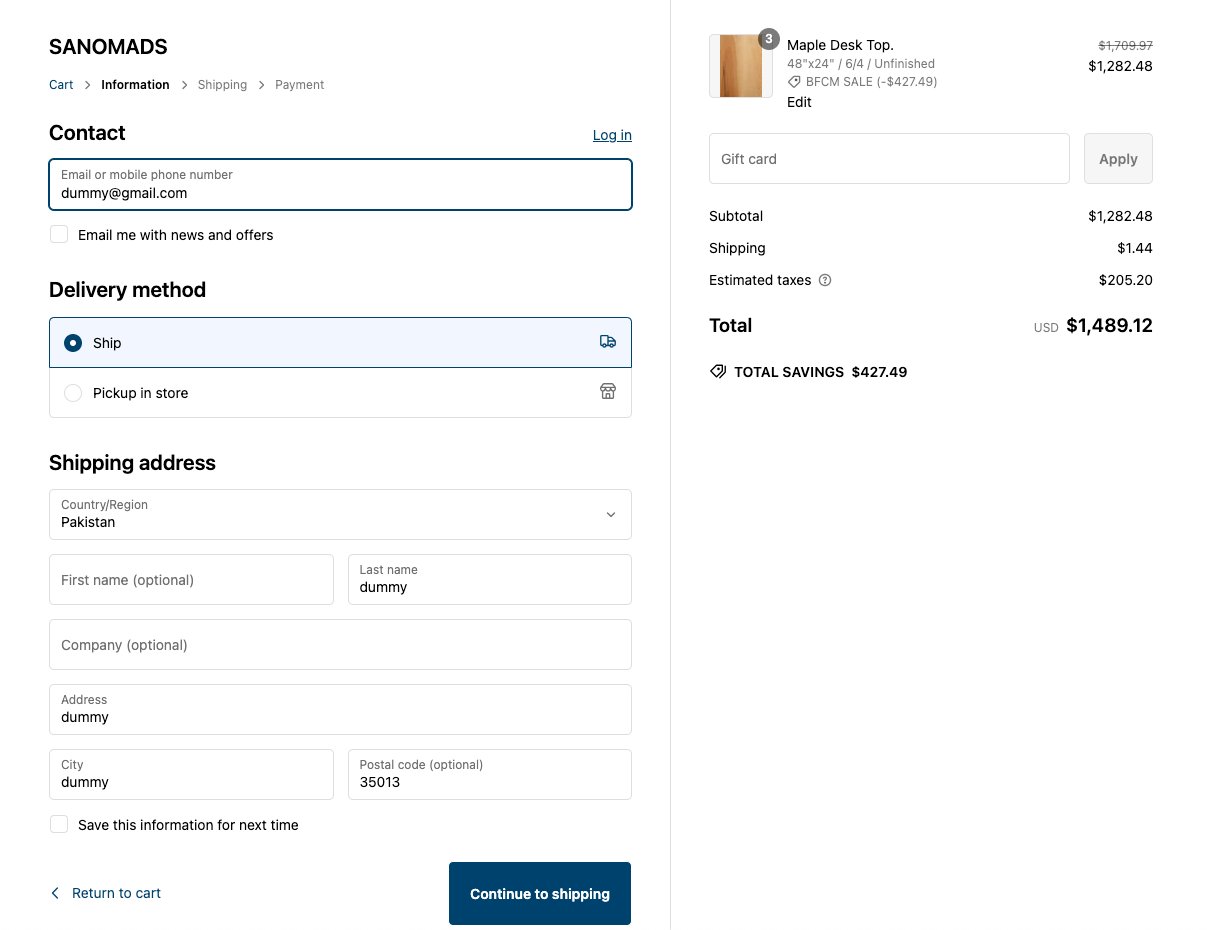
Product Discounts
Create product-level discounts with multiple conditions. You can target promotions using a wide range of cart conditions, customer conditions, and line item conditions — including:- Cart total
- Product title, vendor, and tags
- Customer lifetime spending and customer tags
- Line item attributes, SKU, weight, and more
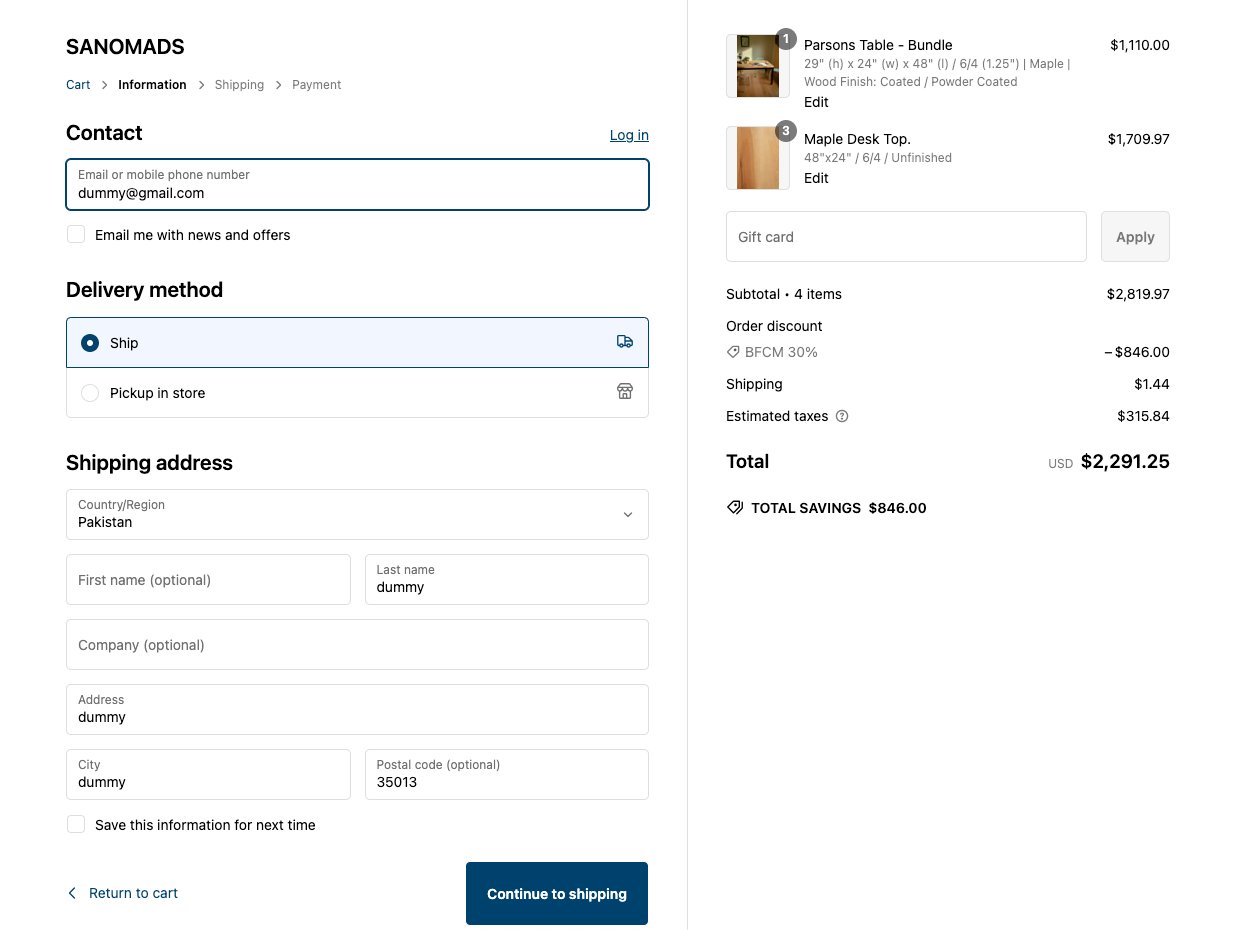
Order Discounts
Create order-level discounts with multiple conditions. Order discounts support the same full set of condition types as product discounts:- Cart conditions — such as cart total and cart subtotal
- Customer conditions — such as customer tags and customer type
- Line item conditions — such as product vendor and product tags
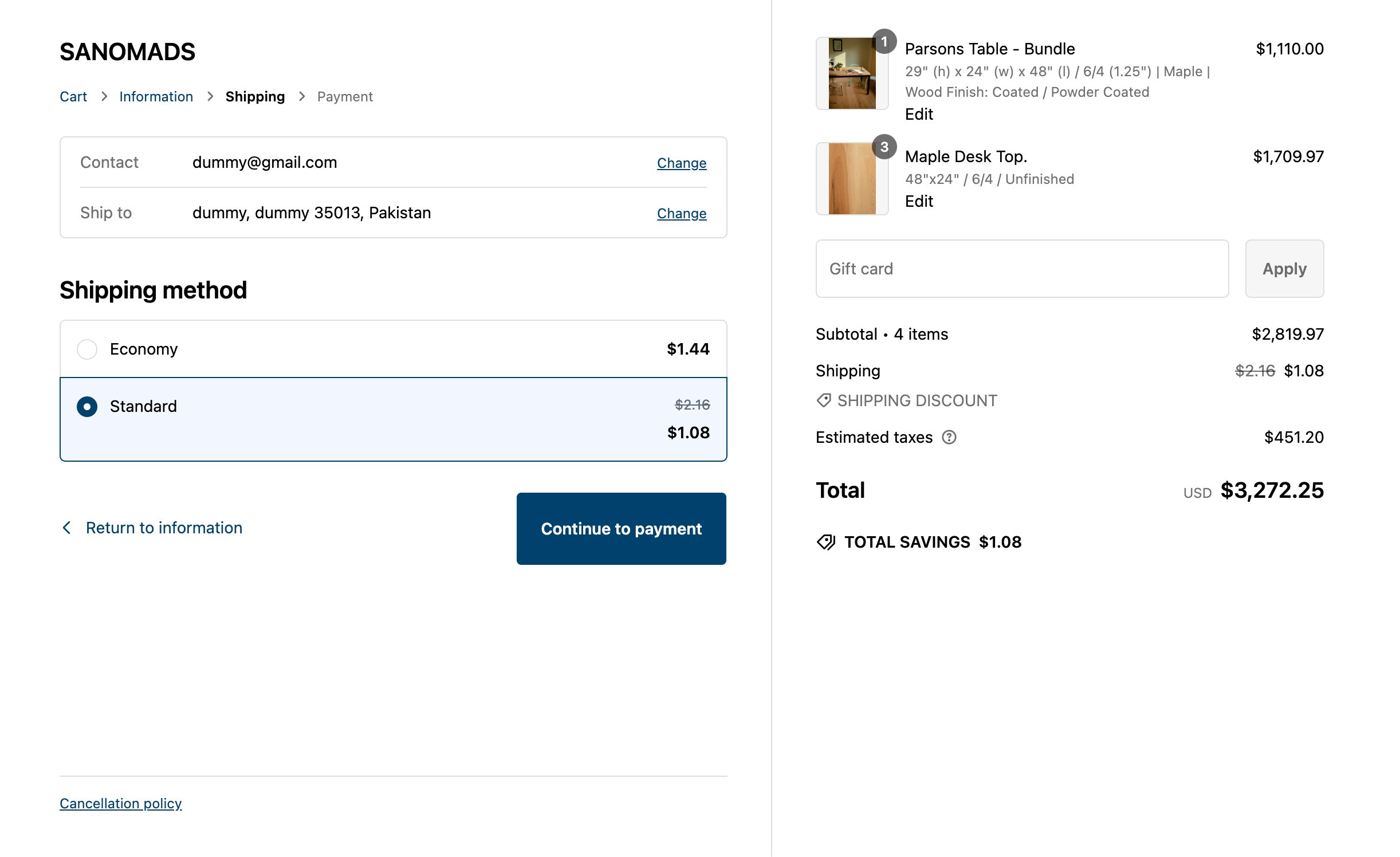
Shipping Discounts
Create shipping-rate discounts with multiple conditions. You can target specific shipping rates — like Economy or Standard — and apply either free shipping or a percentage discount based on qualifying conditions. Examples:- Apply a Free shipping discount for the Economy rate if the cart total is greater than $50.
- Apply a 50% shipping discount for the Standard rate if the customer is B2B.
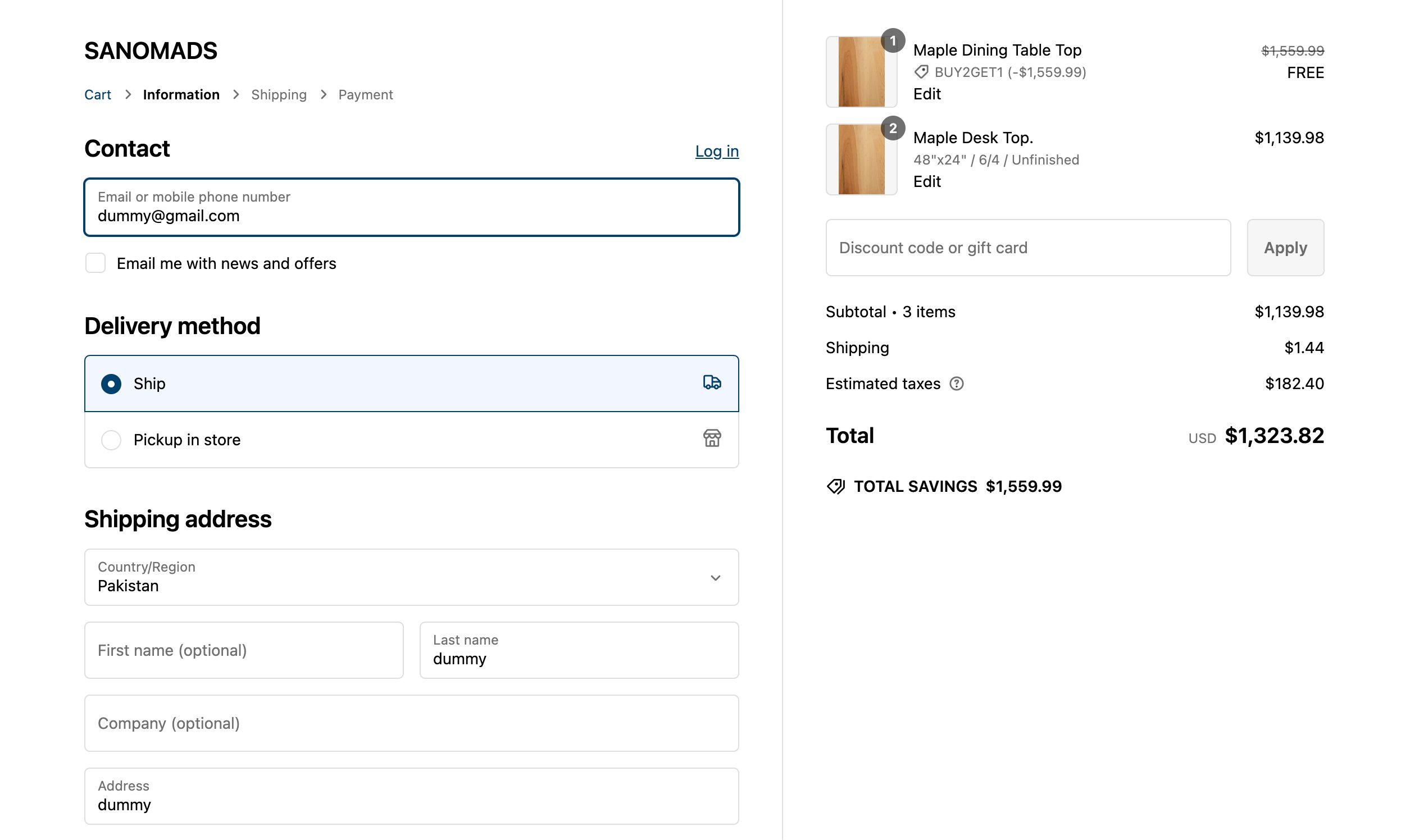
BOGO Discounts
Create BOGO (Buy One, Get One) discounts at the product level with multiple conditions. The items you designate as the “get” products must be present in the cart alongside the qualifying “buy” products for the discount to apply. Example:- Apply a 50% discount on all red T-shirts if the customer buys both blue T-shirts and red T-shirts.
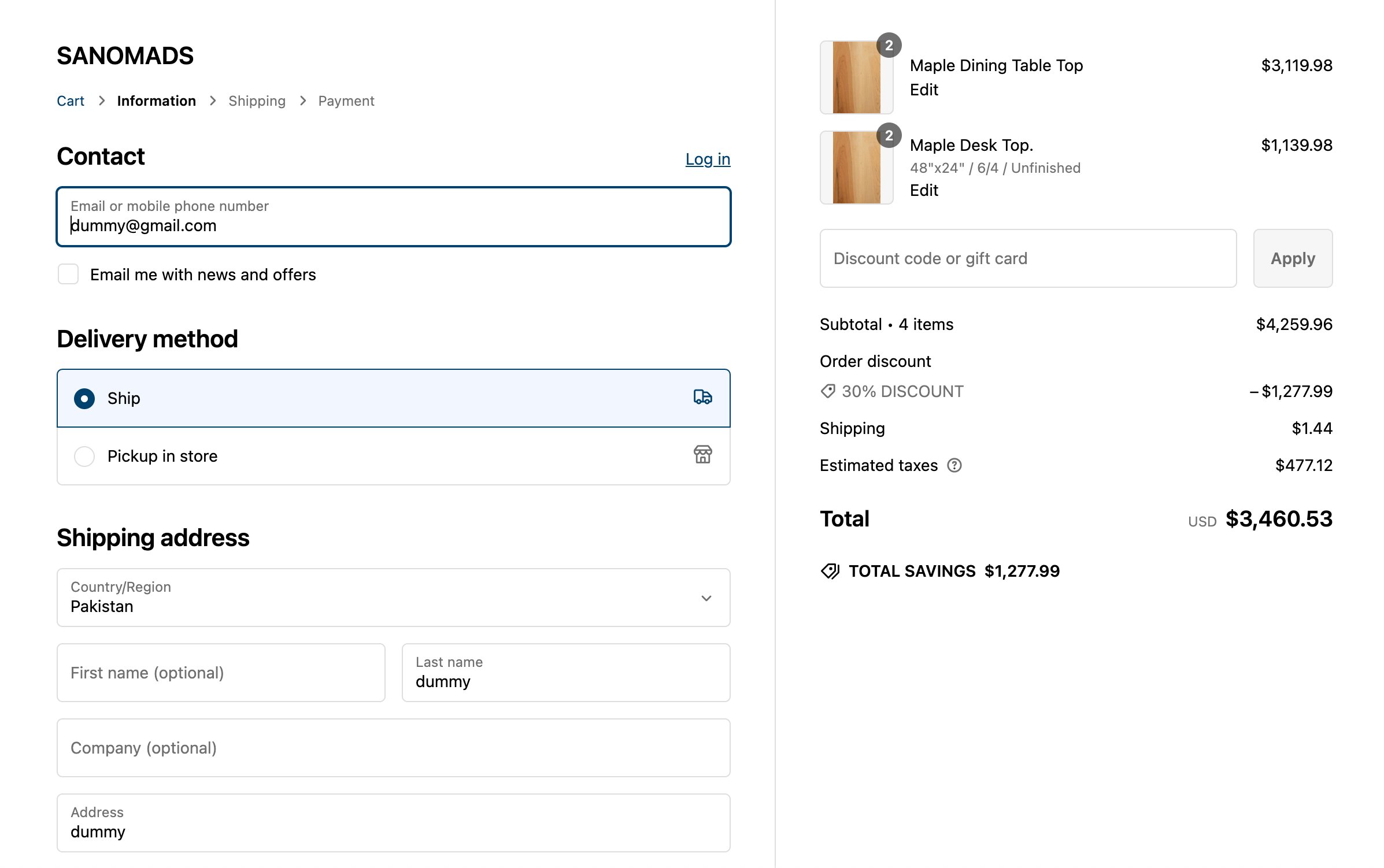
Tiered Discounts
Create tiers based on quantity or subtotal for order-level discounts with multiple conditions. As a customer’s cart grows, they automatically unlock deeper discounts — no coupon codes required. Examples:- Apply a 10% discount if the minimum subtotal of products in the cart is $100 and those products have the
bfcm saleproduct tag. - Apply a 20% discount if the minimum quantity of products in the cart is 10 and those products have the
bfcm saleproduct tag.
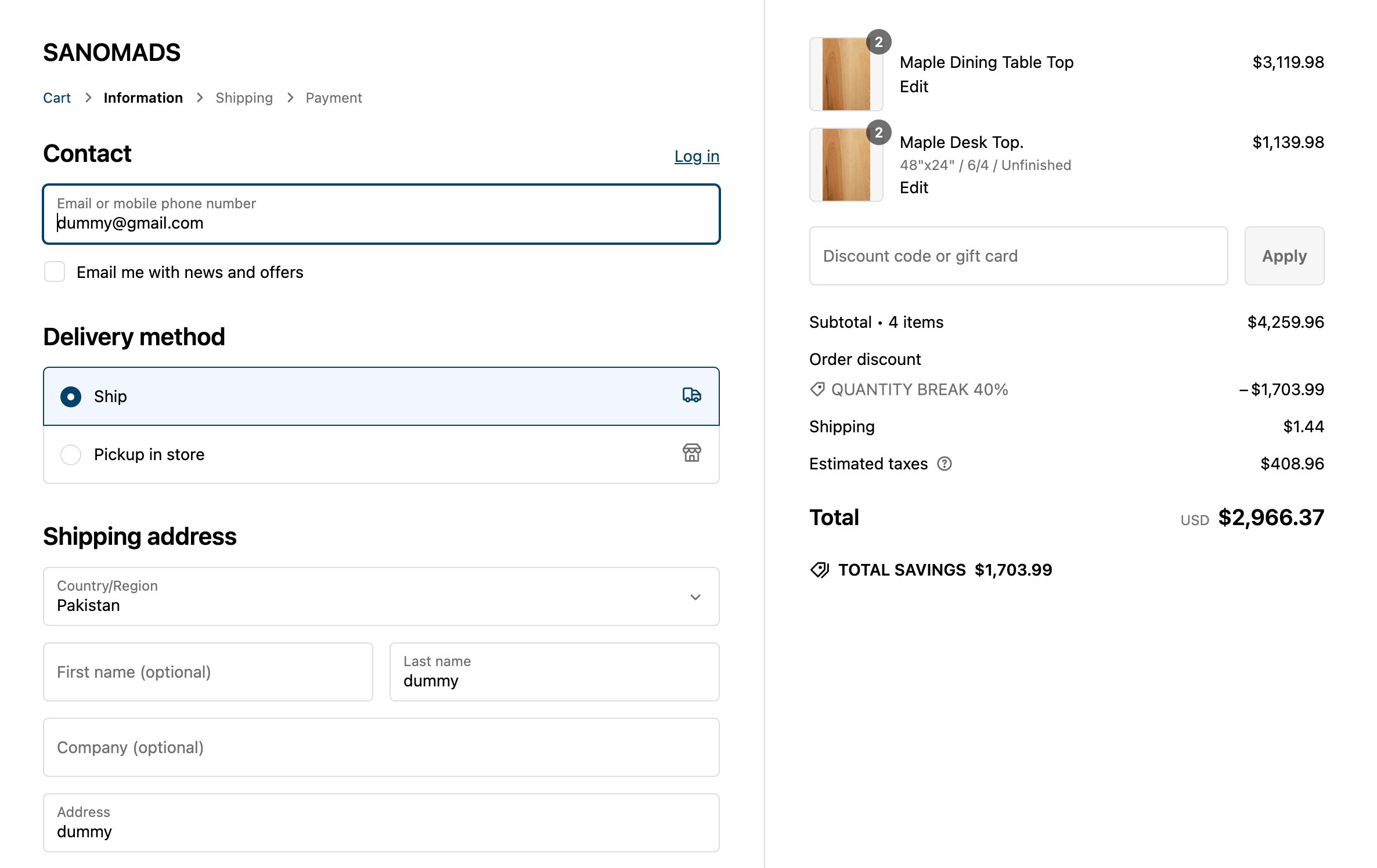
Quantity Break Discounts
Create breaks based on quantity for order-level discounts with multiple conditions. Each breakpoint defines a minimum and maximum quantity range, so customers receive the appropriate discount tier automatically. Examples:- Apply a 10% discount if the quantity of a product is between 1 and 3 and the product has the
clearance saletag. - Apply a 15% discount if the quantity of a product is between 4 and 10 and the product has the
clearance saletag. - Apply a 25% discount if the quantity of a product is between 11 and 20 and the product has the
clearance saletag.
Discount Scheduling
Every discount type supports an active date and time range. You set a start date/time and an optional end date/time, and Slice ‘n Save activates or deactivates the discount automatically — no manual intervention needed. Use scheduling for flash sales, holiday promotions, or any campaign with a defined window.Market Management
You can scope any discount to one or more of your Shopify Markets. This means you can run a promotion only in specific regions — for example, a 20% order discount only for customers in France — without duplicating your discount rules or writing custom logic.Discount Stacking
All discount types support discount combinations — you can configure a Slice ‘n Save discount to stack with other Slice ‘n Save discounts on the same cart. Use this to layer a product discount on top of a free-shipping discount, or any other combination that fits your promotional strategy.Discount stacking controls how Slice ‘n Save discounts combine with each other. You configure combining behavior per discount when you create or edit it.