
Tiered discounts in Slice ‘n Save let you reward customers with progressively larger discounts as their cart quantity or subtotal increases. Each tier defines a minimum quantity or subtotal threshold and the discount that applies when that threshold is met — perfect for bulk-buy incentives and seasonal sales.
Steps Guide
1
Create a new discount
Open the Discounts section in the Slice ‘n Save app and click Create discount.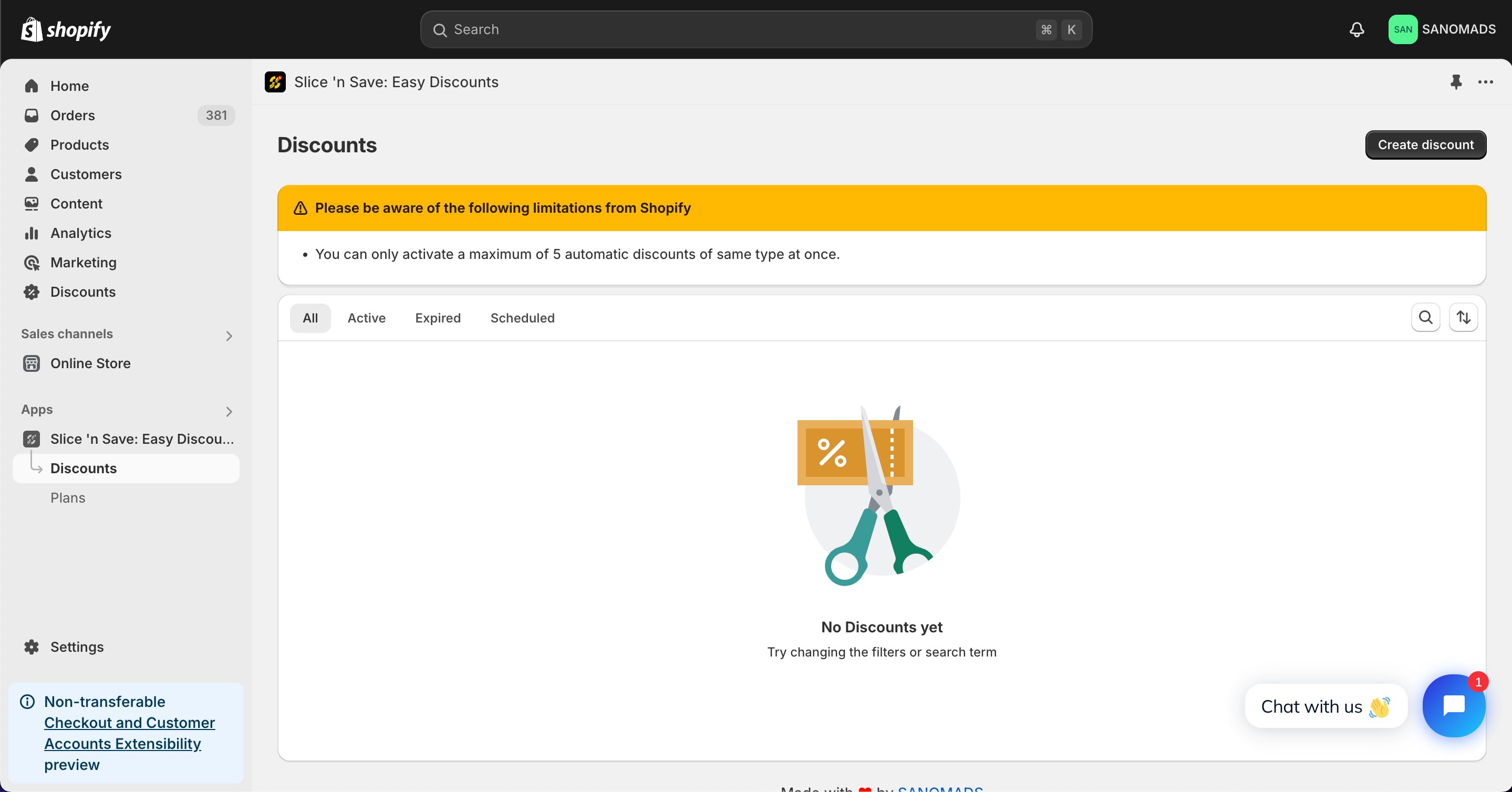
2
Select the discount type
Choose Tiered discount from the list of discount types.
3
Set the method and title
Select the discount method and enter a title for the discount.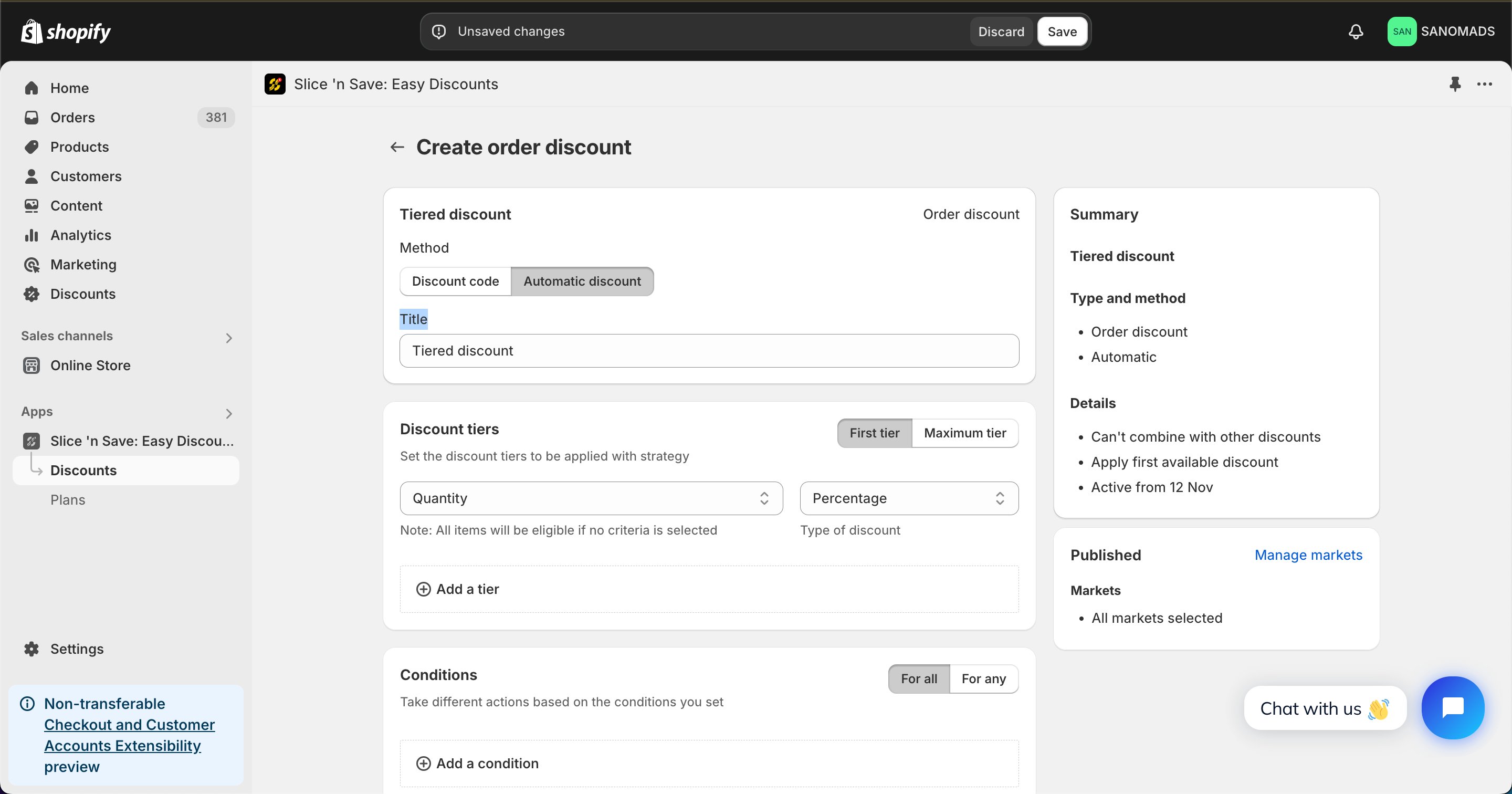
4
Add tiers
Add multiple tiers to define the discount structure. For each tier, set the minimum quantity or subtotal threshold and the corresponding discount value. The highest tier whose threshold the cart meets will be applied.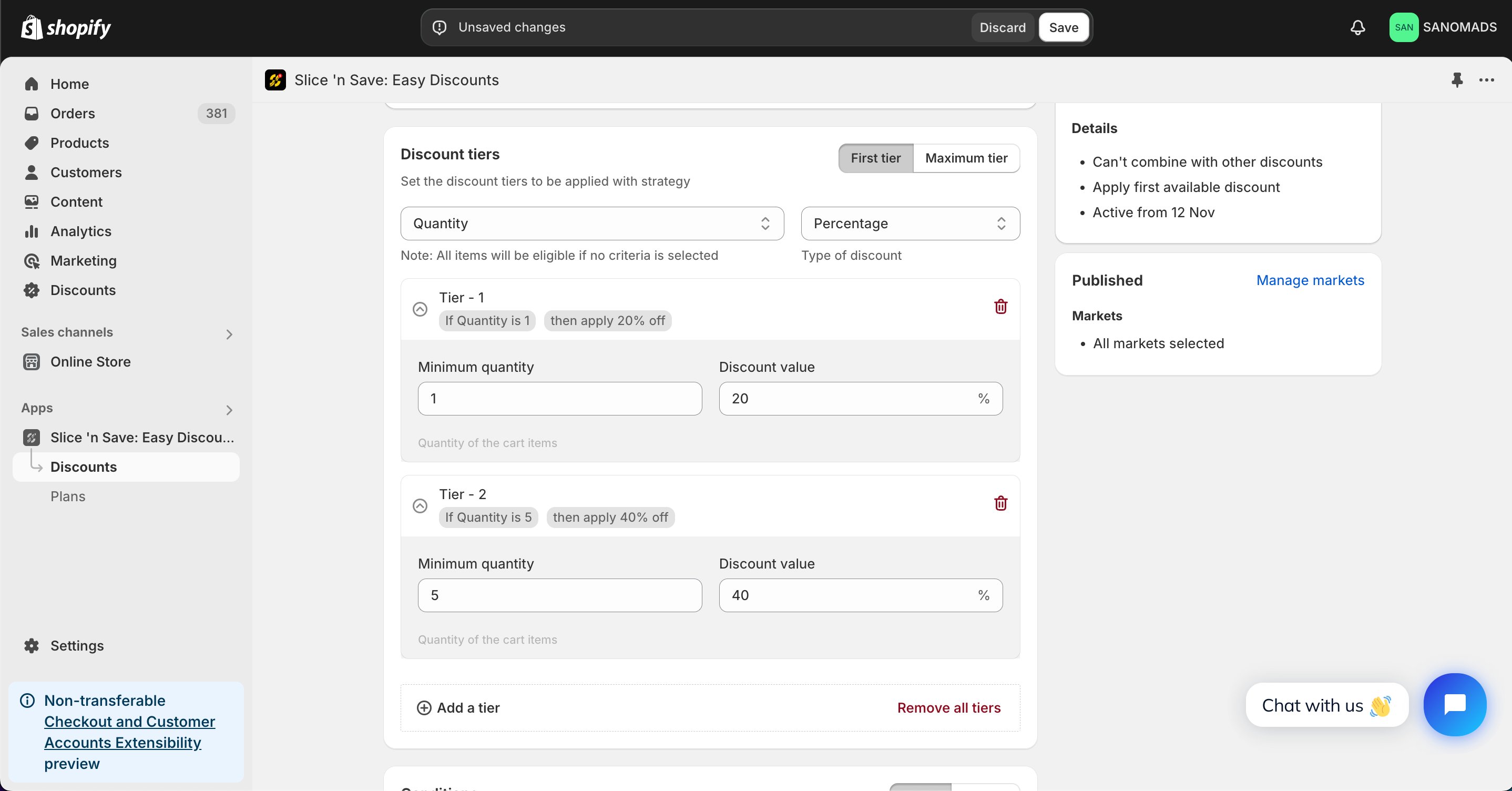
5
Add conditions
Add one or more conditions to control when the tiered discount is valid.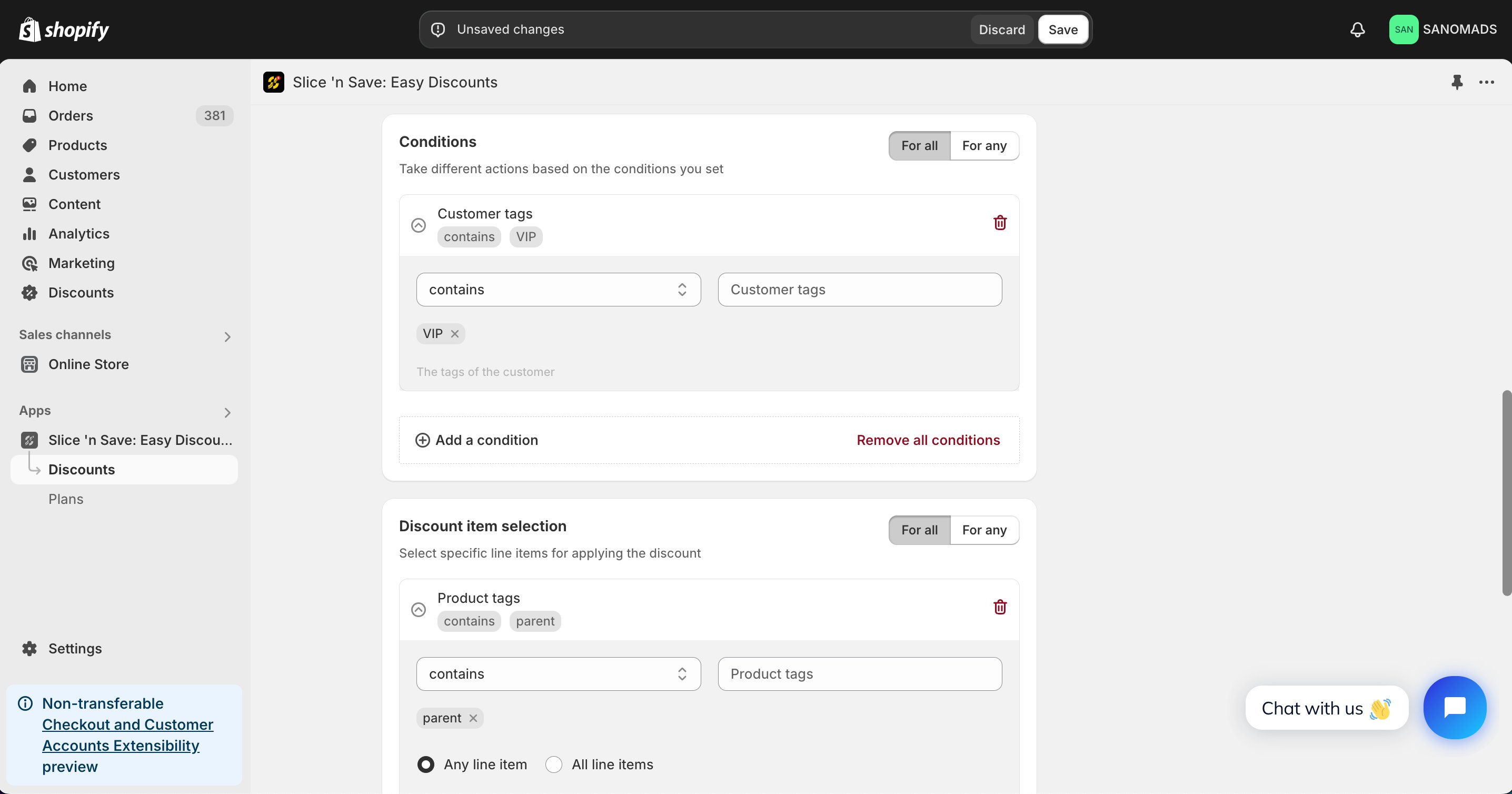
6
Add criteria
Add product-level criteria to filter which products in the cart count toward the tier thresholds. This lets you scope the tier to specific product tags, vendors, or other attributes.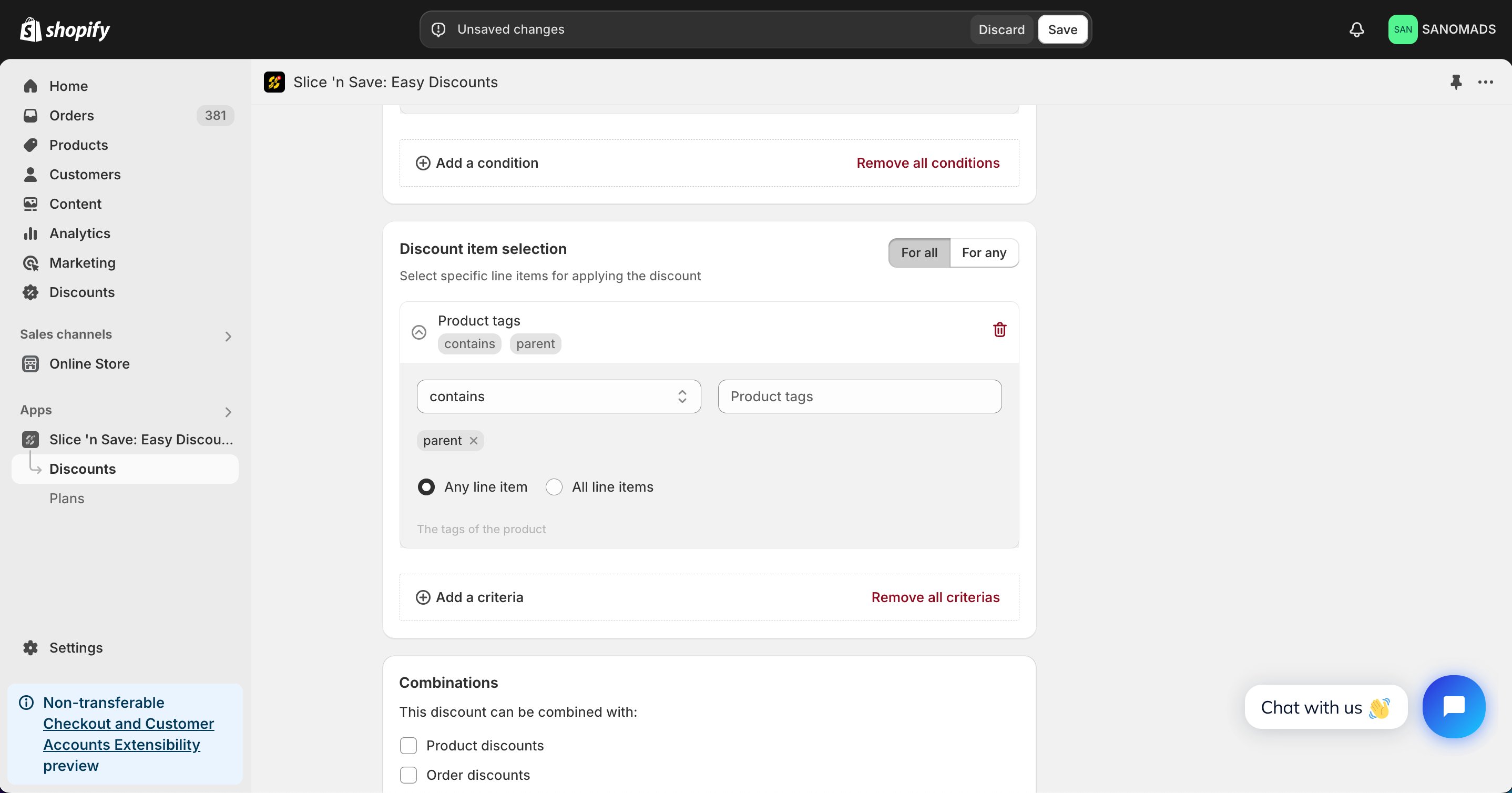
7
Set discount combinations
Choose whether this discount can combine with other Slice ‘n Save discounts.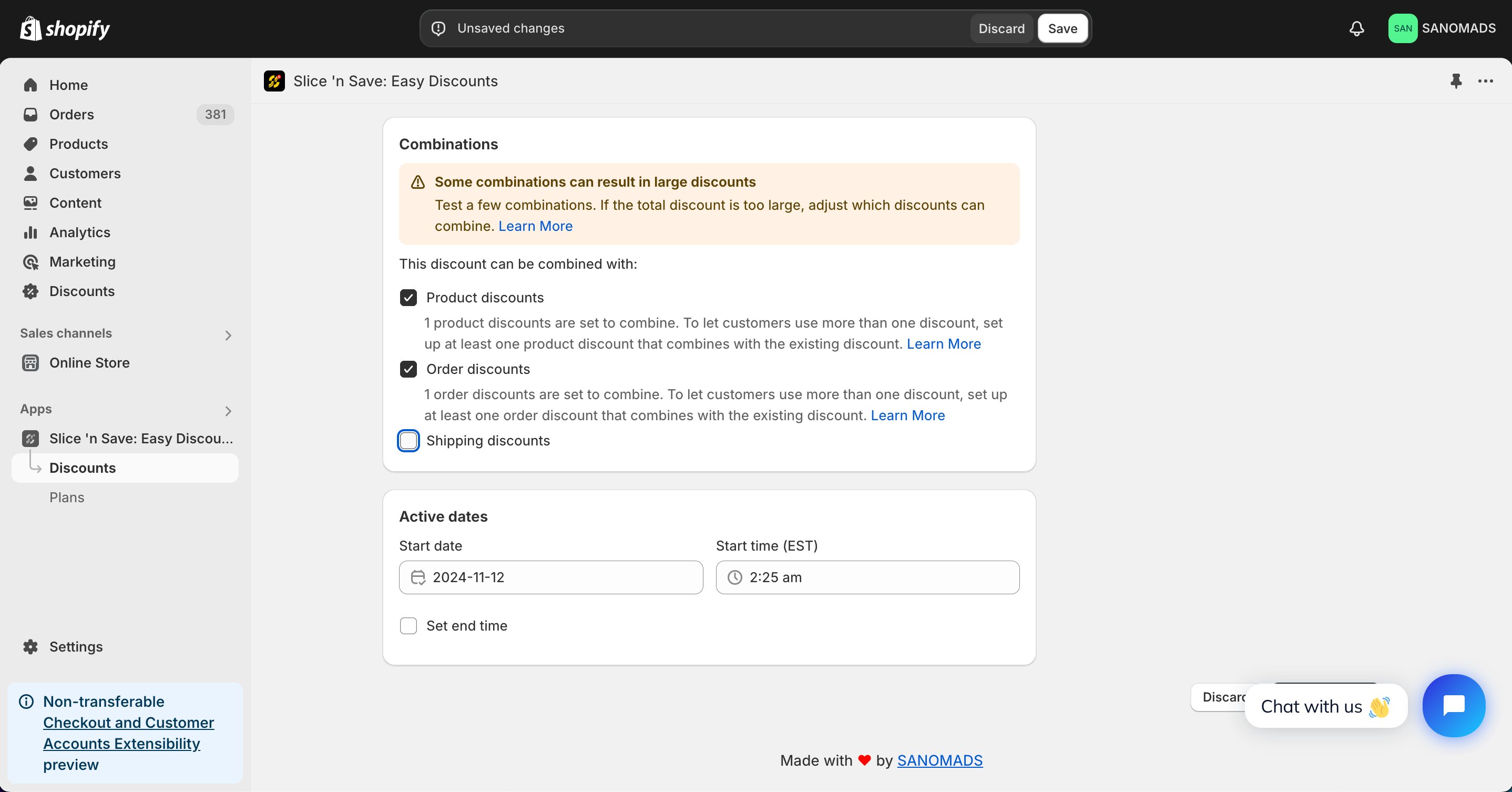
8
Schedule the discount
To activate at a future date or time, update the active dates.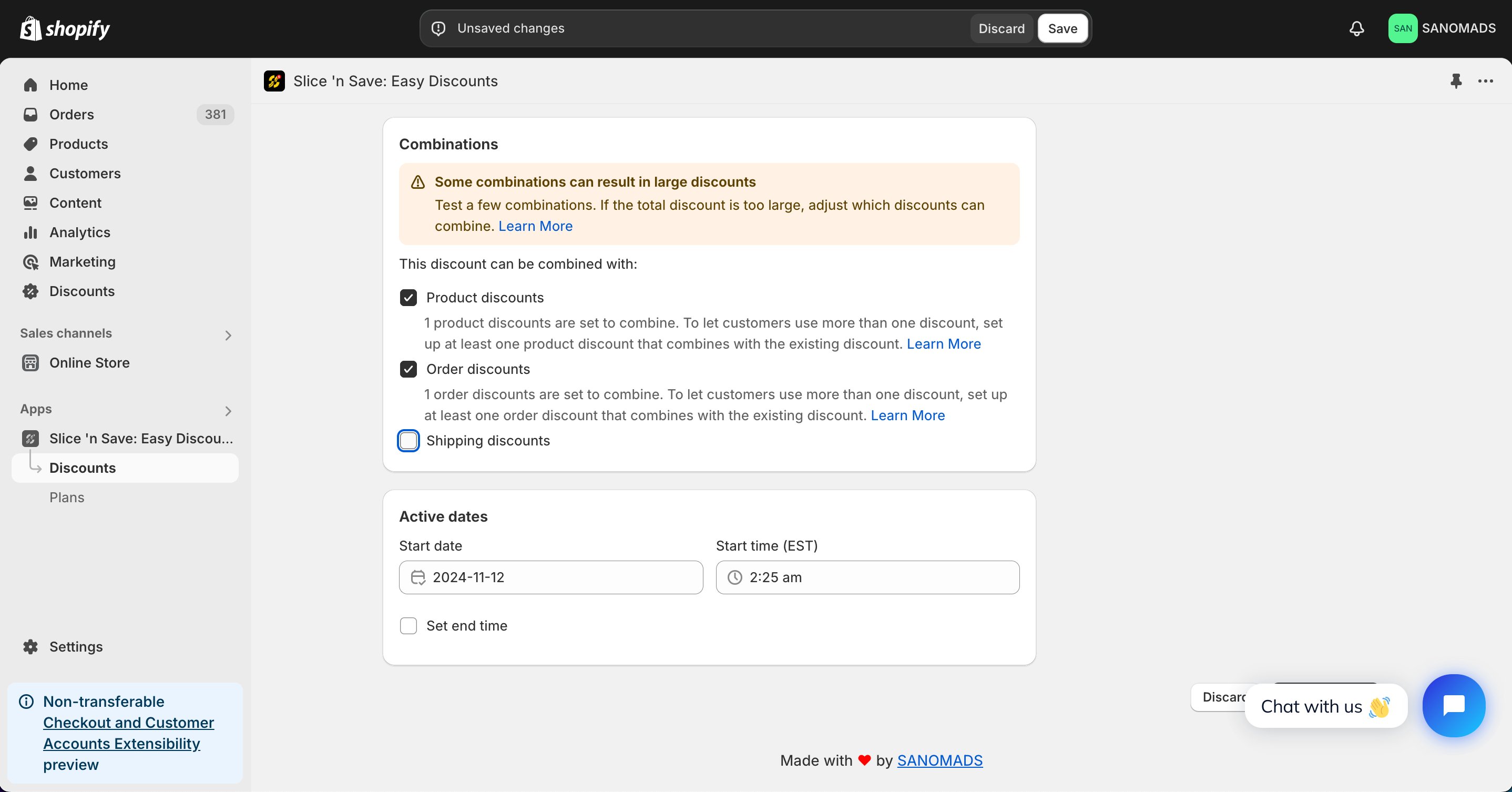
9
Manage markets
Adjust the markets from the manage markets section for discount eligibility.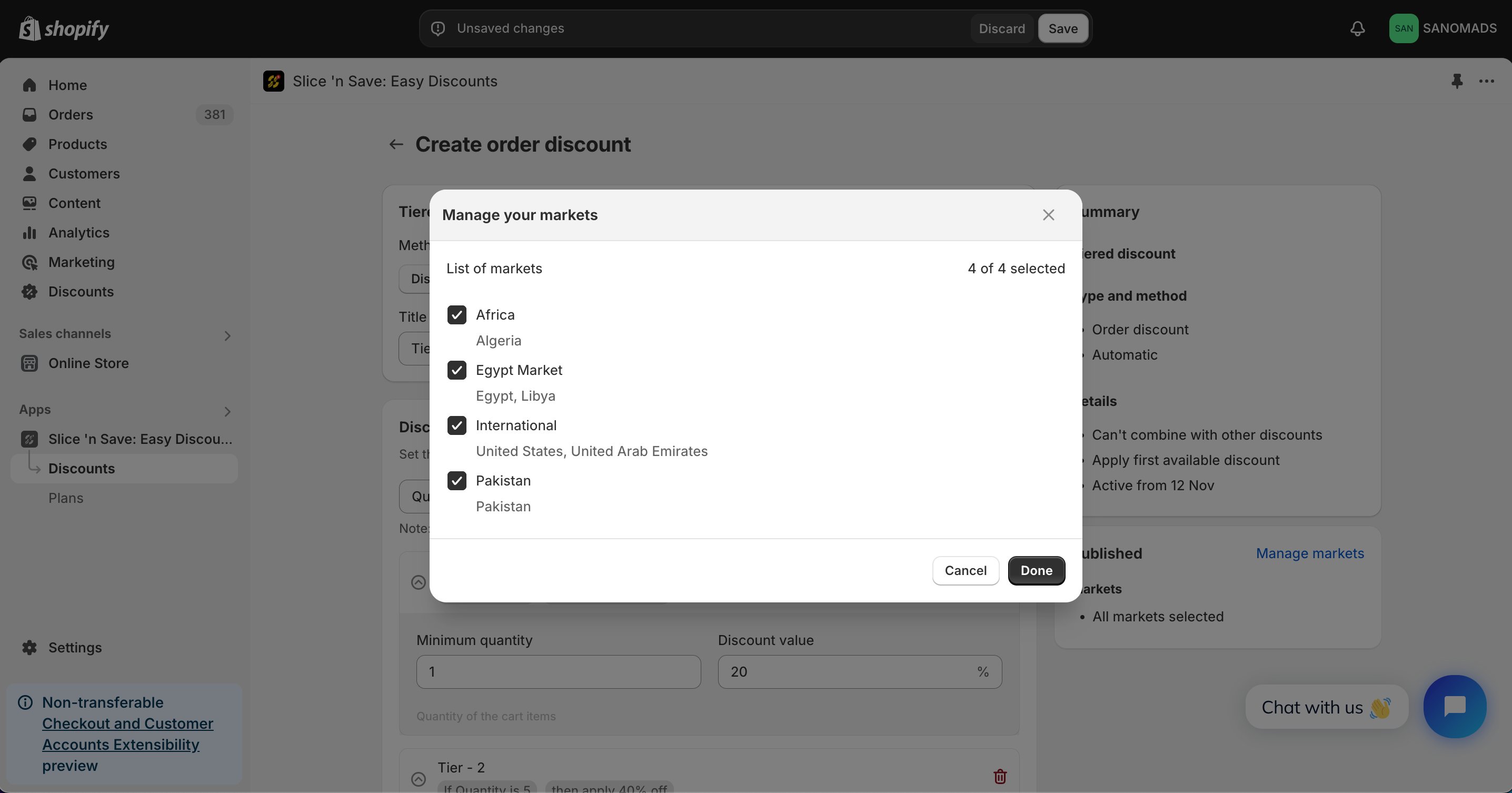
10
Save
Click Save to activate your discount.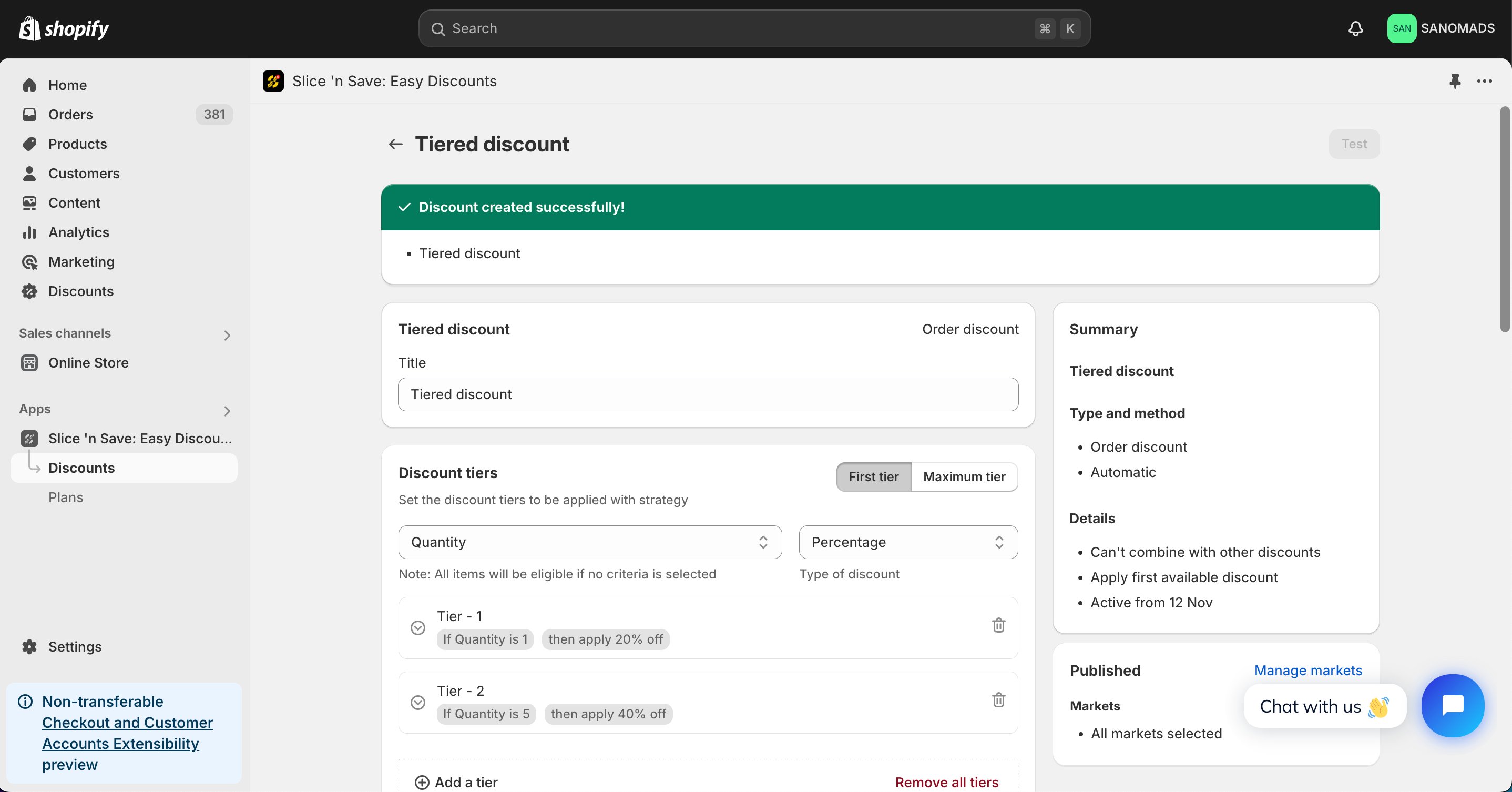
Tips & Gotchas
When a cart matches multiple tier thresholds, the highest matching tier is applied — not all tiers simultaneously.